跨境独立站开店
Tools and apps | Apps for Remote Work
This article introduces apps that are useful for teleworking. We have carefully selected tools that are recommended for improving the efficiency of working from home and enhancing communication in remote work environments.



1. Todoist
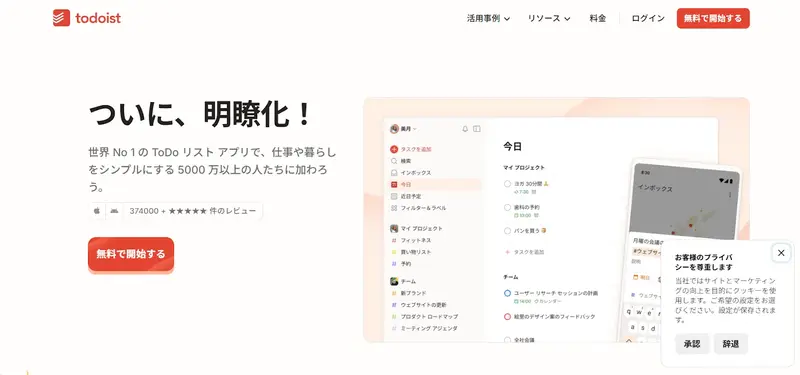
Todoist is a task management app operated by Doist, a Portuguese company, and is used by approximately 50 million people worldwide (as of December 2025). It supports two types of task management: list view and Kanban view (a method of displaying tasks in sections), allowing for flexible task management according to your needs and preferences. It can be integrated with more than 80 external tools, and with Apple Watch, you can create and manage tasks using voice control. Another feature is its integration with Google Calendar, which allows you to centrally manage tasks and schedules.
2. Slack
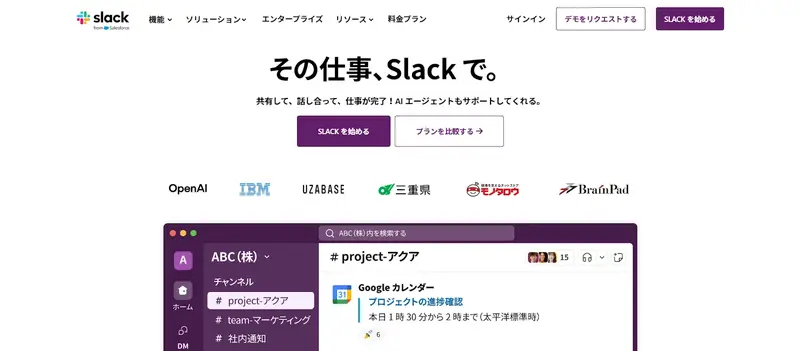
Communication: Team interactions are consolidated into "channels," and can be created on a project or departmental basis, allowing for efficient information sharing among relevant members. The DM (Direct Message) function is suitable for individual or small group communication, allowing for versatile use depending on the situation.
3. Evernote
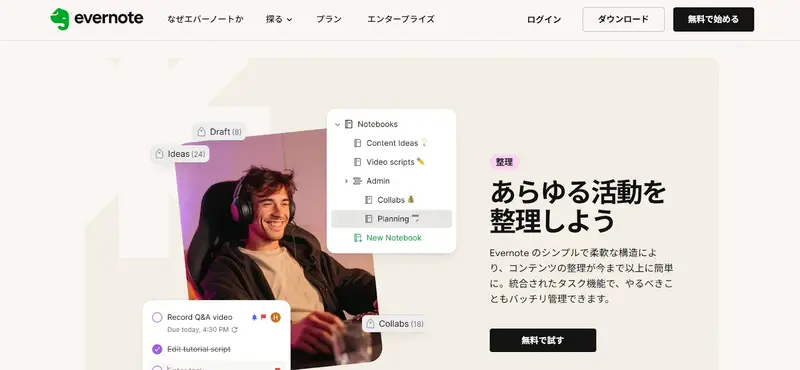
Evernote is a multi-functional note-taking tool operated by the Italian company Bending Spoons. Its key feature is the ability to save various data formats in notes, including text, images, videos, and PDF files, allowing for centralized management of all kinds of information. Because it supports multiple devices such as PCs, smartphones, and tablets, you can access the same notes regardless of location or device.
4. Trello
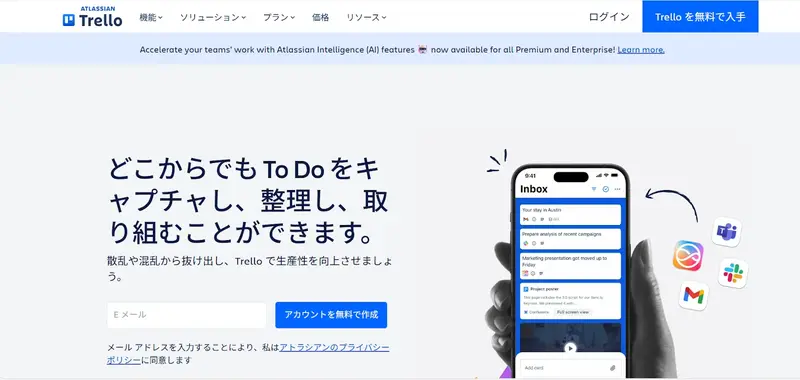
Trello is a task management app operated by Atlassian, an Australian company, and is used by approximately 4.6 million people worldwide. It uses the Kanban method, allowing users to visually manage tasks by dividing them into sections. It supports multiple languages, including Japanese and English, and is usable on multiple devices, so you can work regardless of location or device.