跨境独立站开店
Website Speed Improvement: Ways to Speed Up Page Loading
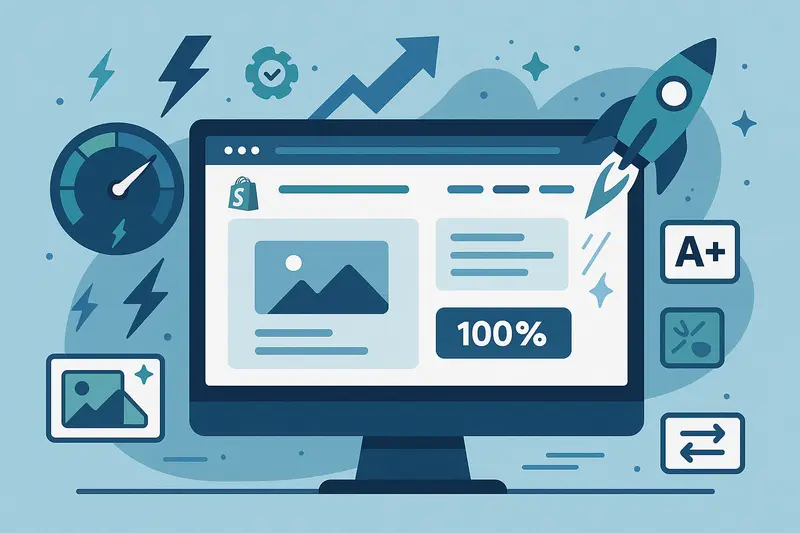
This article explains what you can do to improve your website speed and how to check it. It also discusses the importance of loading speed, including the negative consequences of slow page loading.




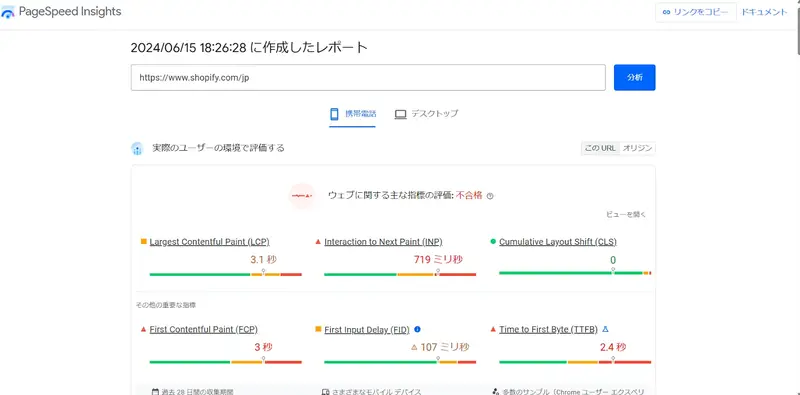
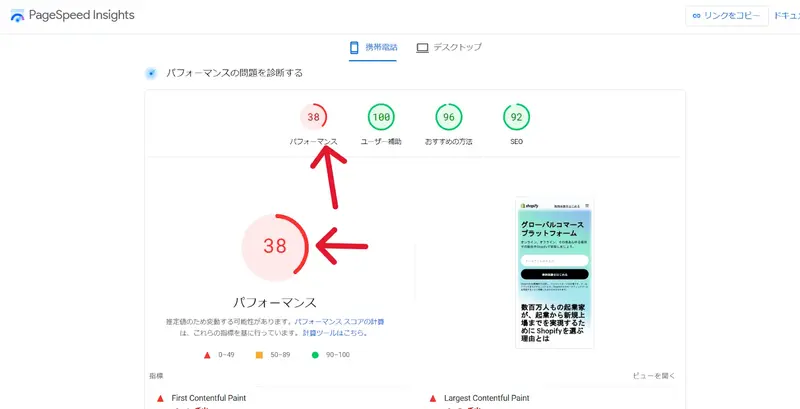


1. Use a server that combines speed and stability.
Server performance directly impacts the loading speed and stability of an e-commerce site. Especially during periods of high traffic, such as sales events, insufficient processing power can cause the site to crash, potentially leading to missed sales opportunities.
2. Utilize CDN
Implementing a CDN can reduce server load and improve website loading speed. CDNs deploy cache servers worldwide, delivering content from servers closer to the user, thus shortening communication distances and enabling faster response times.
3. Manage tracking with a tag management system.
Installing many "tags" (measurement codes) used for access analysis and other purposes can sometimes cause pages to load slowly.
4. Be careful not to overuse pop-ups.
Excessive use of pop-up windows can slow down page loading speed. This is because pop-ups require a lot of data, such as images and product information, to be loaded in advance, which can slow down the overall performance of the site.