跨境独立站开店
Shopify Store Security: Accounts, Roles, App Permissions and Monthly Checks
List who can change payout settings, customer data and orders. Assign an owner to each sensitive action so the team knows what to review when staff or apps change.
First, protect the accounts of store owners and administrators.
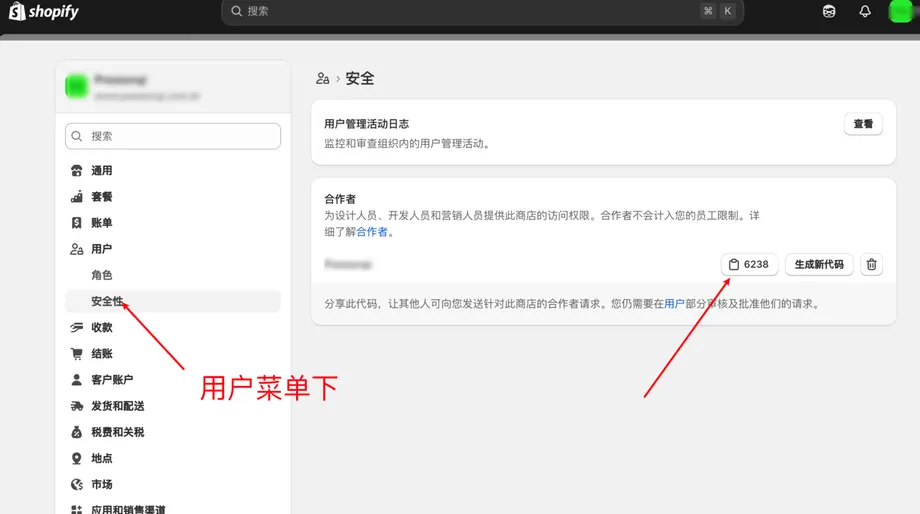
Provide the store owner with a dedicated email address that they can sustainably control, and enable two-step verification. Save the recovery method according to the account instructions. Employees use their own login identities, and temporary collaborators use the collaborator workflow. When personnel changes occur, simultaneously check the permissions for store roles, associated emails, external applications, and shared files.
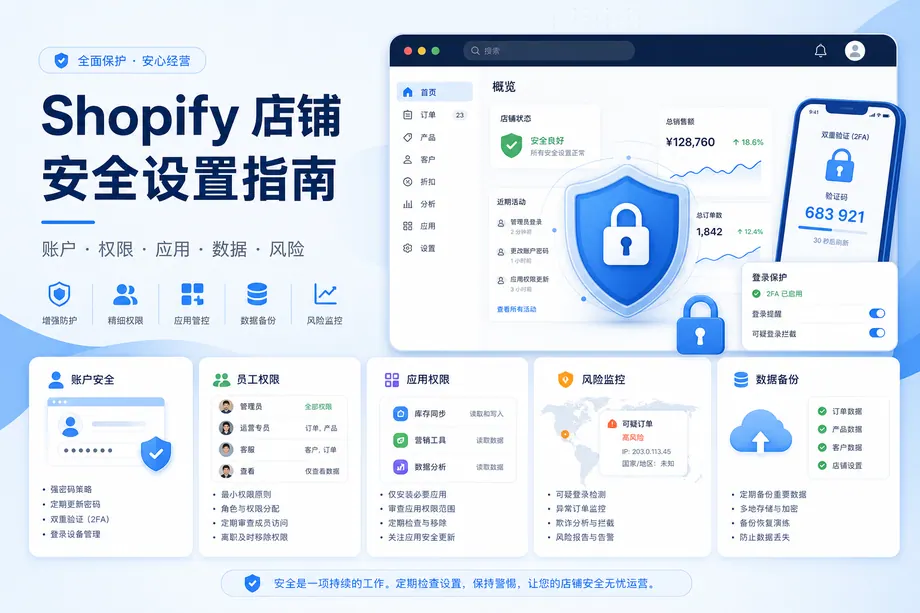
Roles are broken down based on work
| Role | The scope of permissions should be checked first. |
| Customer service or fulfillment | The recording and operations required for handling daily orders, and refund approvals are separated according to responsibilities. |
| Product Operations | Products, series, discounts and page content |
| Theme maintenance | Themes, files, and the specific applications required for this project. |
| finance | Payments, reconciliation and related reports |
Select each item according to your actual job responsibilities. Being able to process orders does not necessarily mean you need to change payment settings. Set end dates for external projects, and re-evaluate access qualifications upon project completion.
Both new installations and existing applications must be reviewed.
Understand what data the application reads or modifies, what components it adds to the front end, how it is billed, and who is responsible for support. If a license does not match the feature description, clarify its purpose first. List the person in charge, reason for installation, and most recent usage time for each application. When uninstalling idle tools, also check the independent bills, residual embedded systems, and integrated systems.
Provide a manual processing path for suspicious orders.
Mark and assign responsible parties to orders requiring review, and review payment, delivery, and platform risk analyses before actual shipment from the warehouse. Clearly define who can approve release, suspend fulfillment, or process refunds, and record the basis for these decisions. Anomaly alerts are used to allocate attention; a single tag cannot prove the authenticity or fraud of an order.
Reduce the flow of member and customer data
Before exporting, clearly define the required fields, recipients, and retention periods, and save the exported file in a controlled location. Access to customer service screenshots, emails, and shared documents should be reviewed. Verify the privacy policy, data usage methods, and user query processing procedures according to the actual service areas of the store.
Backup and monthly review
Before making significant changes, download a copy of the theme. Additionally, save product, order, and critical configuration records as needed. Theme copies cannot restore order and other store-level data. Monthly review high-privilege accounts, former employees, partners, application permissions, administrator emails, and recent backups; verify backup readability and usability in an isolated environment.
How to conclude when an anomaly is discovered
First, prevent further unauthorized access, such as revoking suspicious account or application permissions, and then proceed with the standard account recovery process. Immediately save the time, operation logs, and affected scope, and contact the platform or payment service's official support. Check payment configurations, themes, orders, and data export status against known normal records. After recovery, review roles and authorizations, and record improvements and responsible parties.