跨境独立站开店
Shopify Registration Video Tutorial - Includes Shopify Store Anti-Ban Guide
This article shares several important points to note when registering for Shopify and provides a step-by-step guide to registering a Shopify account. It covers precautions for linking a bank card during Shopify registration to prevent account suspension, common reasons for store suspension, preparations before registering for Shopify, the step-by-step procedures after registration, an introduction to the $1 monthly subscription offer, and how to link your Shopify monthly subscription payment methods: credit card and PayPal.

Updated March 2024
Shopify registration is simple, but some people still encounter the problem of their newly registered accounts being banned, which is really unfair! Today I'm sharing some experiences and solutions, and I suggest you read them carefully.
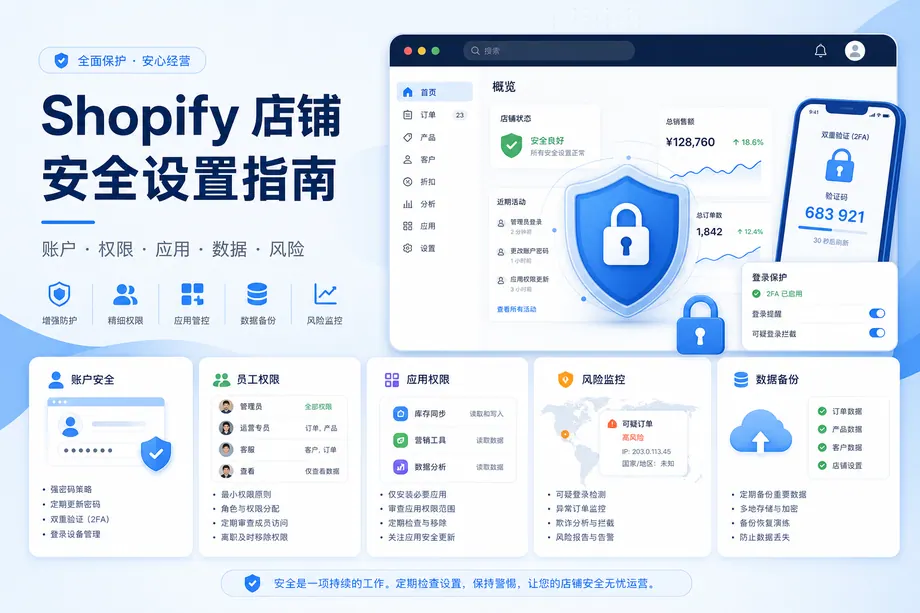
Shopify store management to prevent account suspension
Shopify Payments is Shopify's official credit card payment tool, but it only supports a dozen or so countries/regions, including Hong Kong, the United States, and Singapore (and this list is constantly being updated). If you do not have a business or individual identity in these regions, Shopify Payments will not be able to withdraw funds, and it may even close your Shopify store.
Preparations before registering with Shopify
PayPal Account: If you don't have a credit card, simply register a PayPal account (details at the end of this article) and link your credit or debit card.
Start registering for Shopify
The process and functionality of the store backend are exactly the same whether you register through the Chinese website or the English website. In fact, you can switch the language in the backend at any time.