跨境独立站开店
Shop login feature: Increase conversions and checkout
This section introduces the Shop's login function. Review the benefits of implementing this feature, such as a smoother purchasing experience through easy login, and use it to improve the efficiency of your e-commerce operations.
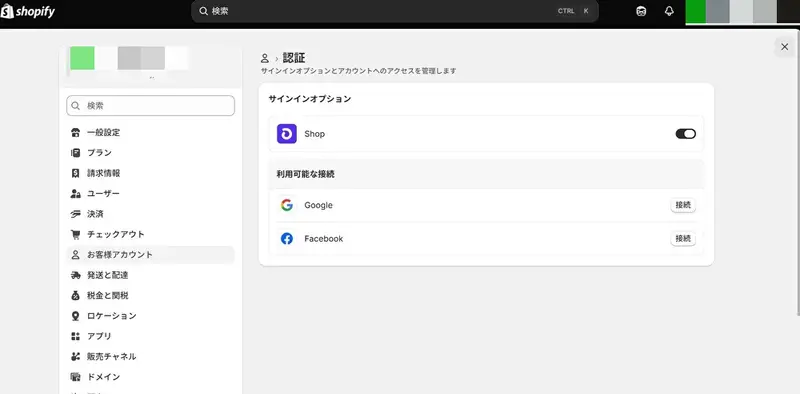
What is the Shop login function?
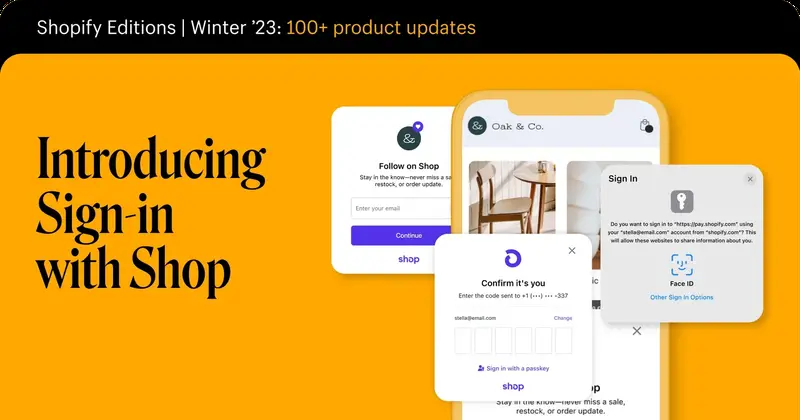
The Shop login feature allows users to log in to their Shopify store using their Shop credentials and passkey. Users can use their Shop account information to log in to their store's "customer account" and skip entering customer information during the checkout process.
Login to Shopify using Shop's login feature
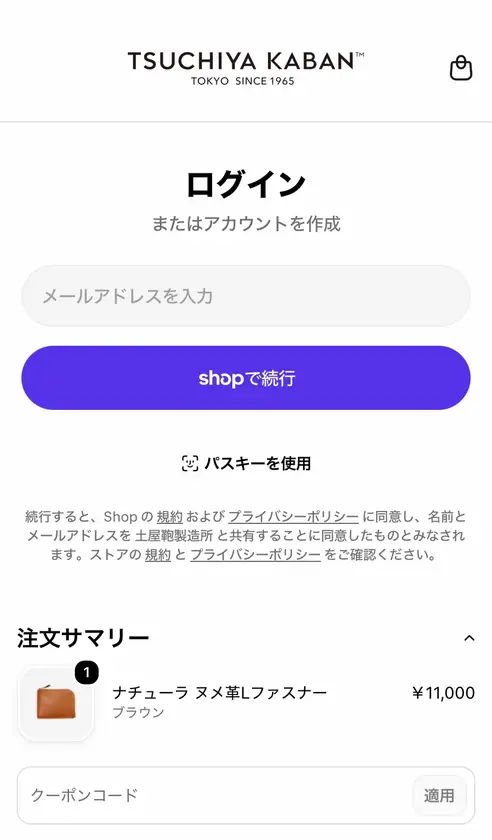
The "Log in to Shop" feature (the "Continue in Shop" button shown in the image) allows users to log in to your store using their Shop credentials and passkey. This makes logging in easy using your Shop account information, resulting in a smoother checkout process and making it easier for first-time visitors to log in to your store.
Lead generation using the shop's login function
Using Shop's login feature allows you to display a "Receive in Shop" button in Shopify Forms. This button links Shop account information to the form, reducing the burden of input and making it easier to get users to complete lead generation forms. Furthermore, leveraging a system that automatically adds discount codes to users' Shop accounts can increase the conversion rate of form submissions.
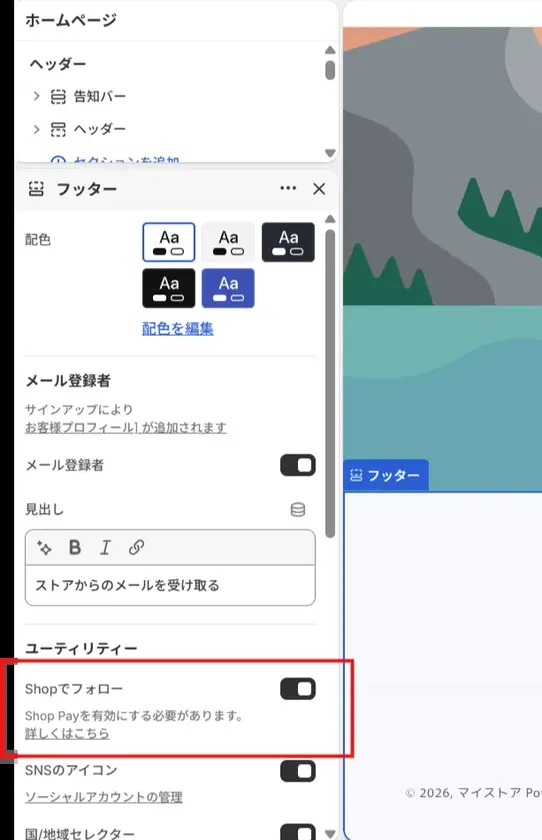
Follow at Shop
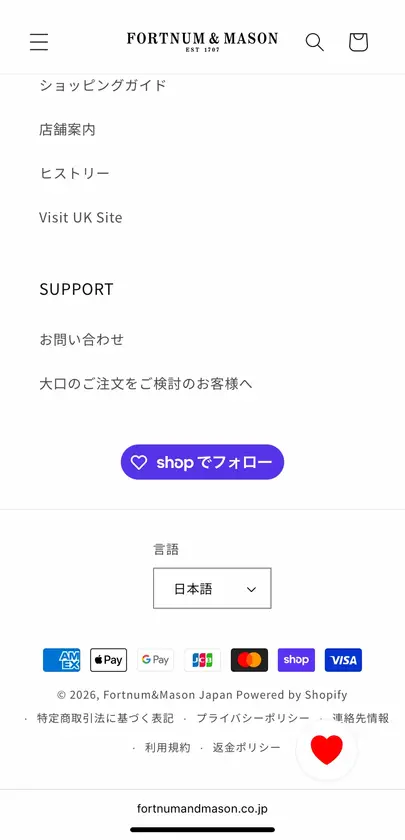
By adding a "Follow in Shop" button from the Shopify theme editor, users can follow your store, view your posts on Shop, and receive notifications and in-app messages.