跨境独立站开店
How to integrate your Shopify store with Shopify POS from scratch
I want to use Shopify POS to synchronize and integrate data between my physical store and online store! But I don't know how to do it...






What is Shopify POS?
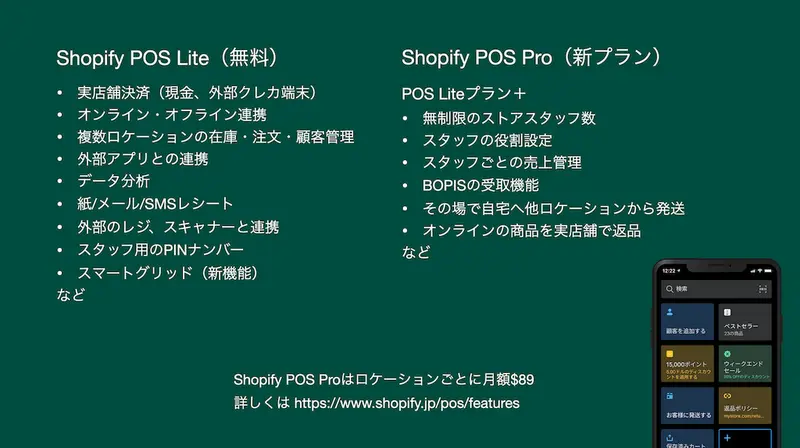
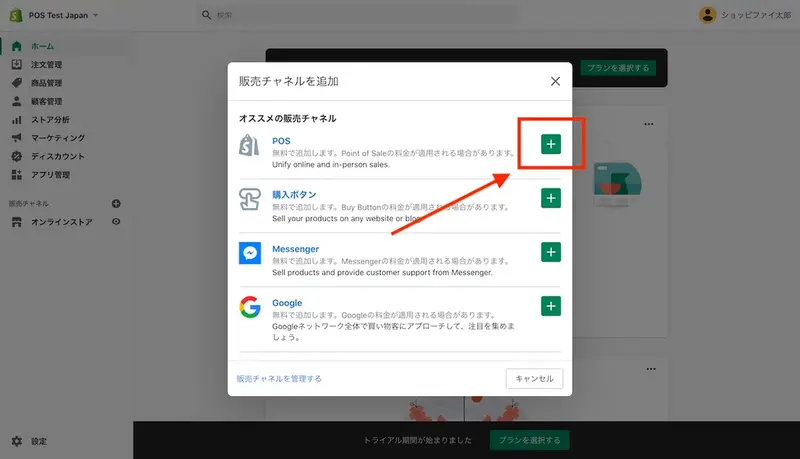
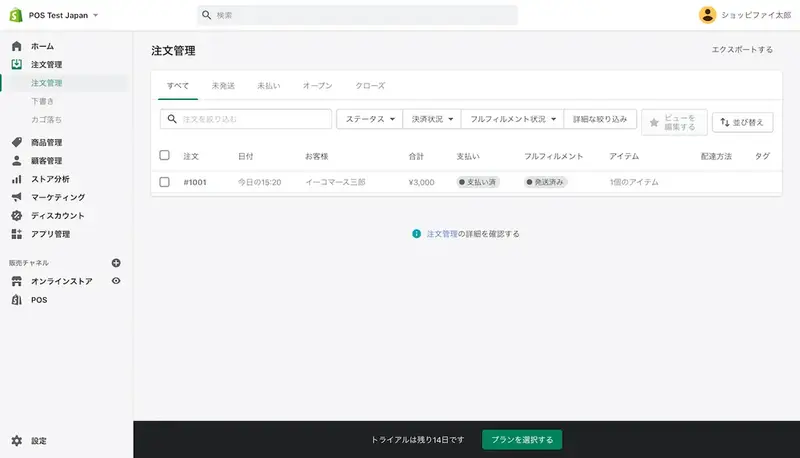
Shopify POS is one of the sales channels offered by Shopify, and its basic functions are available for free. You can also purchase Shopify POS Pro, which offers more advanced features, for a monthly fee of $89. By integrating Shopify POS into your store, businesses can synchronize offline sales and inventory data with their online store in real time.
2. Install the POS app on your device.
Search for "Shopify POS" on the App Store or Google Play Store and install it.
3. Log in to the POS app and set a PIN.
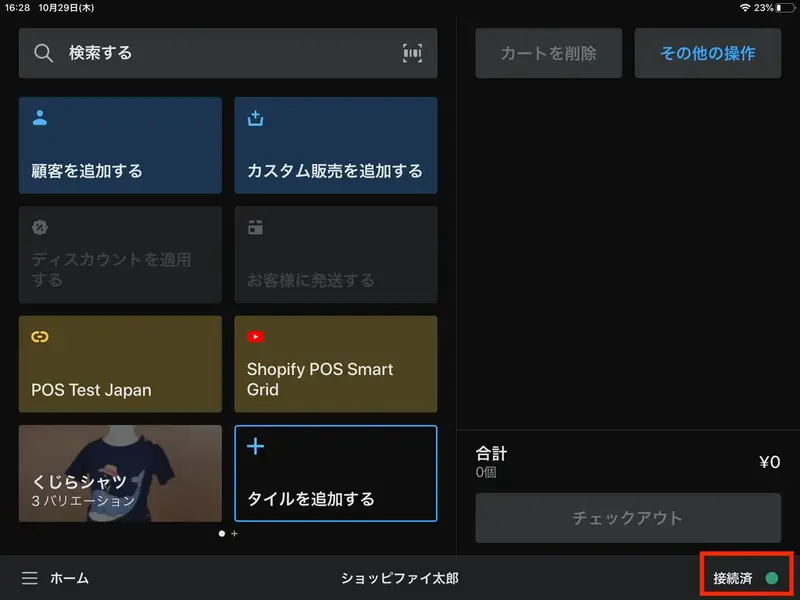
This time I downloaded the app on my iPad. I tapped the icon and logged into my Shopify store.
4. Try using a POS app.
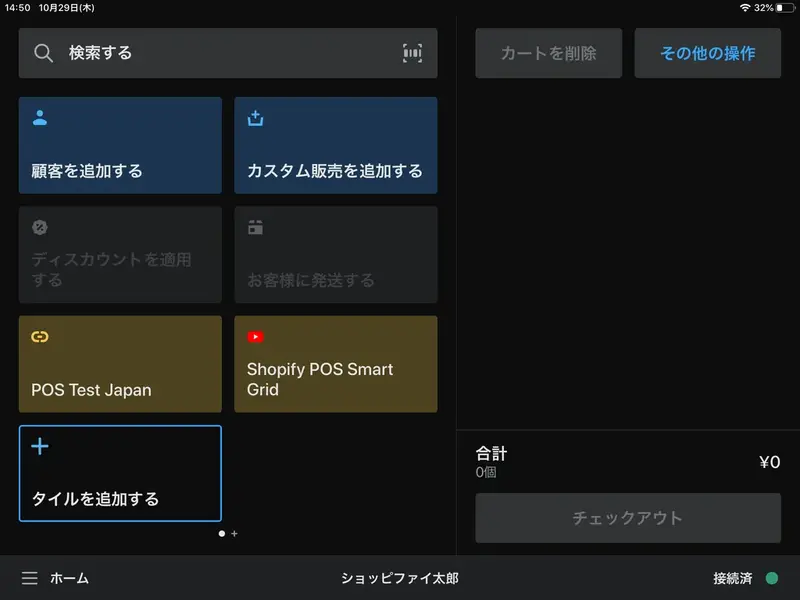
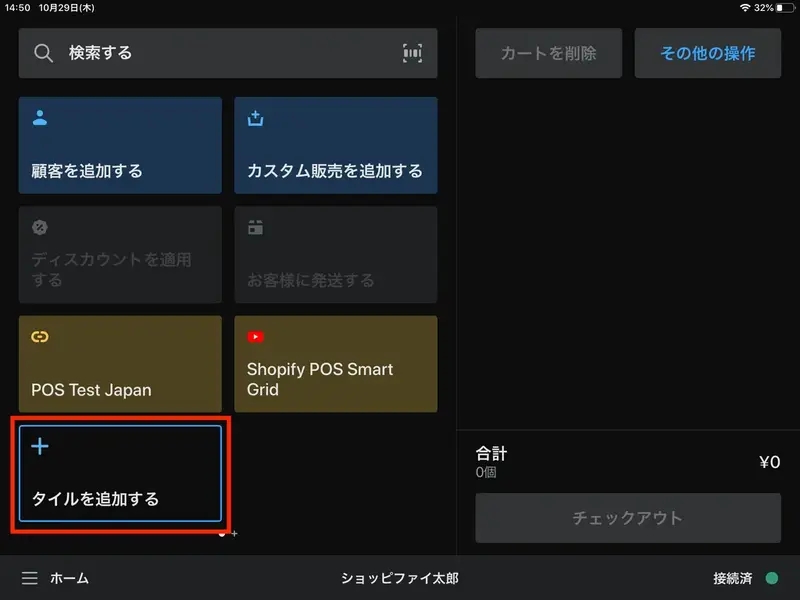
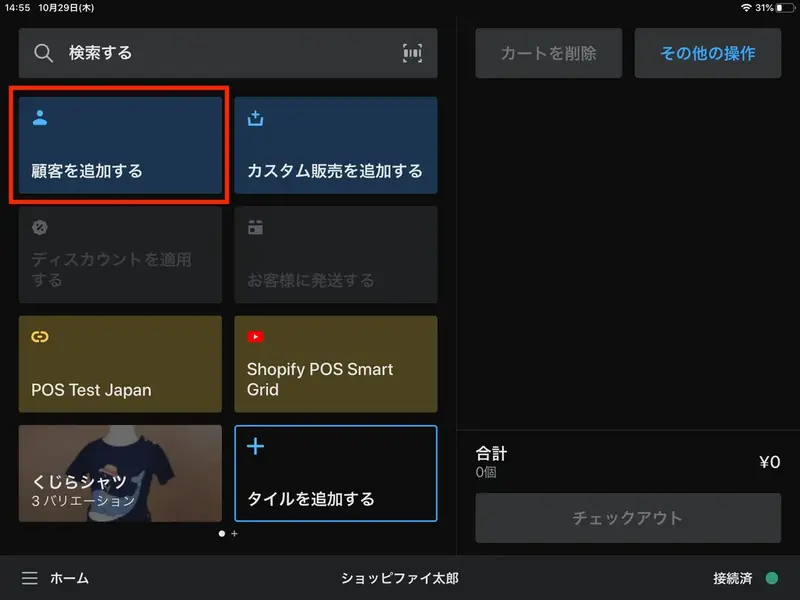
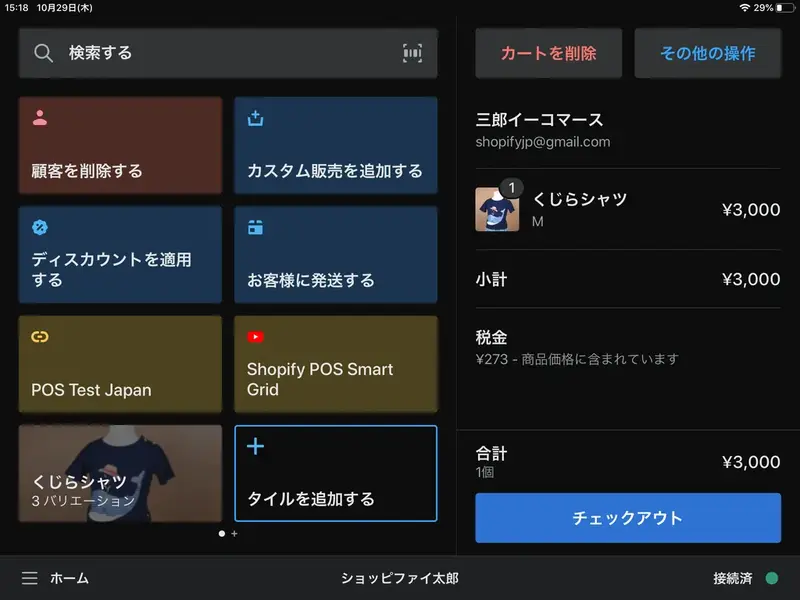
The most distinctive feature of Shopify POS is its Smart Grid function, which allows you to freely customize the management screen. By placing your best-selling collections and frequently used apps on the home screen, you can provide faster customer service.