跨境独立站开店
Store operations | Names of components of a website
This section introduces the names of the components that make up a website. Understanding the differences and names of each button and menu will be helpful when building a website and communicating with web designers.

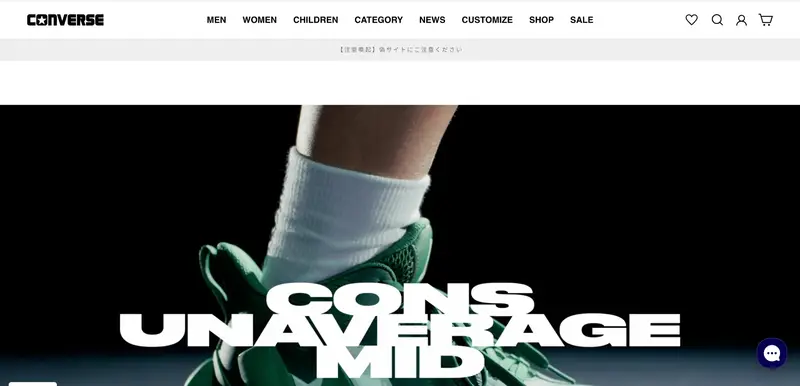


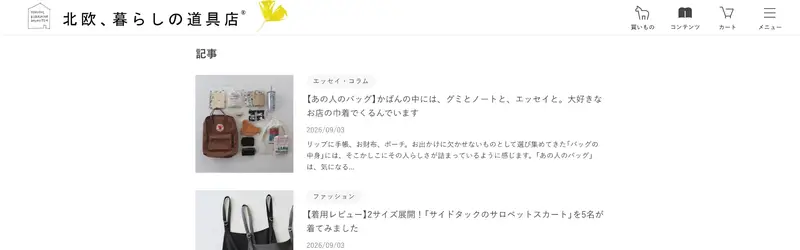

Main visual
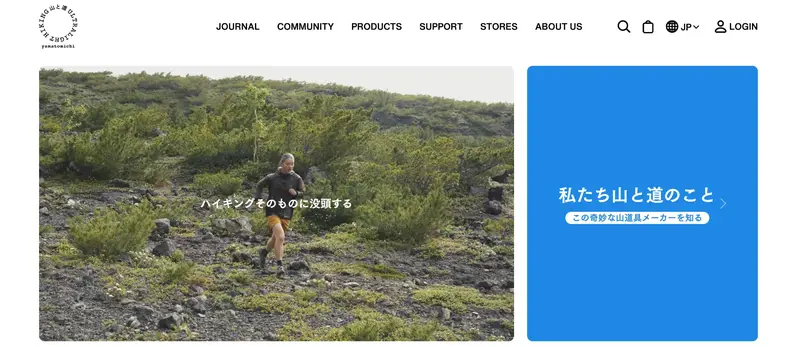
The main visual is a large image or video displayed at the top of the homepage. Sometimes called a hero image, it serves to attract the user's attention and visually convey the characteristics and image of the brand, product, or service.
Header
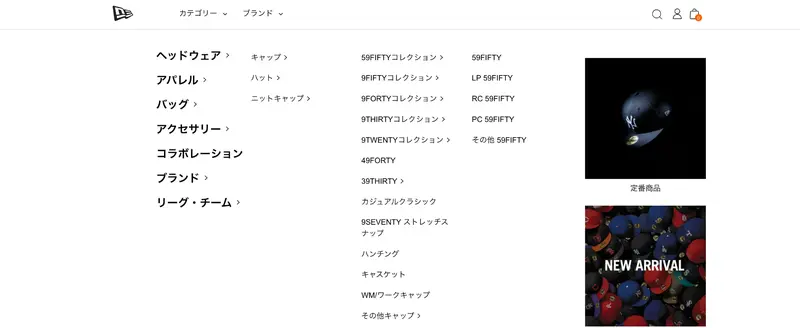
The header is the area at the very top of a webpage. Often, it contains a global navigation bar with links to key pages and a brand logo. Because it's displayed on every page, online shops can use it to display product categories or include links to company profiles and contact pages, allowing users to easily navigate to the information they need.
Announcement bar
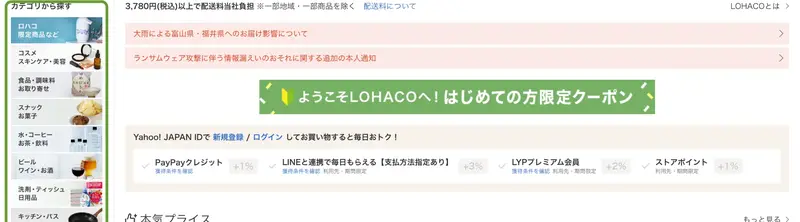
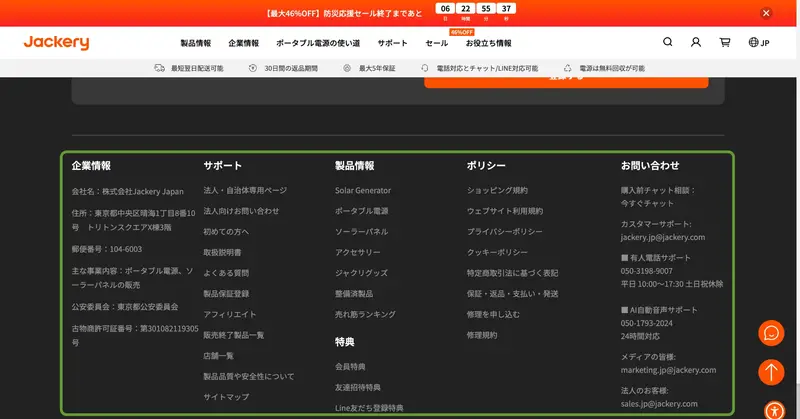
An announcement bar (or notification bar) is a band-shaped area that appears across the entire width of the screen, either above or below the header. It is used to highlight information that you want to convey to the user, such as announcements or sales information. In addition to fixed text, it may also have animations such as scrolling horizontally or switching content to attract attention.
Navigation menu
A navigation menu is a collection of links and other elements used to navigate to different pages within a website. It organizes and displays pages and information clearly, making it easier for users to find the information they need.