跨境独立站开店
How to improve custom search on your Shopify storefront
Shopify store search is a fairly powerful tool for searching products, posts, and pages. However, clients often want to optimize the search to display only specific results. This is especially true when clients have large product inventories or a lot of content other than products. As stores become more complex, clients require processes such as fine-grained search filtering to display specific results or prioritizing products over regular pages. Customized search options are helpful in these situations.

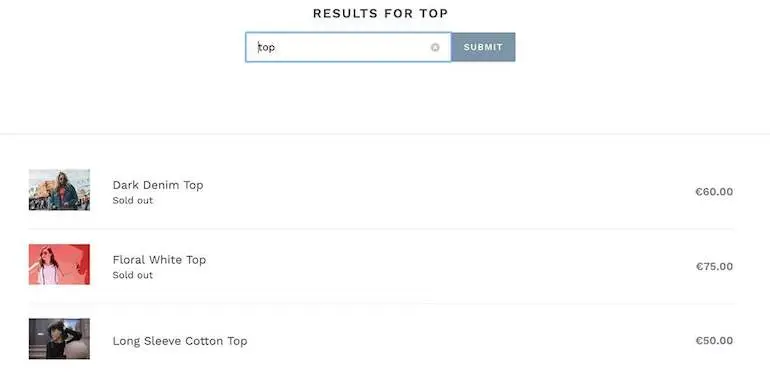
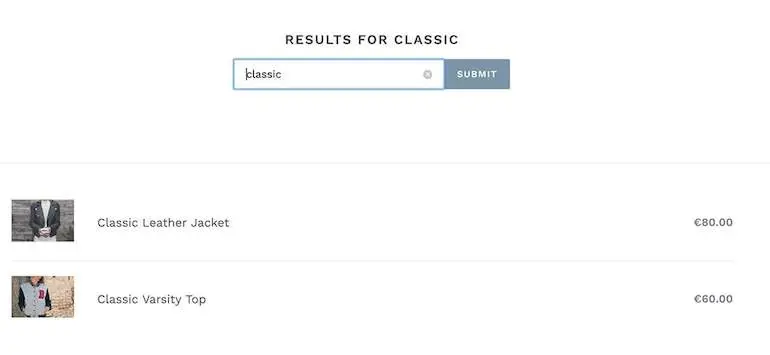
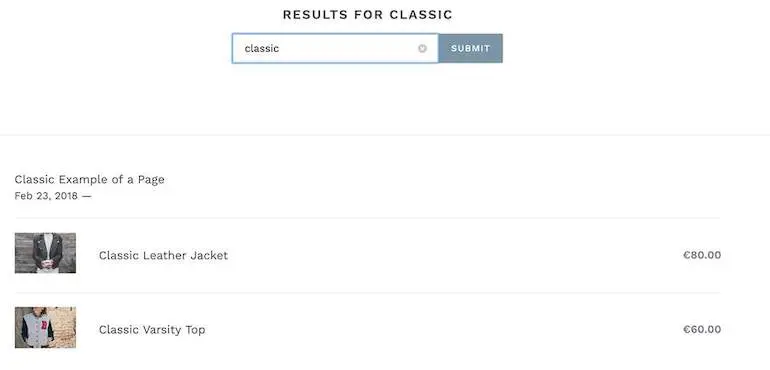
Basic Search
Before we delve into the specifics of customizing search, let's take a look at some important search-related Liquid objects. Understanding these variables will allow you to build search models tailored to your clients. The objects to focus on are as follows:
How to prevent sold-out items from appearing in search results
When products that aren't actually available appear in search results, it's frustrating for consumers. This is especially true during sales or BFCM (Best Before Commercial) periods. Consumers want to be able to find available products immediately.
How to limit storefront search results to product pages
A common scenario is that clients want to limit the display of search results to only specific pages. With careful handling of Liquid, it's possible to adjust the code to display only products, only pages, or only blog posts in the search results for the client's storefront.
Research the future with custom search.
Customizing your storefront search can be a powerful tool for improving conversions. By filtering out irrelevant content, users can quickly find only products they can purchase.