跨境独立站开店
Google search results have changed! How to set a favicon on Shopify
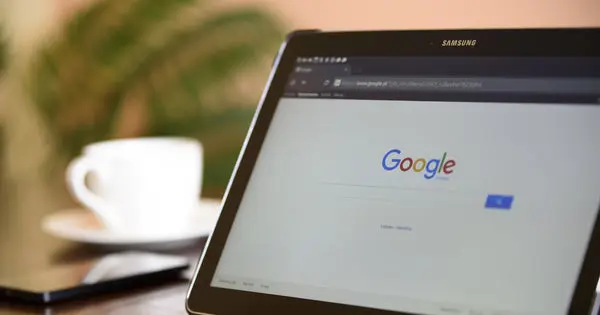
Google has changed how it displays search results on mobile devices, now showing the favicon and site name. A favicon is a small icon that serves as a symbol for a website. It appears when you bookmark a site, and even when you have many tabs open, you can at least tell which site it is by looking at the favicon. This icon has now been changed to be displayed in Google's mobile search results, and this time we will introduce how to change the favicon in your Shopify store.
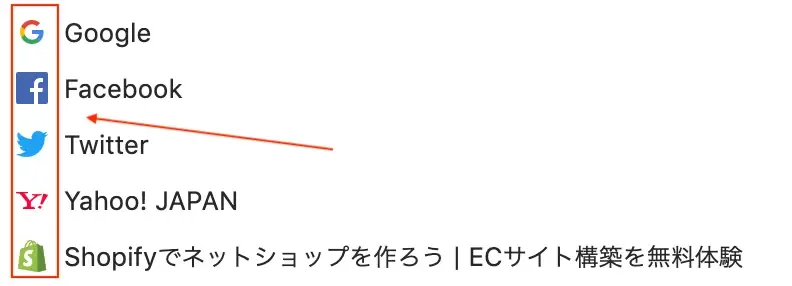
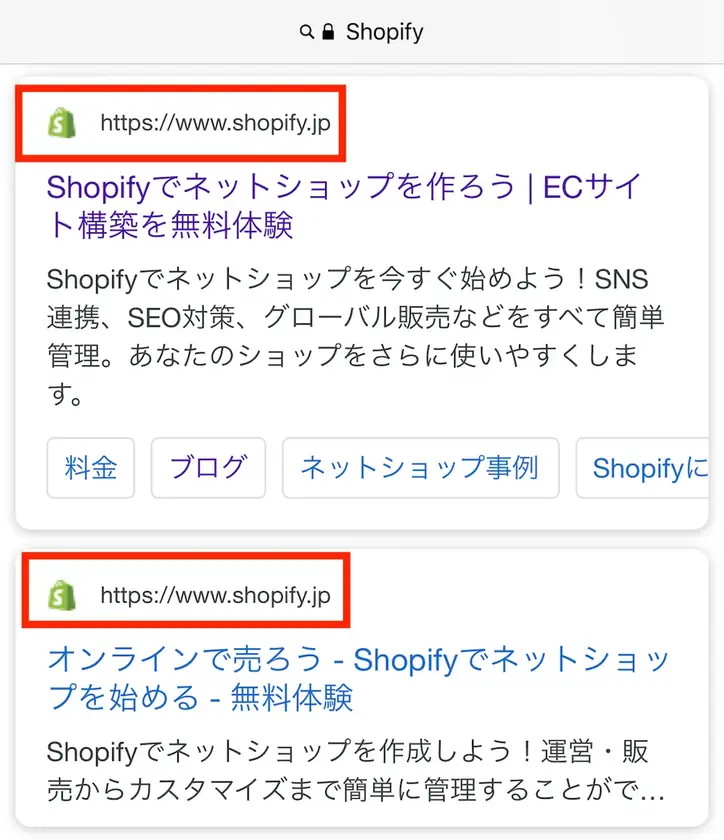
3. Select an image from the "Select Image" section, choose the square image you want to use as your favicon, and click "Save." That's it! Note that the favicon image will be downloaded along with the logo you create using Hatchful.
Having a favicon in search results makes a huge difference. If you haven't set a favicon yet, set one now!
Decisions made during operation
When you bookmark a site, it will be displayed, and even when you have many tabs open, you can at least tell which site it is by looking at the favicon.
Pre-implementation check
This month, the specifications were changed so that this icon will now appear in Google's mobile search results. This time, I'll show you how to change the favicon in your Shopify store.