跨境独立站开店
E-commerce Analytics Tools: Tracking Sales and Marketing Initiatives
This article introduces recommended tools for e-commerce analysis. Learn how to collect and analyze sales and marketing data to improve your online shop operations and strategies.


This article provides an overview of e-commerce website analytics tools and recommends some suitable tools for analysis.
In e-commerce, various measures are implemented, including new product development, advertising, website improvement, and operational efficiency improvements. To achieve results with these measures, it is crucial to constantly collect and analyze data and make objective decisions. By using e-commerce analytics tools to analyze data, areas for improvement on your website become clear, enabling you to implement measures that are effective in increasing sales and growing your company.
This article introduces e-commerce analytics tools. Please use them to help develop your marketing strategies and improve your e-commerce operations.
What are e-commerce analytics tools?
E-commerce analytics tools are tools that collect and analyze various data related to the operation of an e-commerce site. They primarily collect data such as the number of sessions, sales, user traffic sources, page dwell time, clicks, click-through rates, and conversion rates, and visualize trends and percentages using graphs and tables.
By utilizing this data, you can objectively understand the current state of your website and use it to formulate marketing strategies, improve the site, and increase sales.
Recommended e-commerce analytics tools
- Shopify Store Analytics
- Cloud Formula
- EC-Dashboard
- Ptengine
- Tableau
- Microsoft Clarity
- Google Analytics
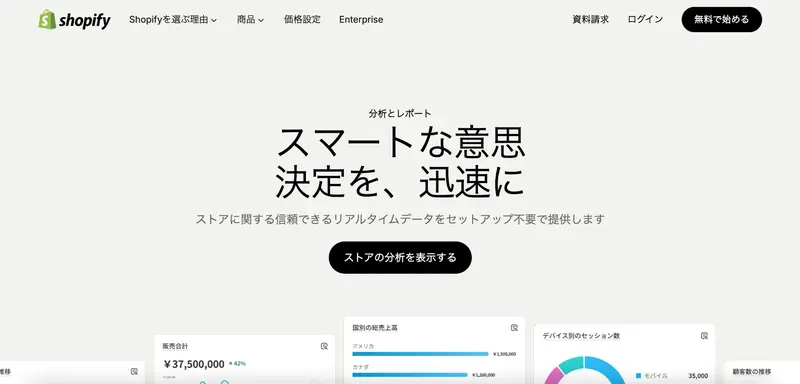
Shopify Store Analytics is a reporting tool from Shopify that allows you to collect real-time data about your store.
You can easily view key KPIs for your e-commerce site, such as sales trends, conversion rates, traffic channels, repeat customer ratios, and sell-through rates, in clear tables and graphs. Since the data is updated in real time, you can respond promptly to changes in the data.
Higher-tier plans also offer access to custom reports and custom dashboards.
Pricing: Available with all Shopify pricing plans. Additional features are available in higher-tier plans.
Suitable companies: Companies using the Shopify e-commerce platform.
CloudFormula is a business intelligence (BI) tool specifically designed for small and medium-sized businesses in e-commerce and retail. In addition to standard analytics such as sales, customers, and purchase channels, it also offers RFM analysis to identify highly loyal customers and those who should be targeted, as well as basket analysis that can be used for cross-selling and upselling.
The options include support for data preparation, interpretation of analysis results, and service development, as well as customization features such as adding custom data and creating new reports.
Price: Account creation only starts at ¥50,000 per month; additional options require a quote.
Suitable companies: Small and medium-sized enterprises that want to easily perform advanced analysis.
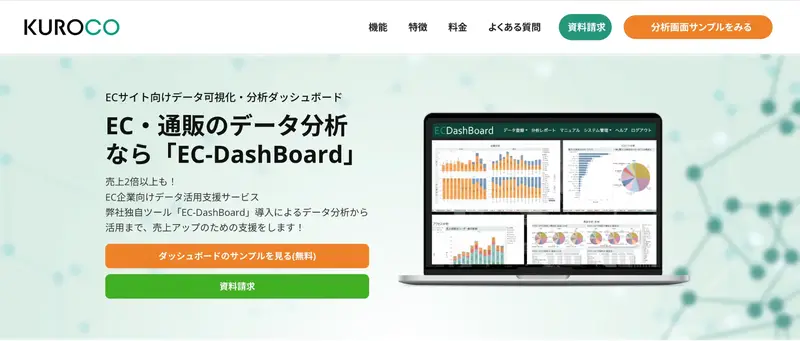
EC-Dashboard is an analytics dashboard specifically designed for e-commerce sites. Simply upload the necessary data, and analyzed reports will be displayed. It allows for centralized analysis of data from multiple e-commerce sites and marketplaces, making it ideal for businesses with multiple online stores.
Its simple design, focused solely on analysis, makes it easy to use even for those without highly skilled personnel.
Price: ¥50,000 per month, initial fee from ¥350,000
Suitable companies: Companies that operate multiple online stores.
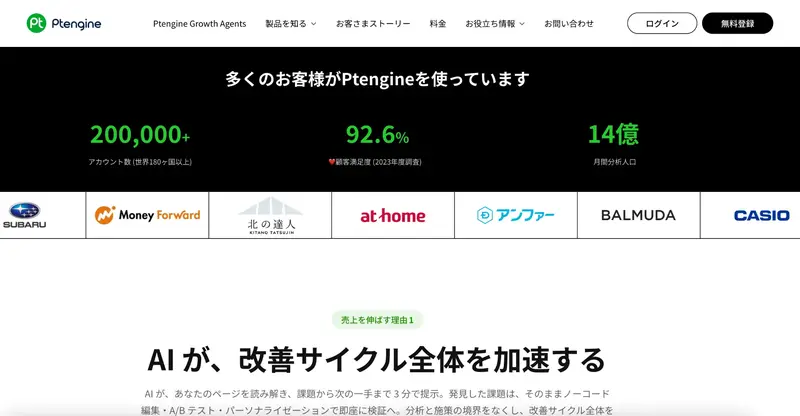
Ptengine allows you to complete everything from data analysis to implementing improvement measures on a single platform. Its key feature is its ease of implementation; simply install a single tag on your e-commerce site to perform heatmap analysis, event tracking, and conversion tracking.
The higher-end products not only perform site analysis, but also use AI to identify areas where users are most interested and where they leave the site based on heatmaps, analyzing user behavior to pinpoint areas for improvement. Furthermore, page editing, A/B testing, and personalized content delivery can all be done without coding, allowing for rapid problem identification and improvement.
Another advantage is the comprehensive support provided by the Ptengine team, including assistance with e-commerce site management and tool usage.
Pricing: Free plan is free, Growth plan starts at ¥6,578/month (varies by product), Premium plan requires inquiry.
Suitable companies: Companies with limited time and human resources to dedicate to data analysis and website improvement.
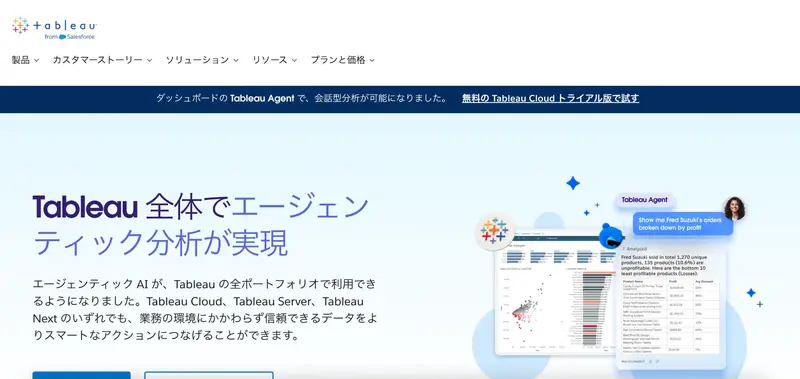
Tableau is a BI tool that allows even beginners to visualize vast amounts of data using only mouse operations. You can select visual representations such as graphs and heatmaps according to the characteristics of your data, enabling you to create easy-to-understand and analyzable reports.
Furthermore, it can easily integrate with databases such as Microsoft SQL Server, MySQL, and Oracle, as well as Google services like Google Ads, making data aggregation simple. Another notable feature is the community where users can ask and answer questions to solve problems together.
Pricing: Tableau Standard starts at ¥1,800 per month (with an annual contract), with higher-tier plans available.
Suitable companies: Companies that want to visualize and analyze large amounts of data in an easy-to-understand way.
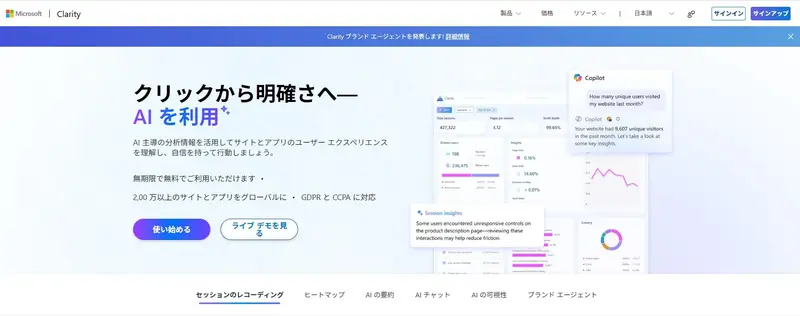
Microsoft Clarity is a tool that visualizes user behavior on your website. By utilizing session recording and heatmaps, you can visually check user actions, allowing you to understand where users are dropping off on your e-commerce site and identify areas for improvement.
Furthermore, the availability of AI-powered session summaries and AI chat features allows for analysis of areas for improvement and challenges without manually digging into the data.
Price: Free
Suitable for: Companies that want to try out e-commerce analytics tools or companies that want to keep costs down.
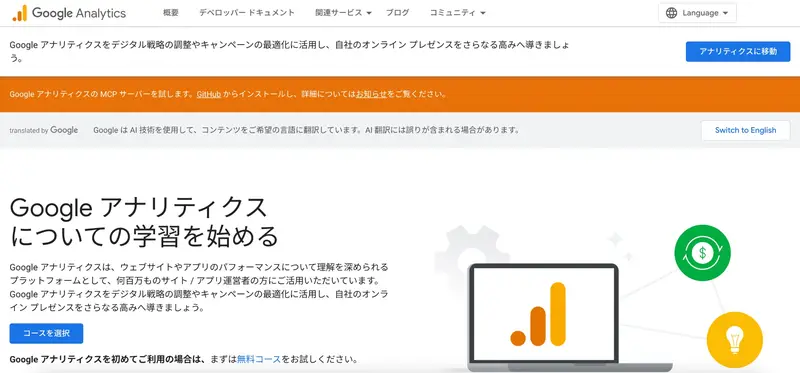
Google Analytics is a website analytics tool provided by Google. Even the free version, GA4 (Google Analytics 4), offers a wide range of analytics features, including those for e-commerce analysis. It can capture data that provides a deeper understanding of the customer journey in e-commerce, including not only product viewing, adding items to the cart, and completing purchases, but also how long users spend on a page, whether they scroll, and whether they watch videos. Furthermore, it can utilize machine learning to predict the likelihood of future purchases and abandonment.
Furthermore, by integrating with Google Search Console, which allows for performance analysis of Google search results, you can analyze data from before traffic arrived at your e-commerce site and user behavior data within the site all at once, enabling you to comprehensively evaluate the performance of each page.
Pricing: GA4 is free, the paid version, Google Analytics 360, starts at 500,000 yen.
Suitable companies: Companies that want to deepen their understanding of user behavior.
E-commerce analytics tools are tools that summarize and visualize data such as sales, traffic, and customer behavior from e-commerce sites in an easy-to-understand format. By using analytics tools to analyze your e-commerce site, you can obtain data that is useful for site improvement and the formulation of marketing strategies, enabling you to make evidence-based decisions.
Use this article as a guide to find the right tools for your company and improve sales and operational efficiency.
Frequently Asked Questions about E-commerce Analytics Tools
What are e-commerce analytics tools?
This tool aggregates and analyzes data such as conversion rates, click-through rates, and traffic sources—key metrics for e-commerce sites. The collected data is visualized in graphs and other formats, making it easy to intuitively understand issues and use this information to improve the website and develop marketing strategies.
What are some recommended e-commerce analytics tools?
How do I choose an e-commerce analytics tool?
It's a good idea to choose a tool that can analyze the metrics you've set as KPIs for your e-commerce site, as well as related data. If you have a limited budget for e-commerce analytics tools, or if you want to try a tool first, it's recommended to start with the free GA4 or Microsoft Clarity. If you're using Shopify, Shopify's store analytics are available in all plans.
Share this article
- Share on Facebook
- Share on X
- Share on LinkedIn