跨境独立站开店
EC Photography Guide: How to Take Professional-Looking Photos and Tips
This guide will show you how to take e-commerce photos at home or in your own office. You can take great product photos for e-commerce without hiring a professional. Use this guide to learn the steps and tips for successful e-commerce photography.
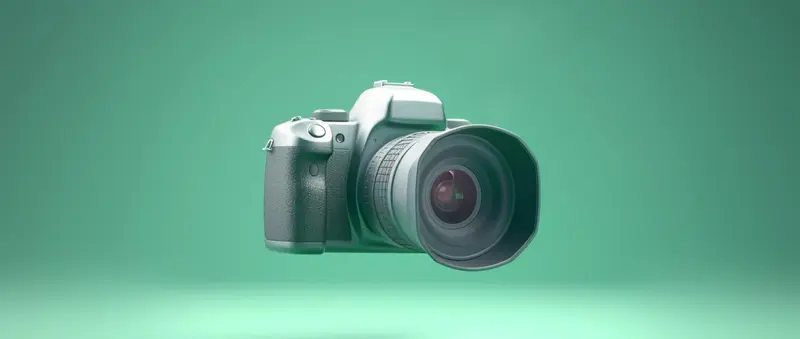











1. Prepare the equipment and space for photography.
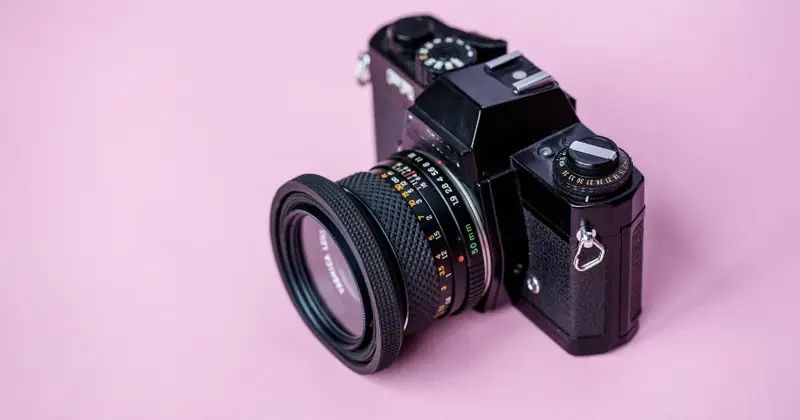
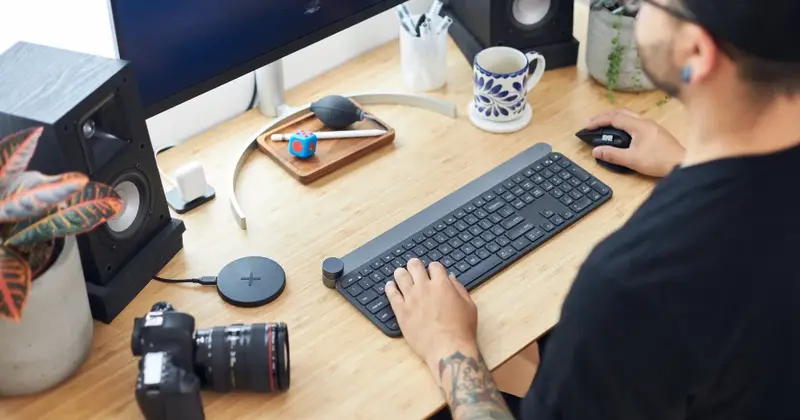
You don't necessarily need to buy an expensive DSLR camera or lens to take good product photos. Modern smartphones have high-performance cameras, so taking product photos with your smartphone is also a good option. However, when shooting with a smartphone, camera shake is more likely to occur and it's harder to capture light compared to a DSLR, so it's important to prepare a tripod and lighting.
2. Arrange the products and small items.
In addition to photographing the product alone, incorporating various props into the shoot allows you to convey the product's image, usage examples, and the brand's worldview.
3. Adjust the lighting.
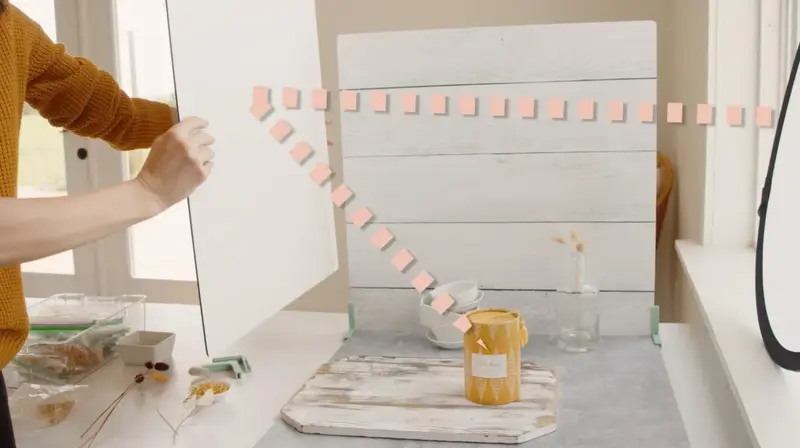
Lighting is essential for taking attractive product photos. Use natural light whenever possible. If the shadows are too strong, you can soften them by placing a thin white curtain or screen.
4. Take a picture
When taking photos, stability and consistency are important. Using a tripod is essential to eliminate blur and maintain a consistent angle across multiple objects.