跨境独立站开店
How to offer curbside pickup in-store through Shopify
BOPIS (Buy Online, Pick Up in Store) is a system where you purchase items online and pick them up at the store. This article explains BOPIS.

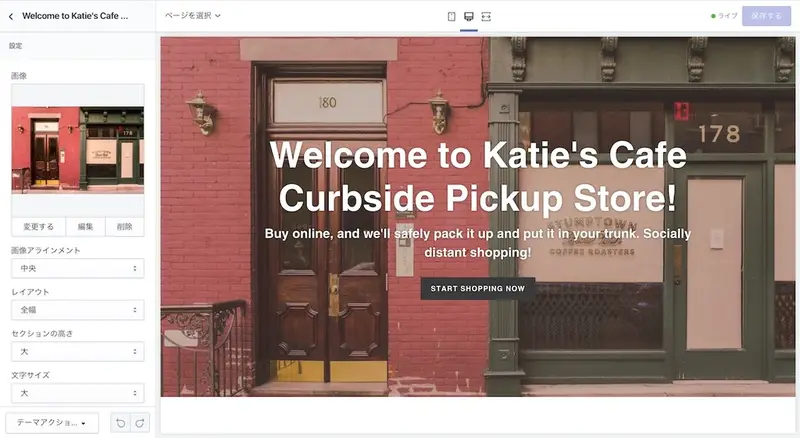
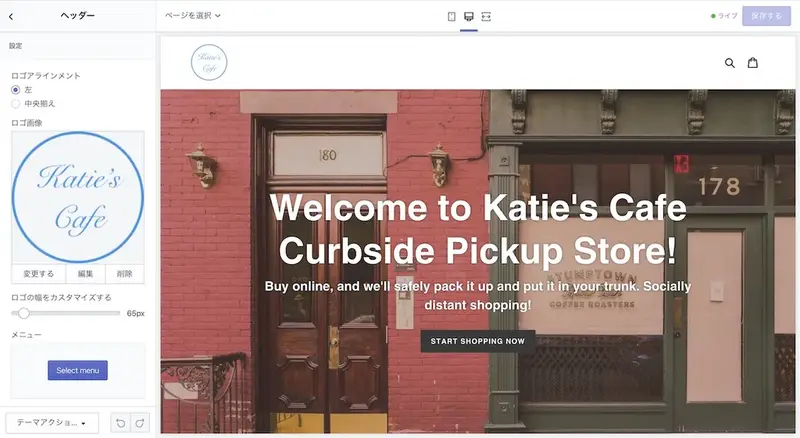
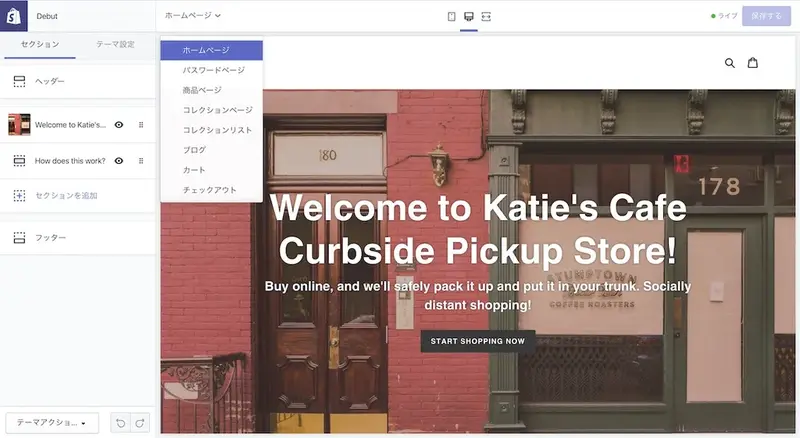
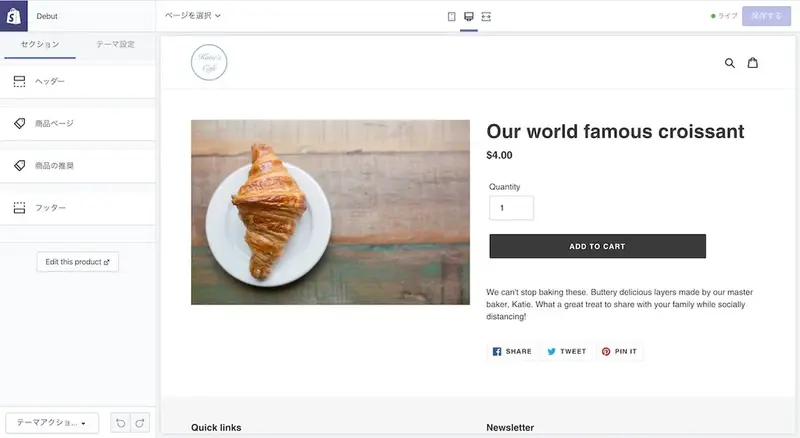
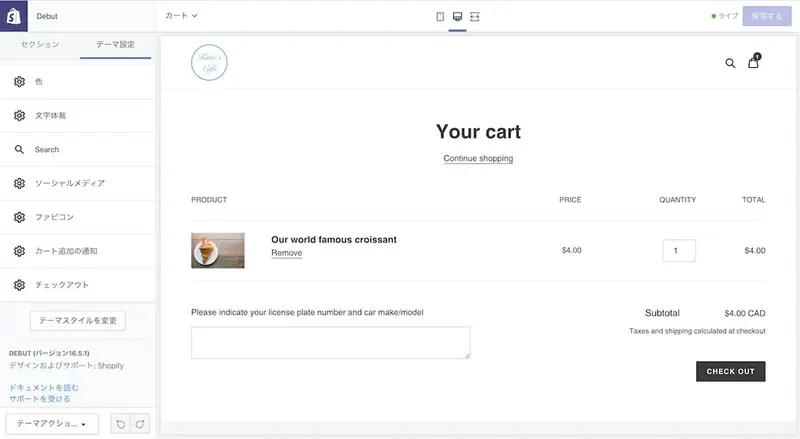
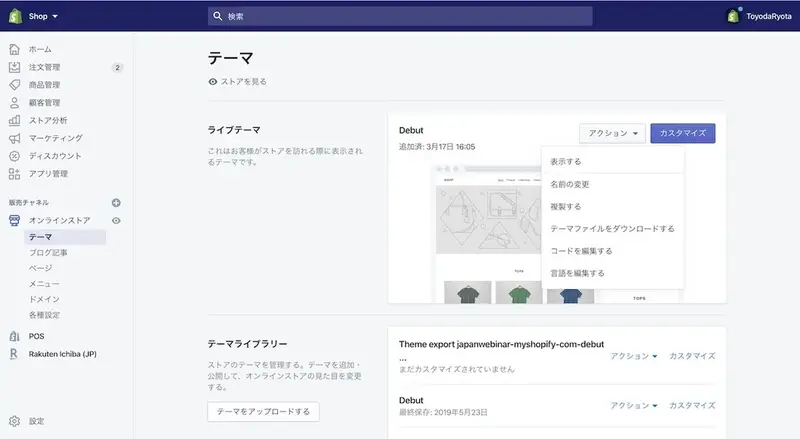
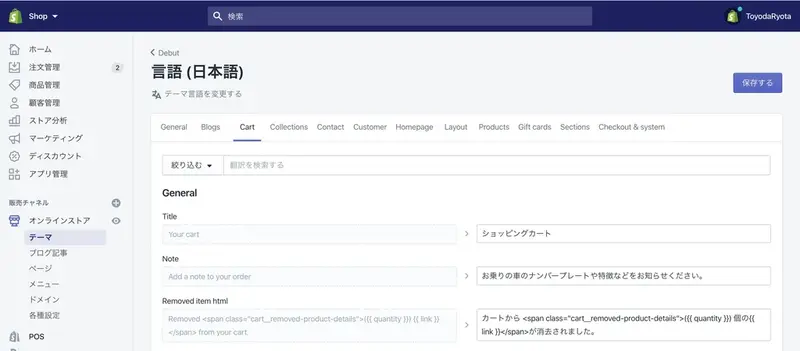
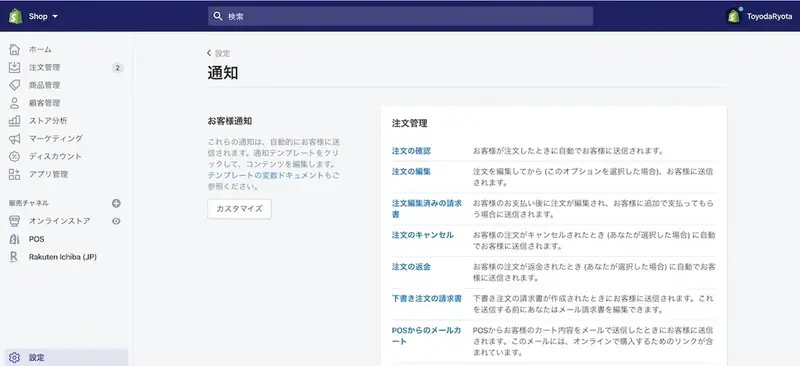
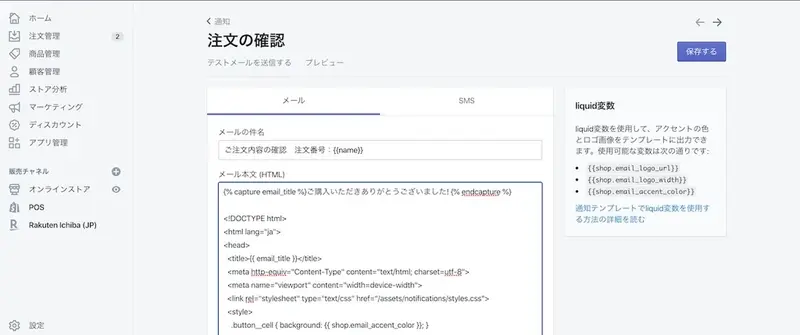
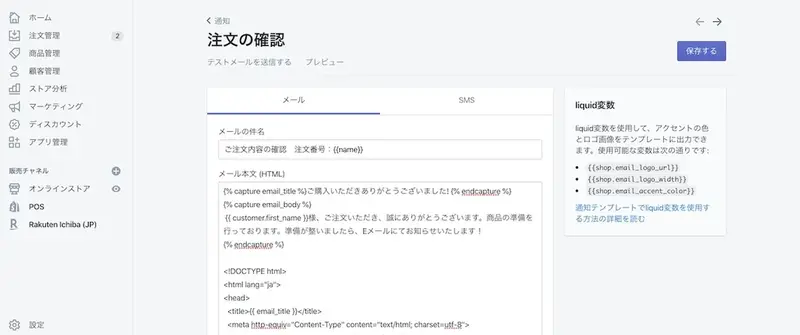
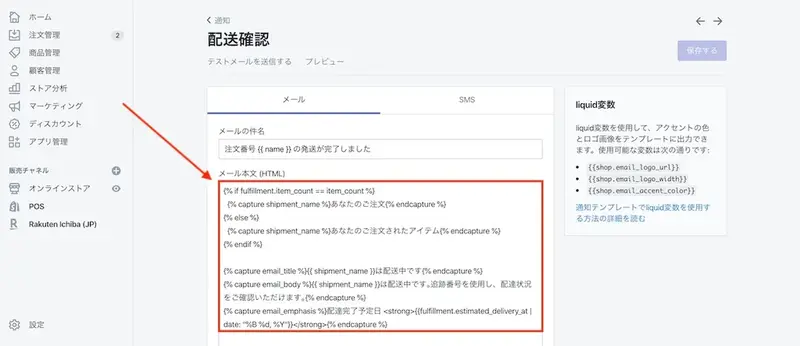
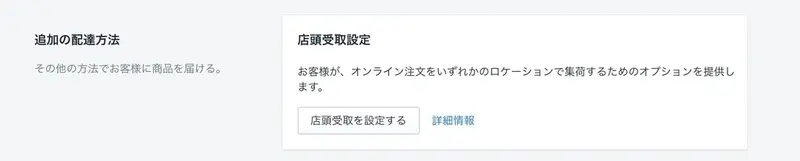
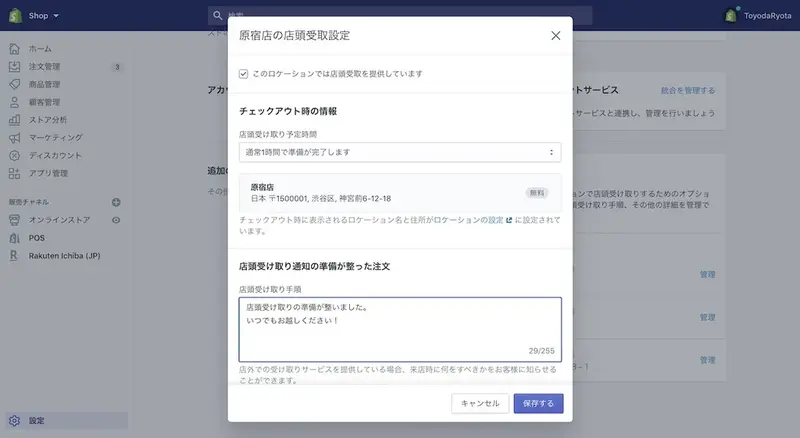
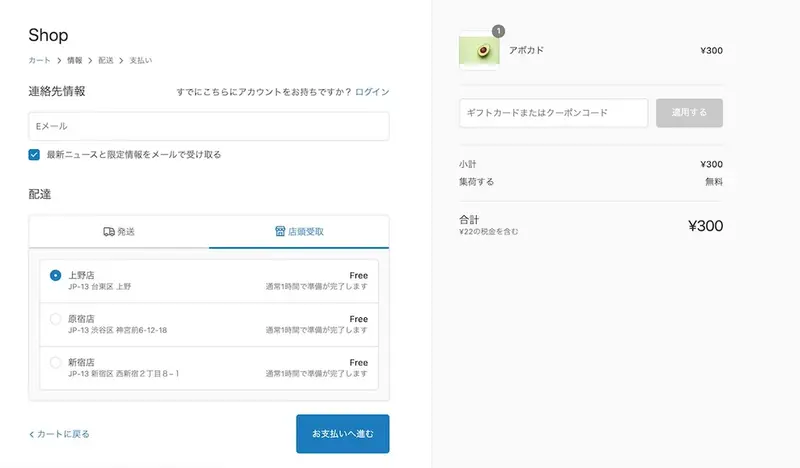
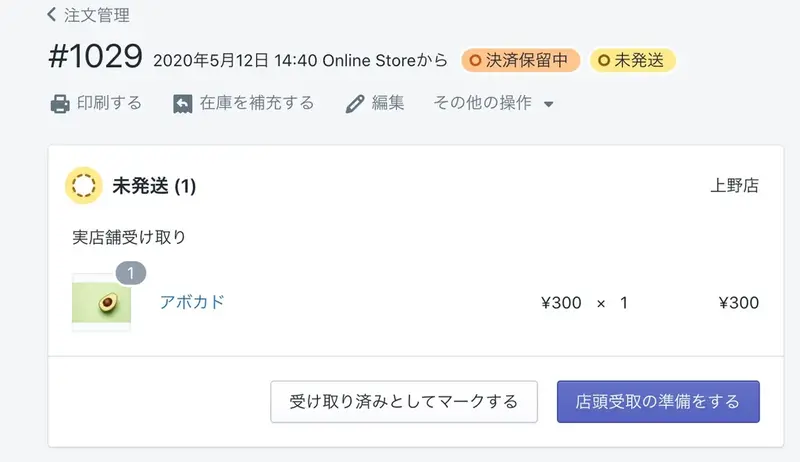
Setup Instructions
This tutorial aims to help you set up your online store in approximately 10 minutes to 1 hour. The time required will vary depending on the number of products you upload. Let's get started.
1. Before you start selling
A concise product description. Explain what the product is and why you should buy it. See here for a guide on writing product descriptions.
2. Launching an online store.
First, sign up for a 14-day free trial on the Shopify website. You can freely choose your store name and domain name (the URL that customers use to purchase products online) when you set up your shop.
3 Add items
There are several ways to add products to your store, but to offer an in-store pickup experience, we recommend the following method: