跨境独立站开店
How to create a website: Creating personal and e-commerce sites even for beginners
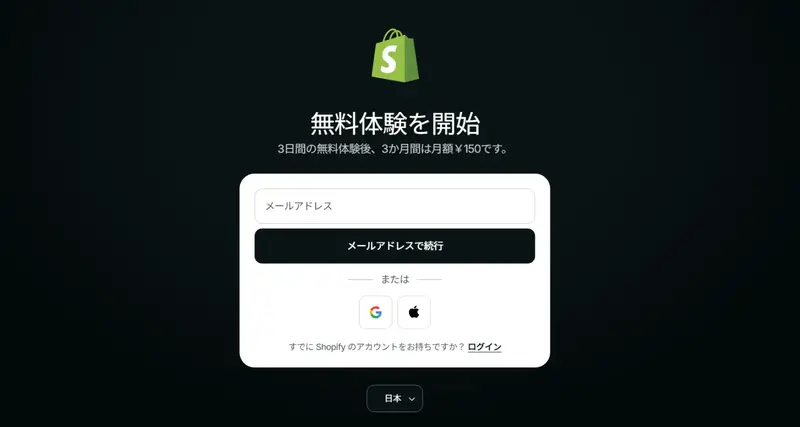
This guide explains how to create a website in eight easy steps, making it accessible even for beginners. It also covers key points to consider when choosing a website creation tool and server, as well as the steps involved in creating a website using Shopify.



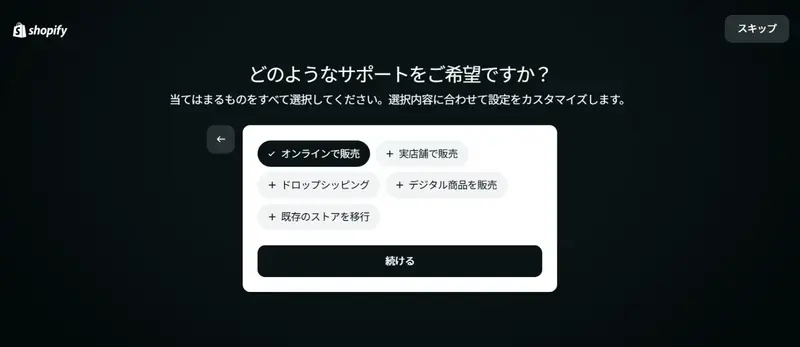
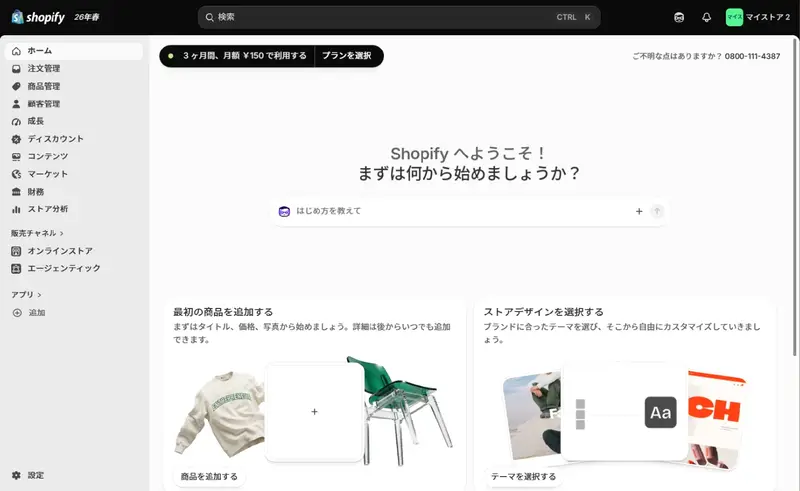
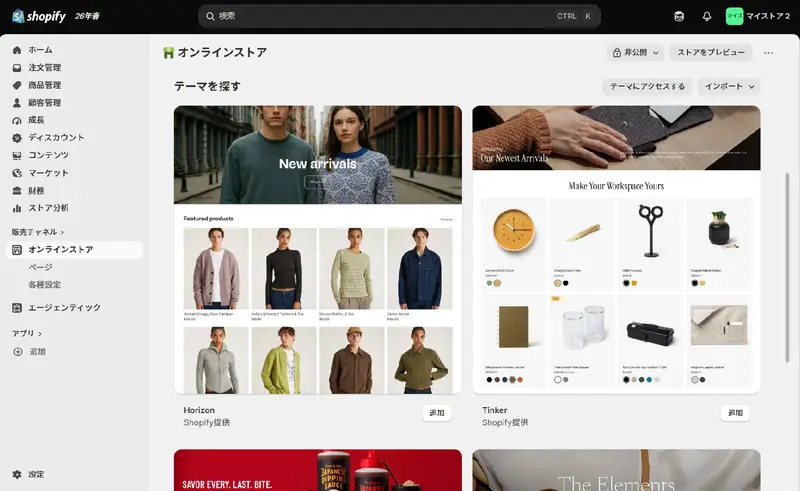
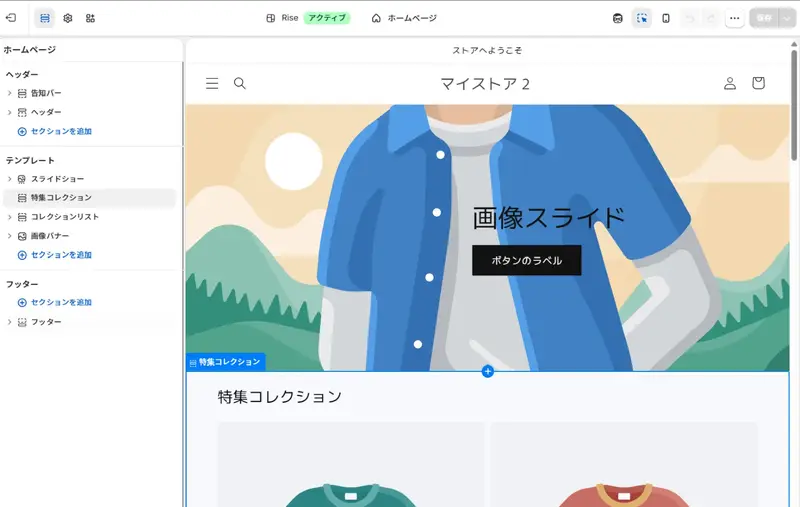
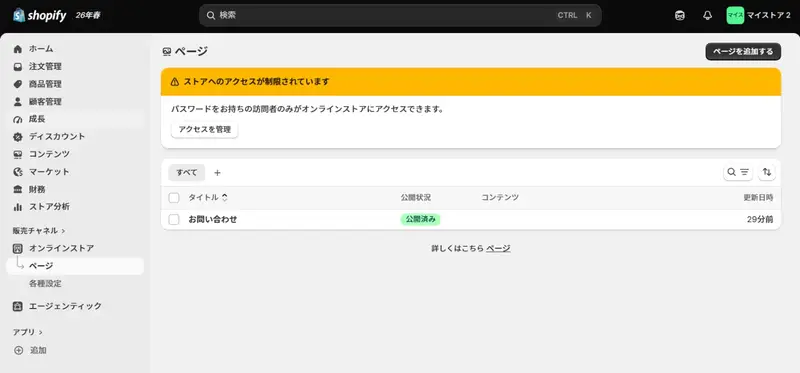
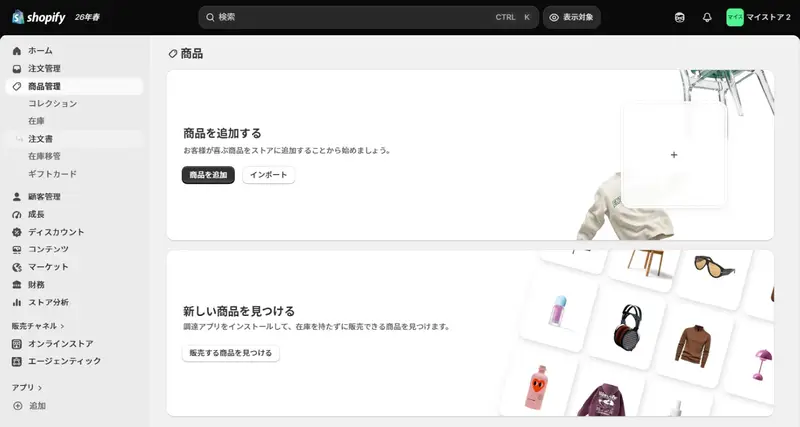
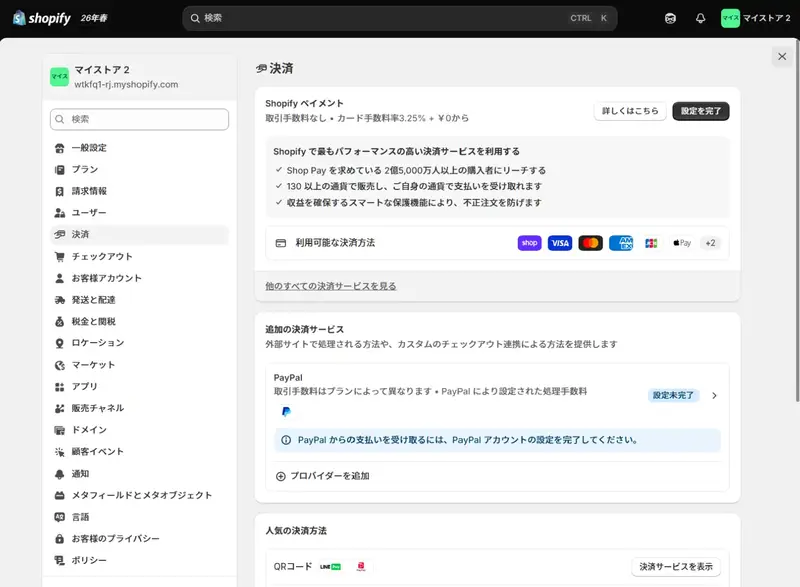
1. Determine the purpose of the website.
The features that should be incorporated into a website are determined by its purpose. For example, an e-commerce site that sells products needs to consider inventory management, sales promotion, and payment methods.
2. Choose a website creation tool
Tools that offer website design and business features (such as payment and inventory management) allow you to quickly create websites with simple drag-and-drop operations. Some of these tools are free, and others are AI-powered automated creation tools.
Shopify's website creation tool
Shopify's website creation tool can be used for any website, not just online shops. With a wide range of customization options and mobile-friendly design themes, you can easily create a website tailored to your preferences and purpose. It also integrates essential business features such as payment processing, customer and purchase management, and automated direct mailing.
3. Select a web hosting service.
To publish a website on the internet, web hosting services or rental servers are essential. Pricing plans are determined by factors such as data transfer volume, domain email accounts, and storage capacity. It's necessary to compare server costs and choose one that anticipates the future growth of your website. For example, for creating an e-commerce site, a provider with the following features is recommended: