Shopify Shipping Management: Shipping Labels, Pickup and Order Tracking
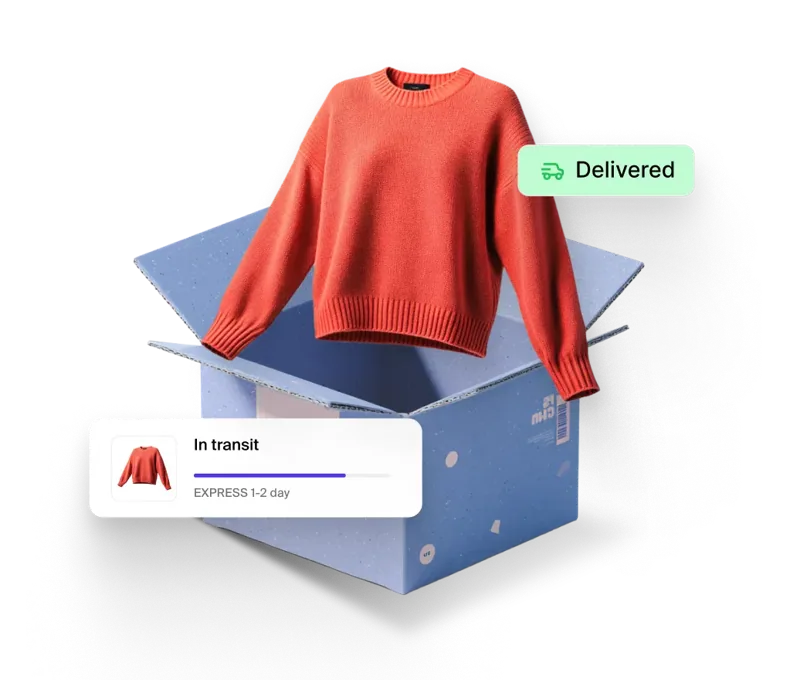
Delivery tools integrate orders, packages, and shipping labels into a single processing flow. Available labels and carriers vary depending on the origin of the shipment.
Delivery tools integrate orders, packages, and shipping labels into a single processing flow. Available labels and carriers vary depending on the origin of the shipment.
Selection and Applicable Scenarios
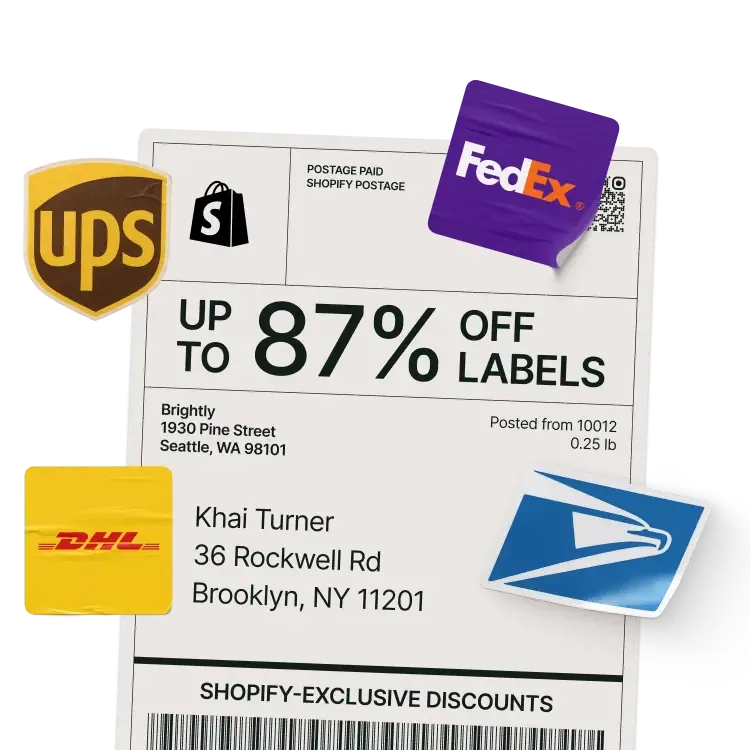
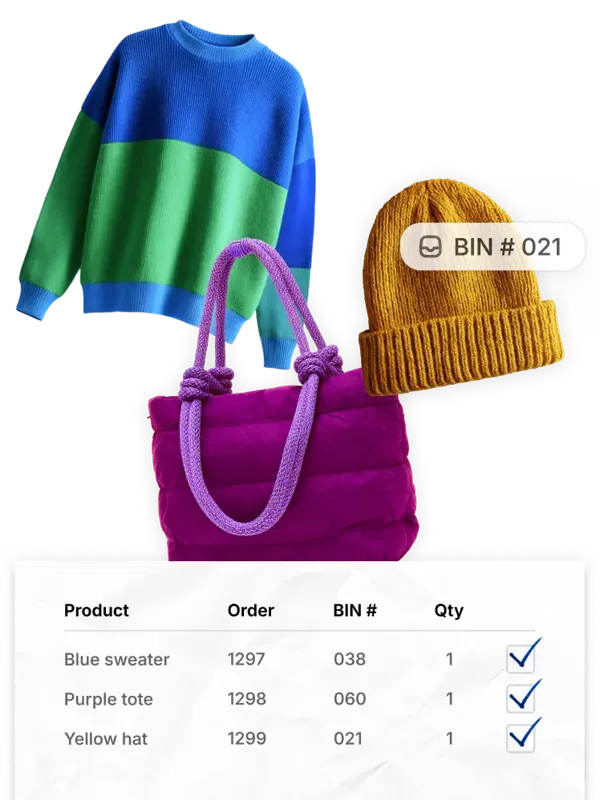
The source page displays functions for batch preparation of shipping labels, package specifications, and picking information. Before activating these functions, organize the dimensions, weight, and shipping address of commonly used packages, and then check whether the destination falls within the carrier's service area.
Verification steps before activation
Perform trial calculations for both typical small and light packages and larger packages. Check that the shipping cost charged to the customer at checkout matches the cost of the shipping label, and that the tracking number can be sent to notifications.
Sidekick accepts text commands within the Shopify management environment, making it suitable for piloting specific tasks such as theme selection, design adjustments, and operational analysis.
POS connects physical store counter sales with e-commerce stores, making it suitable for retailers who need to track both online and offline orders simultaneously.
Plus is designed for merchants with complex checkout processes, wholesale catalogs, or multi-store collaboration needs. The price listed on the Japanese site is the starting price; specific contract details will be confirmed separately.
Payments integrates payment collection and disbursement information into the store's backend. When preparing to open a store, you should first verify the availability of the merchant's registered location and the actual operating entity.
 跨境独立站开店