跨境独立站开店
Shopify Flow automation tools: inventory changes, rule conditions, and execution logs
Flow combines store events, judgment conditions, and processing actions into a workflow, which is suitable for organizing repetitive backend operations into inspectable rules.
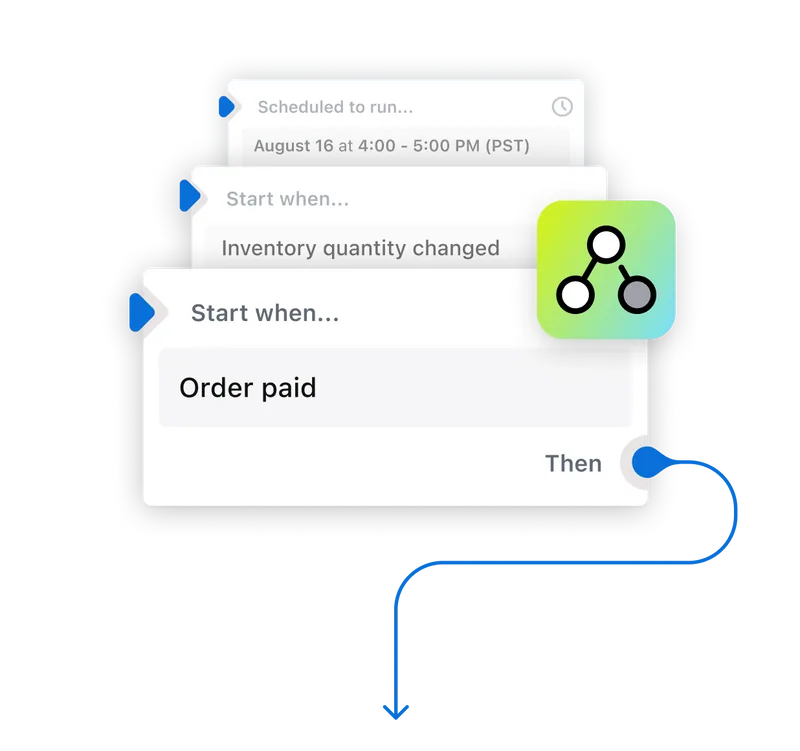
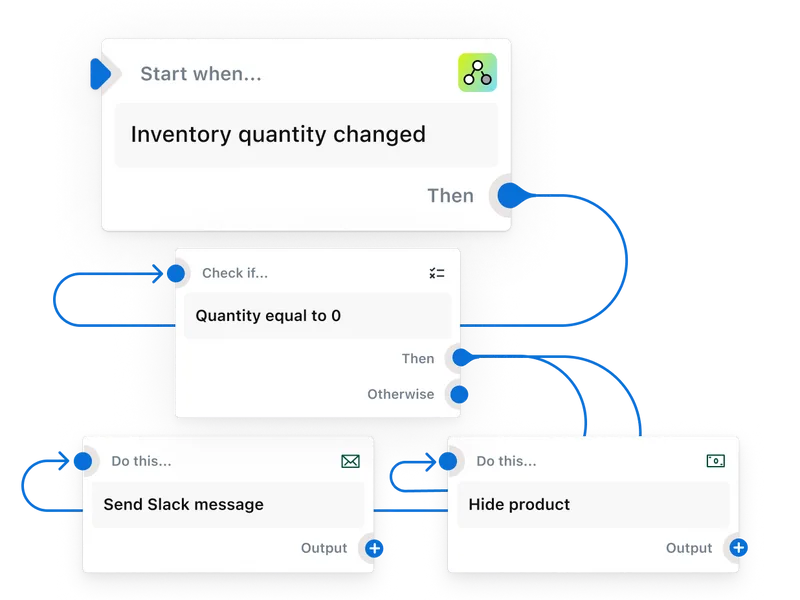
Flow combines store events, judgment conditions, and processing actions into a workflow, which is suitable for organizing repetitive backend operations into inspectable rules.
Selection and Applicable Scenarios
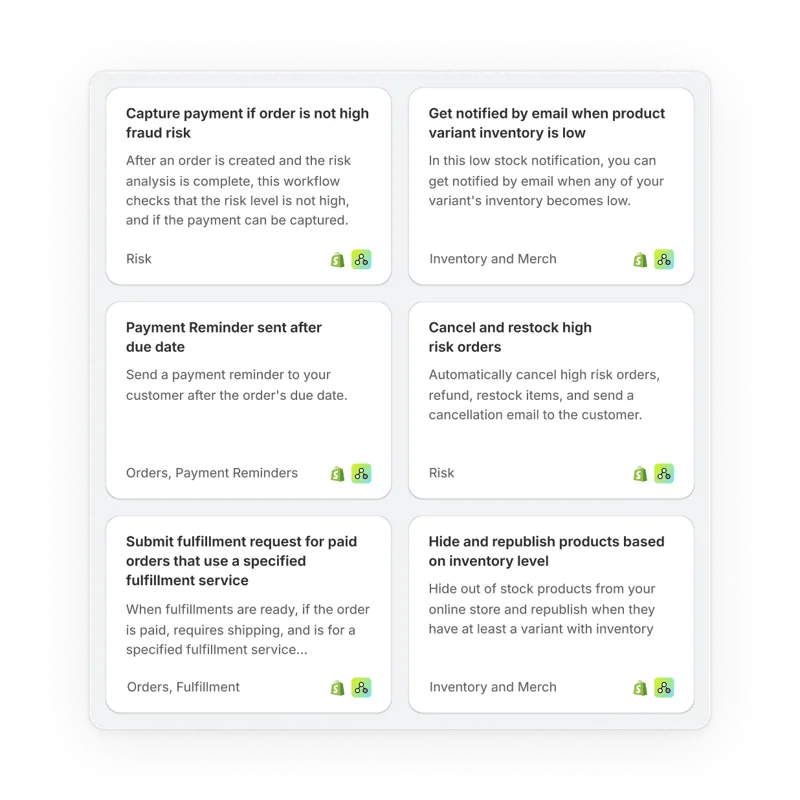
Taking low inventory notifications as an example, first select changes in inventory quantity as the trigger, then specify the threshold and notification recipients. If the product is frequently restocked, it's necessary to decide whether to allow repeated notifications for the same product. Pre-built workflows can serve as a starting point; fields should be verified before enabling them.
Verification steps before activation
Use a controllable item to cross the threshold and view the trigger records and final action. Try the change that did not meet the conditions again to confirm that no notification is sent when the inventory is normal.