 跨境独立站开店
Instagram post content: ideas and success stories
For those who are tired of thinking of content for their Instagram posts or have run out of ideas, we'll introduce some recommended posting ideas along with successful examples. Some are easy to implement, such as reposting, so you can start right away.














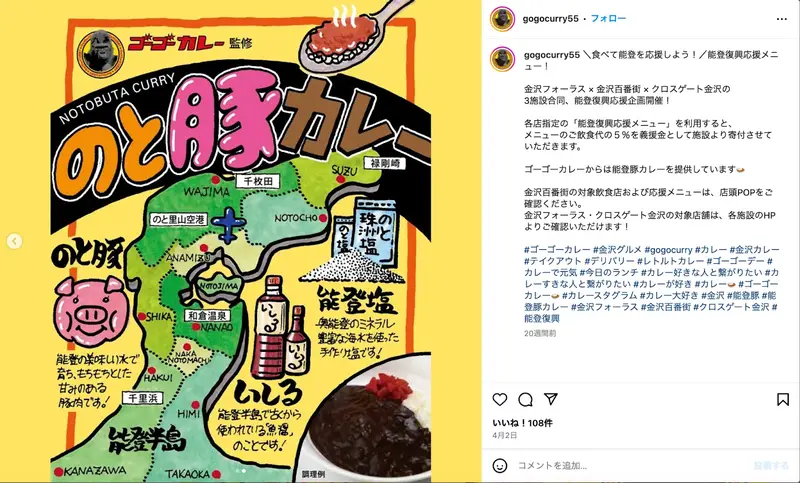




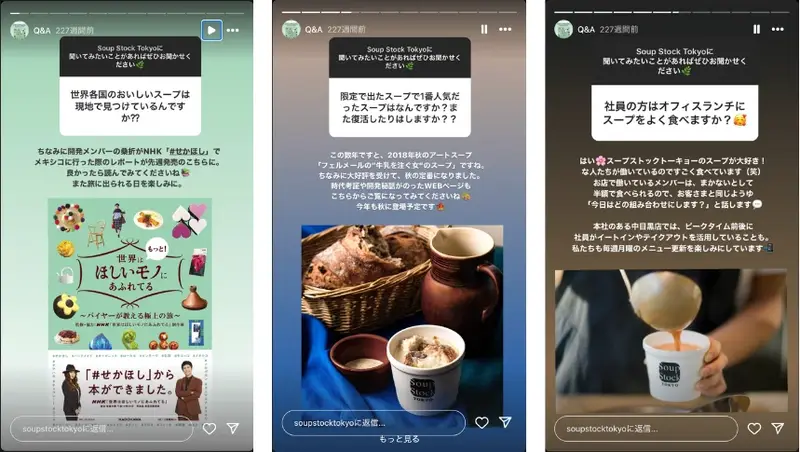


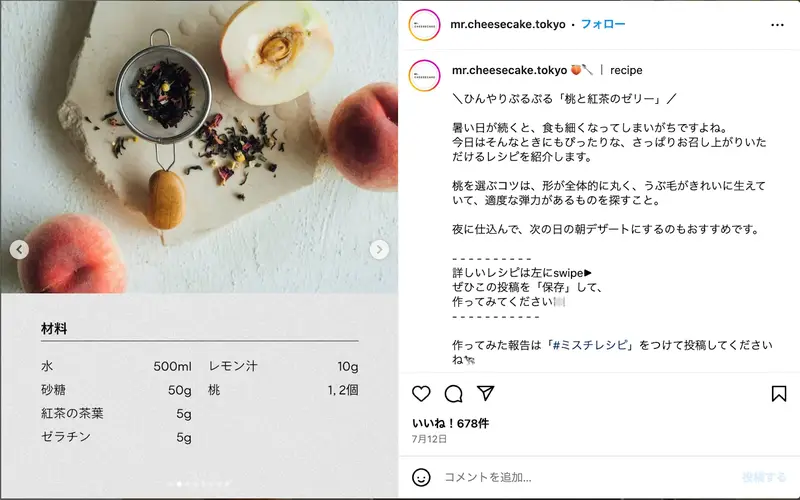


1. Convey the appeal of products and brands through images and videos.
Instagram is primarily an image-based social media platform. Users expect to discover attractive items and services through posted images and videos. It goes without saying that if you can effectively communicate the appeal of your products and brands to a large audience through your content, it can lead to increased sales.
2. Guide users to the e-commerce site from the product tag.
If a user finds a post that interests them, they can click on the product tag attached to the photo or other content to instantly learn details, pricing, and other product information. After reviewing the information, clicking the tag again will take them directly to a page where they can actually purchase the product, making it easy to buy without the hassle of opening an e-commerce site and searching.
3. Create a reel that people will want to watch.
Users tend to watch one video after another rather than carefully watching one video. Add sound and effects to create videos that will make them stop swiping. By utilizing Reels' video editing features, you can create TikTok-like videos on Instagram.
4. A look behind the scenes
Behind-the-scenes content about product development and promotional shoots is effective in building trust with followers. Posts that show real people behind the brand offer customers a fresh perspective.


