 跨境独立站开店
What are custom audiences in Meta ads? How do they work and how do you set them up?
This article provides a detailed explanation of Meta Custom Audiences. Understanding custom audiences on the Meta platform will help you improve your marketing strategy and advertising budget.


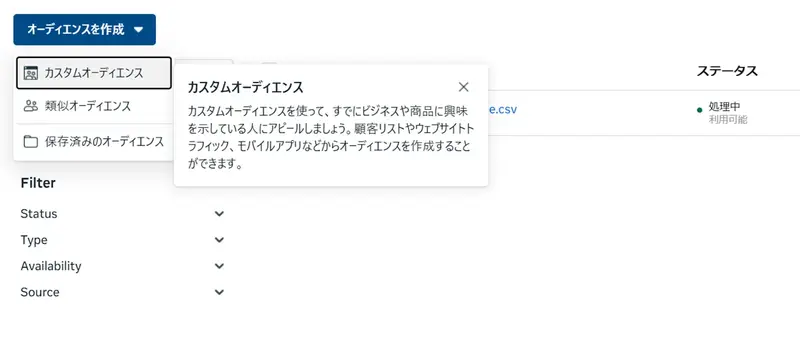
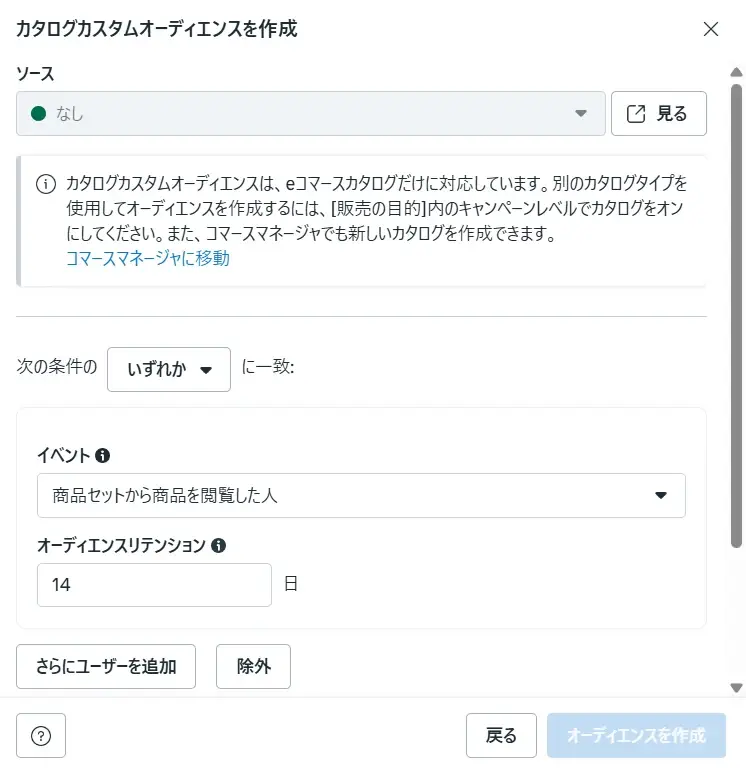
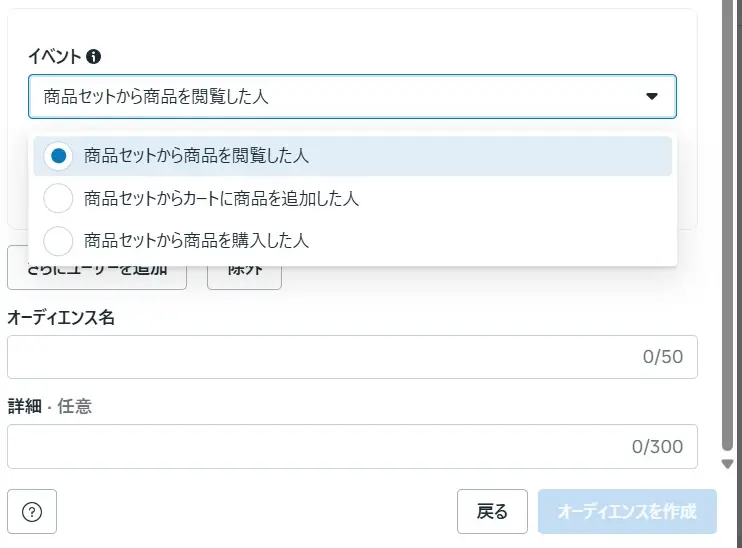
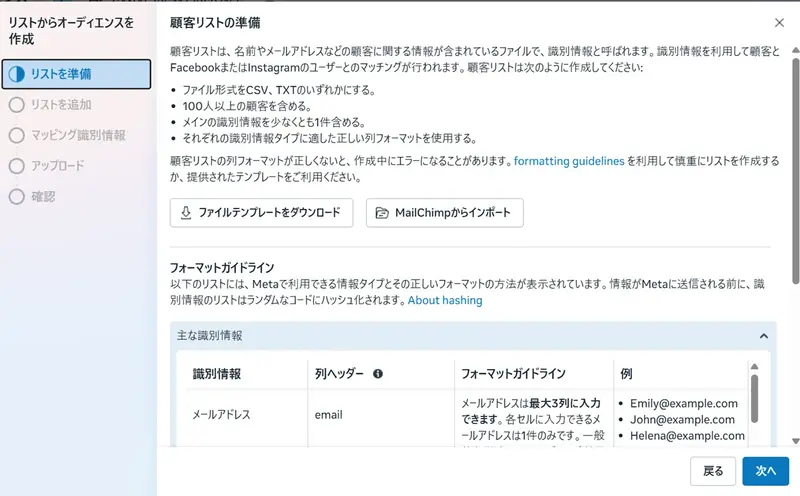
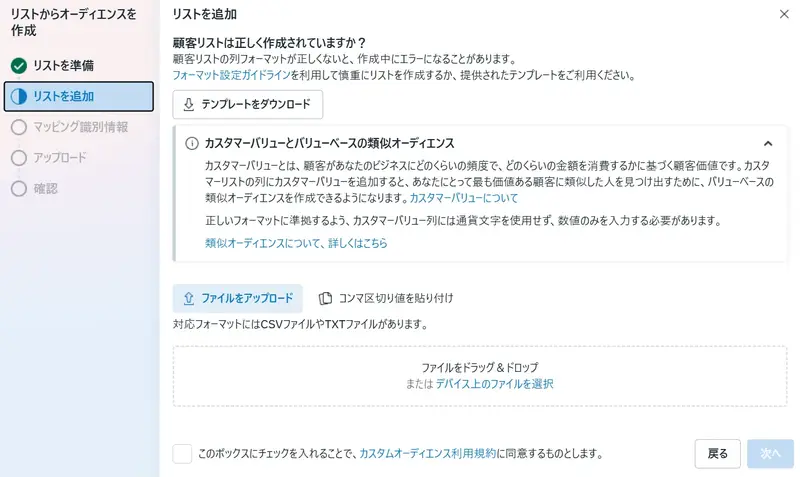
What are custom audiences in Meta ads?
Meta Ads' custom audiences are a targeting feature that allows you to narrow down users who have already interacted with your company based on specific criteria. By targeting highly interested audiences based on user behavior such as reactions on Instagram and Facebook or website visits, you can create more cost-effective advertising strategies.
The difference between a custom audience and a core audience.
While custom audiences target users based on their behavioral data, core audiences narrow down the target audience based on information registered on social media accounts, such as age, gender, and location.
The difference between custom audiences and similar audiences
While custom audiences target users with whom you already have a connection, lookalike audiences target user segments with whom you haven't yet had a connection. Meta automatically extracts potential customers with common characteristics from specified user data as a source and targets them for ad delivery; you can also set custom audiences as the source.
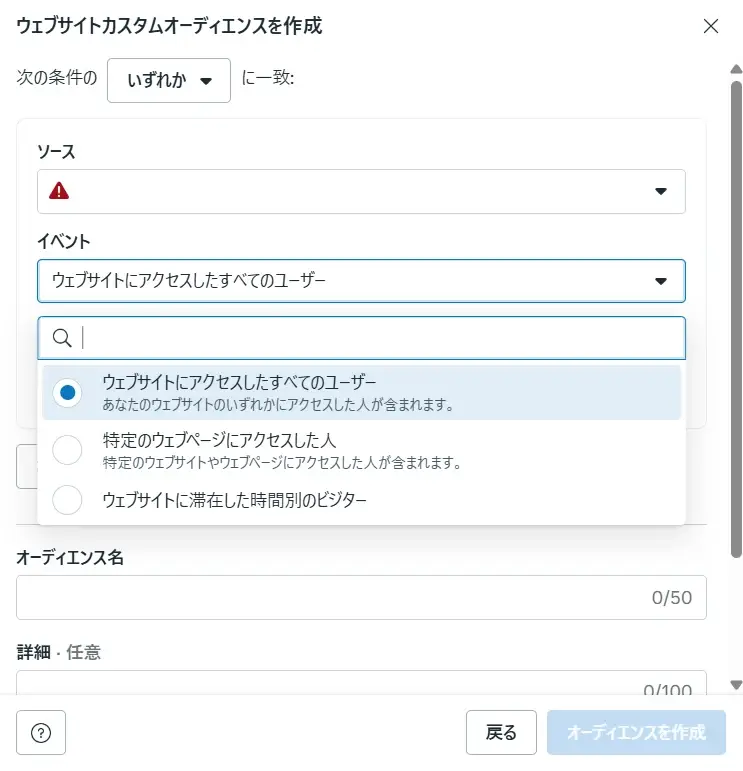
Website Custom Audiences
This method targets users based on their behavioral data when they visit your website. It allows for detailed targeting, such as targeting only users who have viewed specific product pages or blog posts.


