 跨境独立站开店
Social media marketing for small and medium-sized enterprises: methods and success stories
This guide summarizes the fundamentals of social media marketing for small and medium-sized businesses. Learn effective strategies and success stories to boost customer acquisition and brand awareness.




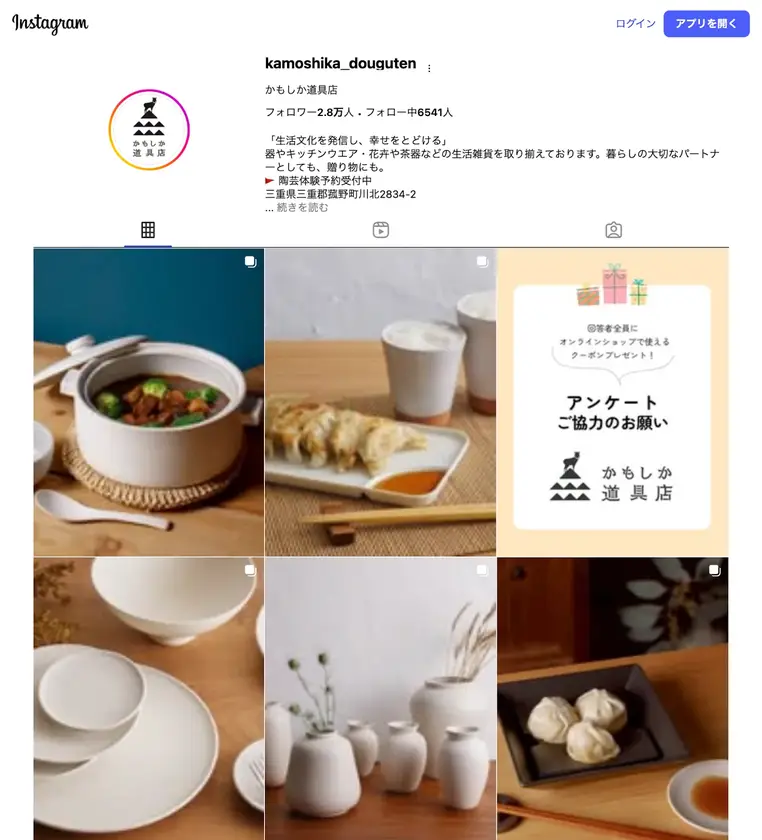
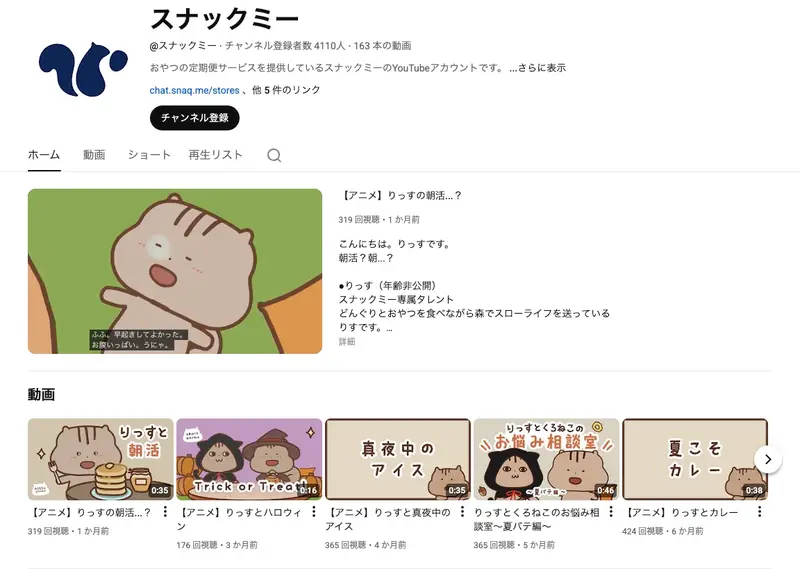
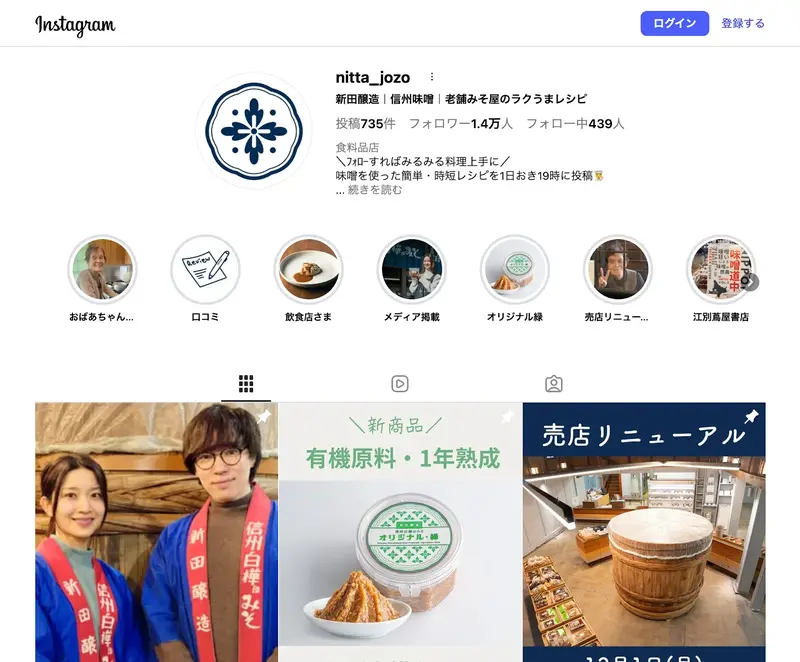
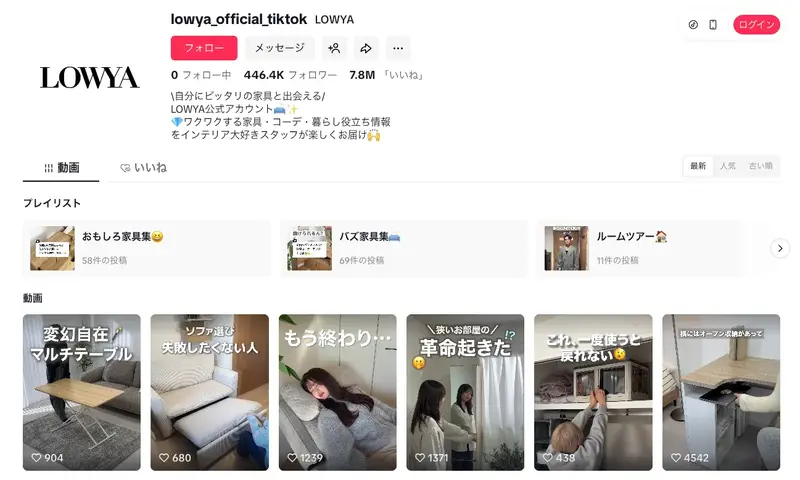
Can be used for branding
While large corporations often require certain rules and adjustments regarding their communication, small and medium-sized enterprises (SMEs) tend to be able to communicate the on-the-ground initiatives and the background behind the creation of their products in their own words, with the involvement of management and staff. SMEs, in particular, can leverage social media to convey their company's vision and values to their target audience and build trust in their company and brand through continuous dialogue.
Potential to attract customers and increase sales
Social media can also be used as a marketing channel to generate leads and sales. Posts can be shared, appear in search results, and be recommended, allowing you to reach potential customers who were previously unaware of your company or products.
Can be used in recruitment activities
As the population declines and recruitment becomes increasingly difficult for small and medium-sized enterprises (SMEs), social media management is an effective way to convey the company's appeal and the lives of its employees. In particular, SMEs can use social media to communicate their unique strengths, such as a friendly company culture, quick decision-making, and a high degree of employee autonomy.
Easy to start and highly cost-effective
Many social media platforms allow you to create an account for free, making it easy for small and medium-sized businesses with limited resources to start using them without incurring costs. Compared to advertising, it's easier to keep costs down, and it allows for continuous information dissemination even with a limited budget.


