跨境独立站开店
Shopify Theme Block Usage Guide: Combining Product Page Content and Adjusting its Order
The theme editor breaks down the page into sections and blocks. Choosing the correct hierarchy allows operations staff to easily adjust content and sorting later.
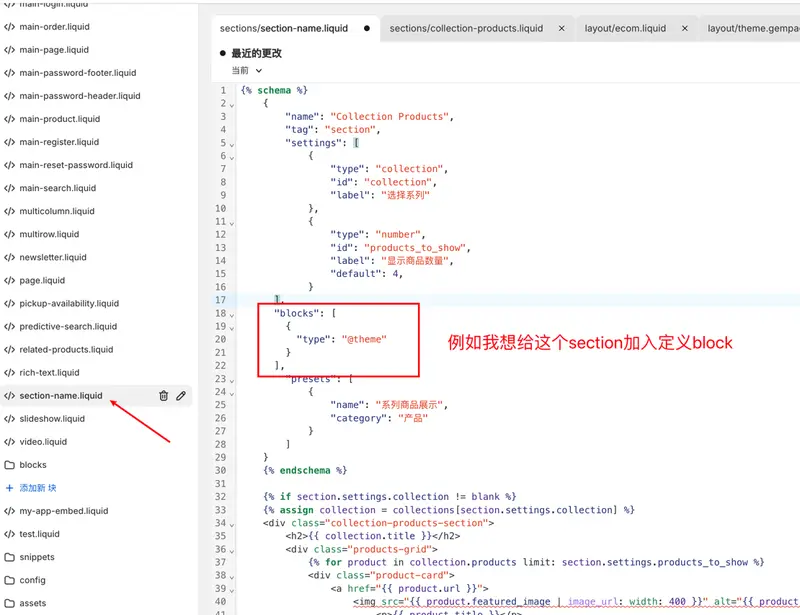
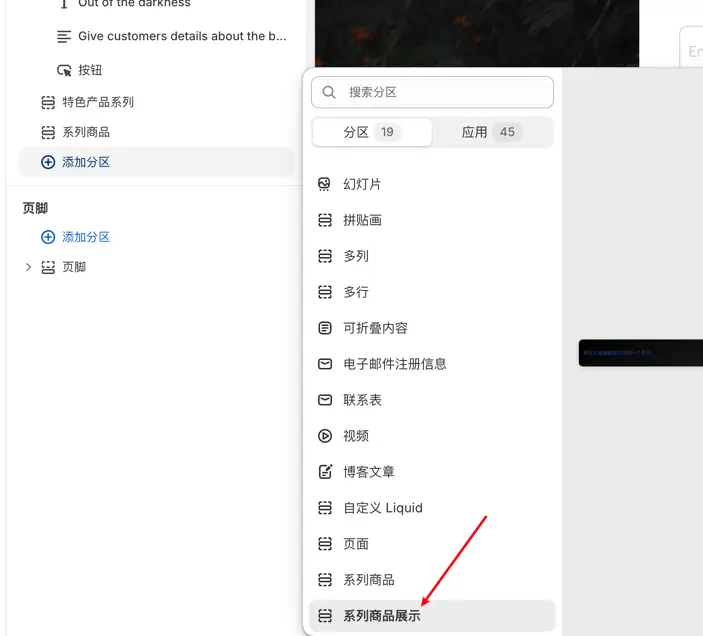
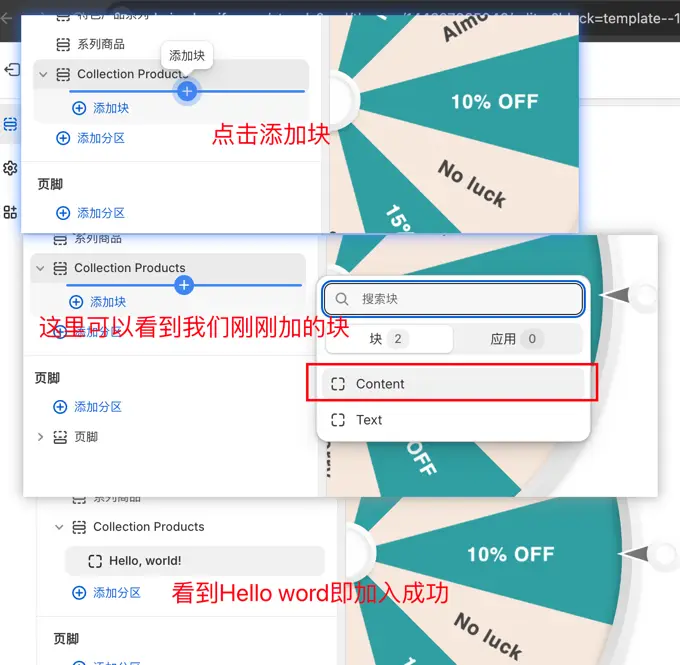
See clearly the scope of modification
First, open the target template in the theme copy and record the existing sections and the blocks that can be added. Then determine whether to replace a section of information for the current product or to display the same module for all products using this template.
Use product-related data
Specifications, materials, and maintenance methods, which often vary from product to product, should be derived from the data for each individual product. Fixed information can be placed in the template layer to avoid repetitive maintenance for each product.
Preview different content lengths
Select at least one product with complete information and one product lacking optional fields for trial layout. Check empty blocks, title wrapping, and spacing between the mobile button to ensure that closing or reordering blocks does not disrupt the main purchase path.