跨境独立站开店
Shopify 404 and URL Redirection: How to Check for Migrated and Delisted Products
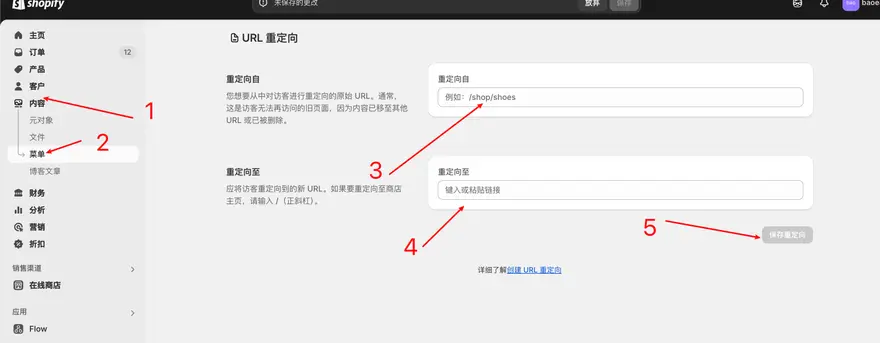
When migrating, renaming, or removing products, it's necessary to handle old addresses that are still used by visitors and search engines. Each redirect should have a clearly defined target page.
Create a URL mapping table
Collect old URLs from old site navigation, order emails, site search, and access logs. Mark each address as still in use, as having an existing alternative page, or as truly removed, retaining the reason for processing and the date.
Choose a target that is close to the original intention.
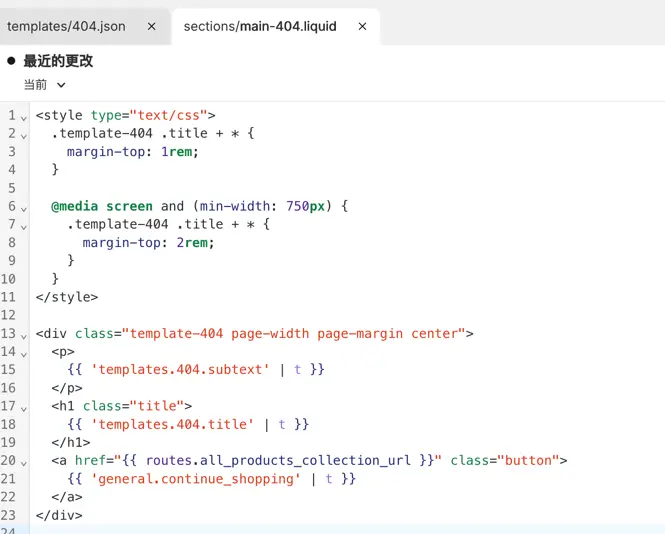
When the same product is accessed via a different path, visitors should be redirected to a new product details page; similar alternatives or specific product lines can be considered. If no suitable alternative page is available, a 404 page with navigation and search entry points is more helpful to visitors.
Verify and update internal links one by one
Check the status code, final address, and page language of the old URL to avoid loops or multiple redirects. Simultaneously modify the old paths in the site navigation, special topics, and email templates, and then observe the new access logs.