跨境独立站开店
Shopify Product Listing Tutorial: From Creating SKUs to Checking Product Detail Pages
After entering the first item, the process should be repeated from the product page to the checkout to identify any omissions in variations, images, prices, or shipping information.
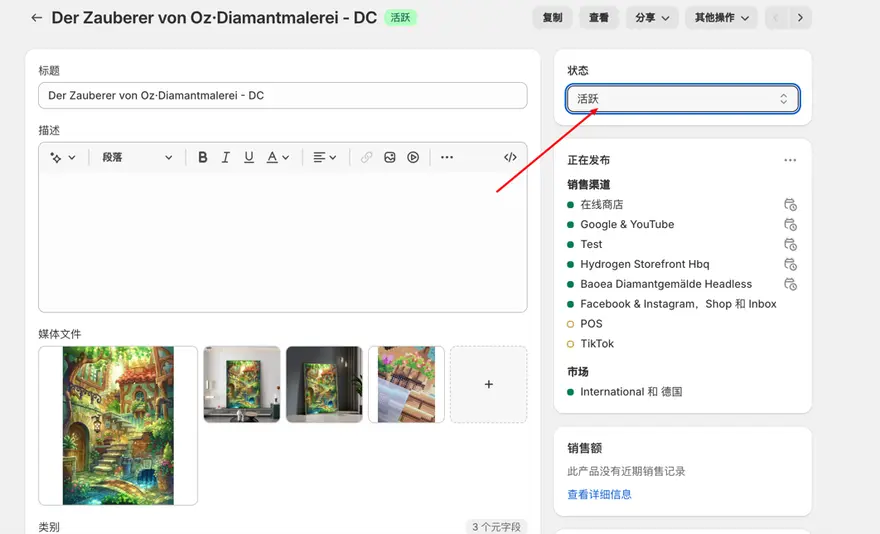
Organize product information
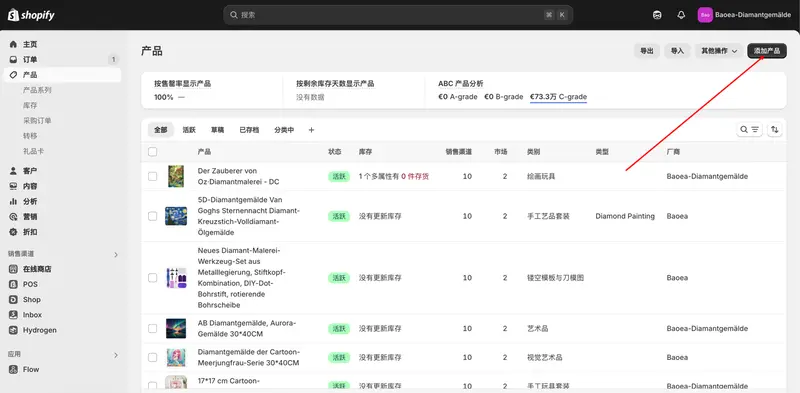
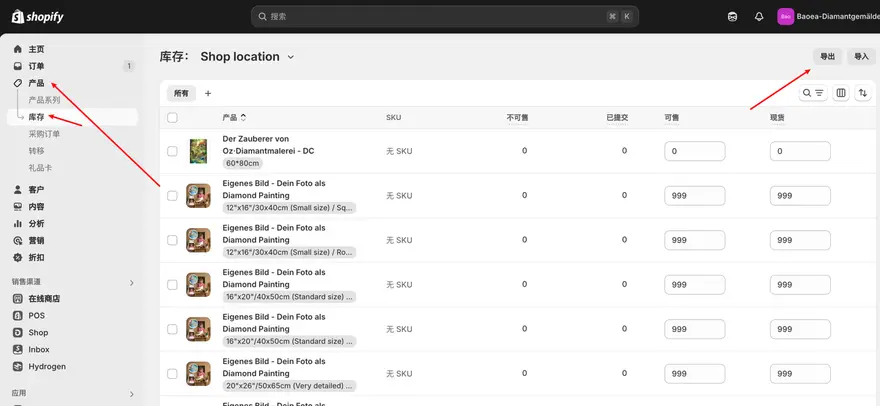
Divide the information customers use for decision-making into purchase information and fulfillment information. The former includes material, size, color, applicable scenarios, and actual product images; the latter includes SKU, inventory location, package weight, and whether delivery is required. Items with uncertain specifications are retained as internal items pending verification.
Set variations and display
Start with the most frequently purchased specification combinations, assign a separate SKU to each sellable combination, and verify its price, inventory, and corresponding images. Different colors of the same product are suitable to be placed on one product page; products with completely different usage methods should be described separately.
Complete a preview
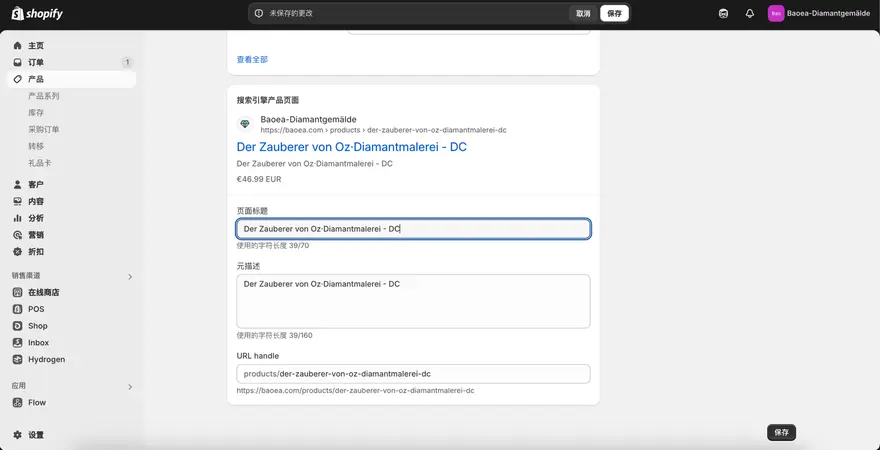
Open the preview on your phone and desktop, and select one in-stock and one out-of-stock variant respectively to see how the images, prices, and buttons change. Finally, access the product from the product catalog to confirm that it has been published to the intended sales channels.