 跨境独立站开店
Getting Started with Pinterest Marketing: How to Use It and Examples
This Pinterest beginner's guide covers everything you need to know about using Pinterest for marketing, from setting up your profile and creating effective pins to analyzing data.



What is Pinterest?
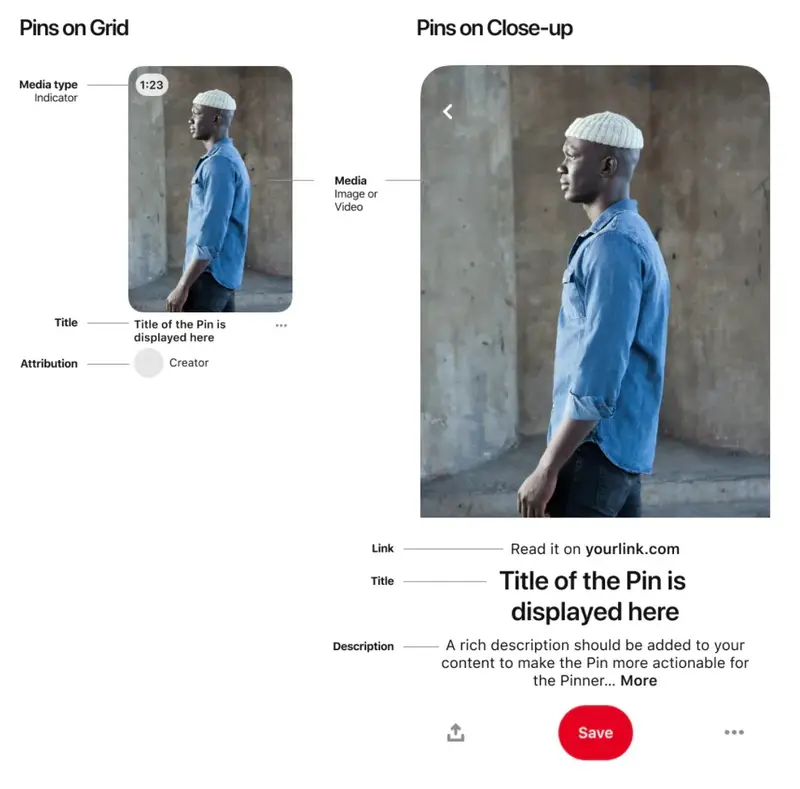
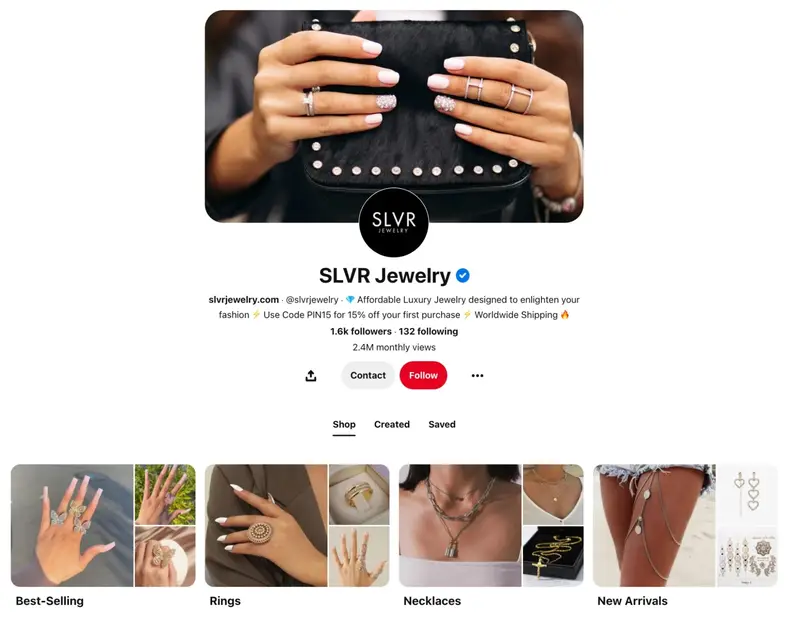
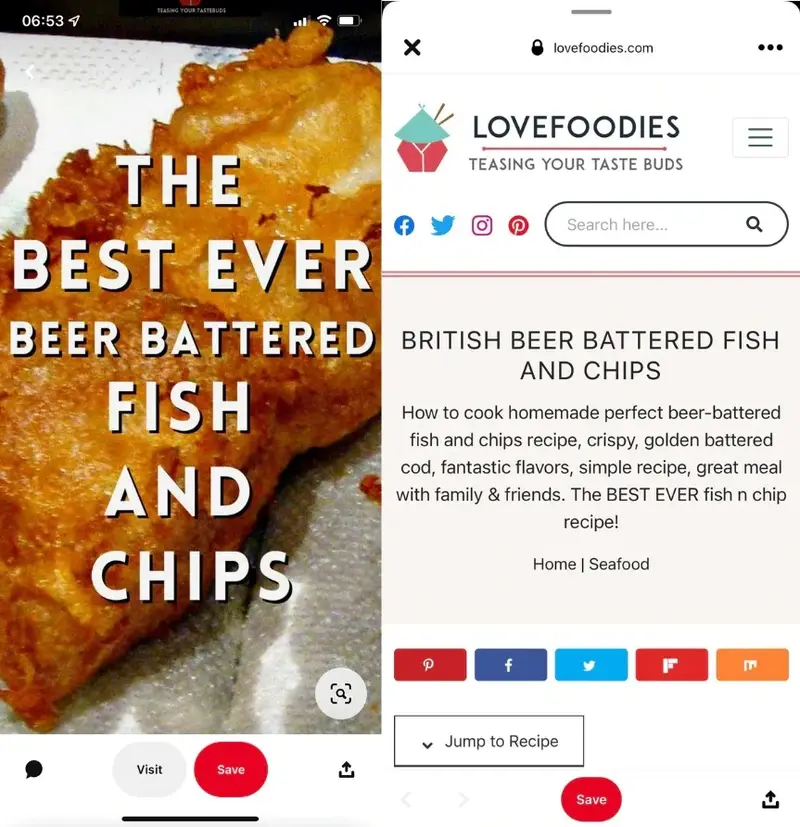
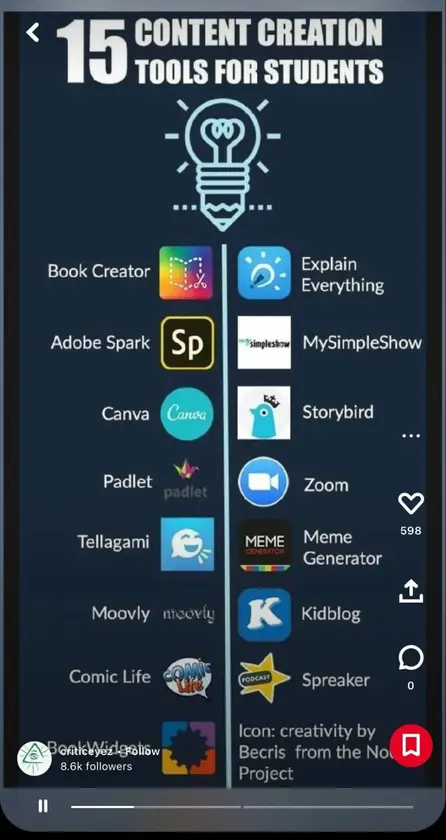
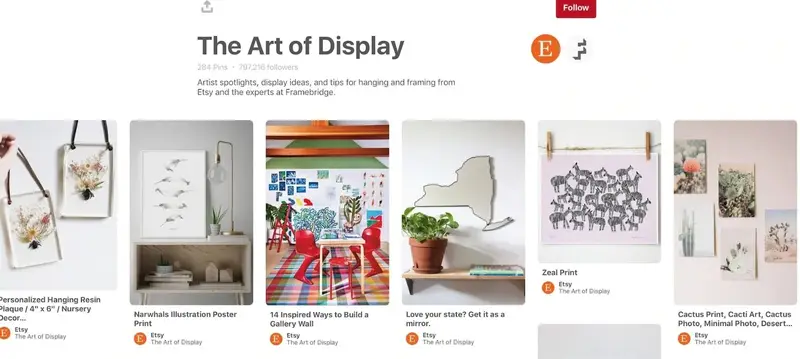
Pinterest is a visual social networking service where users, called "pinners," can save links, text, and images as "pins" for easy access. It also serves as a collective intelligence platform for its users, functioning as an image search engine for recipes and inspiration, and as a purchasing channel.
Enormous user scale
Pinterest is the 14th most popular social network in the world, with over 478 million active users. While not as large as some other social networks, it continues to grow. In 2021, it recorded a quarterly growth rate of 6.2% in ad reach, and this is expected to increase further as its ad targeting features expand.
A platform that supports all brands
97% of Pinterest searches are not for brand names. This means that Pinterest users are not looking for specific branded products. Pinterest users are looking for inspiration and new discoveries, not branded goods.
We provide an ideal platform for discovering products.
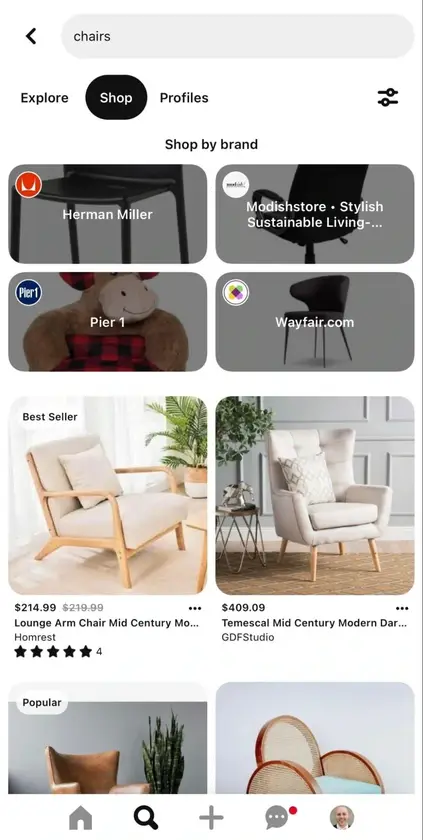
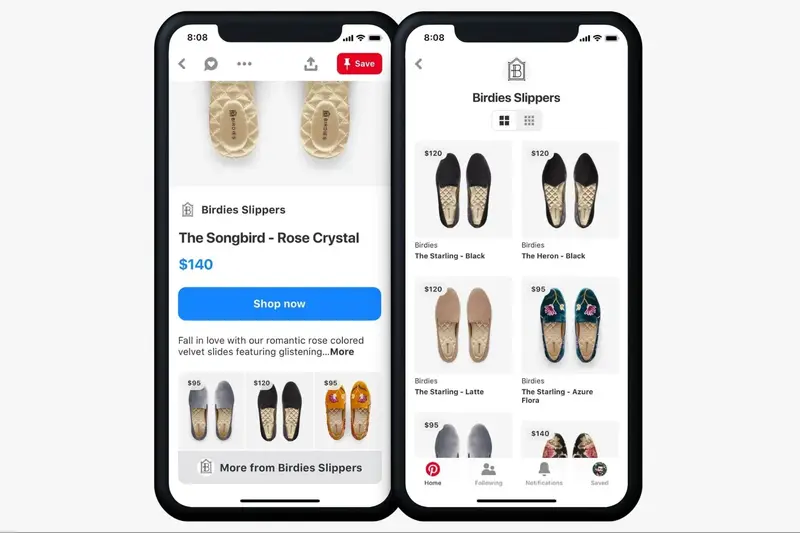
Pinterest has 240 billion pins created by its users. What kinds of things are pinned, and with what intention? Pinterest users primarily search for products. According to research, 80% of pinners who use Pinterest weekly say they discover new brands and products by browsing Pinterest.


