跨境独立站开店
Shopify Order Management App: How to Manage Orders on Your Smartphone
This guide explains how to manage orders, inventory, and check shipping options on your Shopify account using your smartphone. The Shopify mobile app makes it easy to scan barcodes and check inventory.
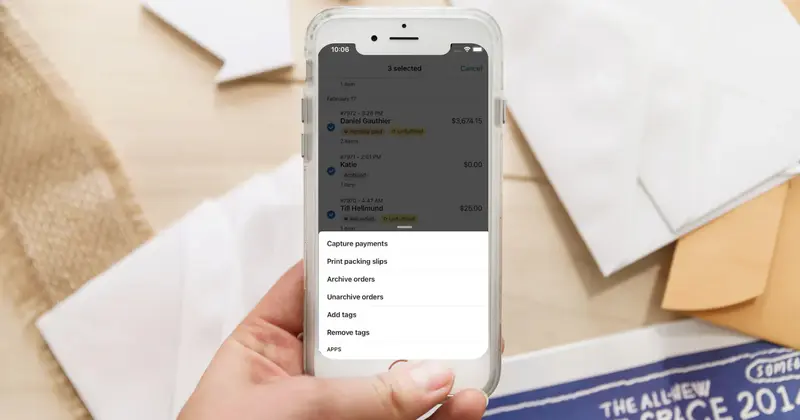
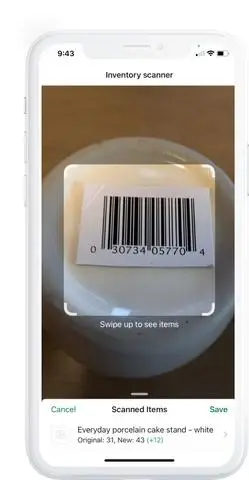
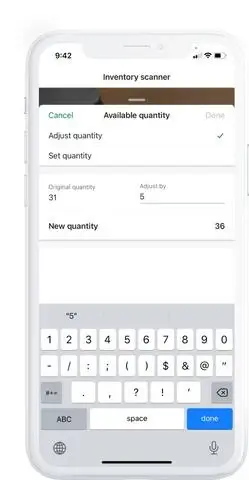
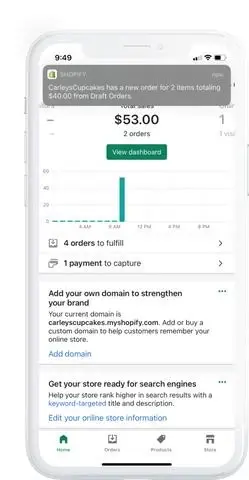
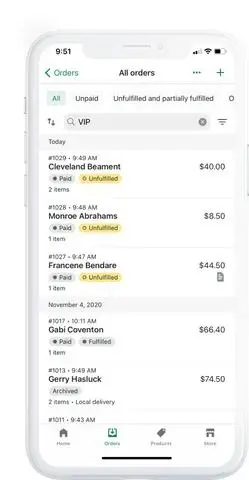
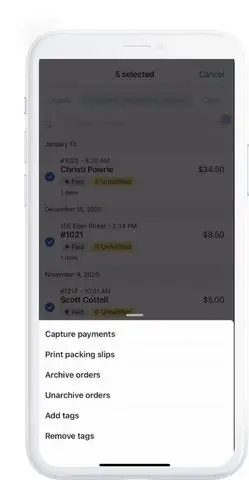
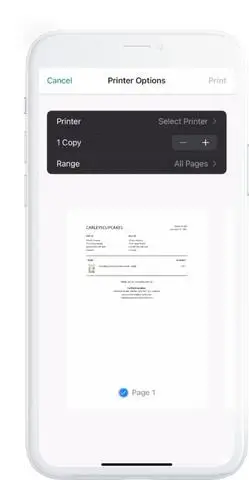
Mobile order management: its meaning and capabilities
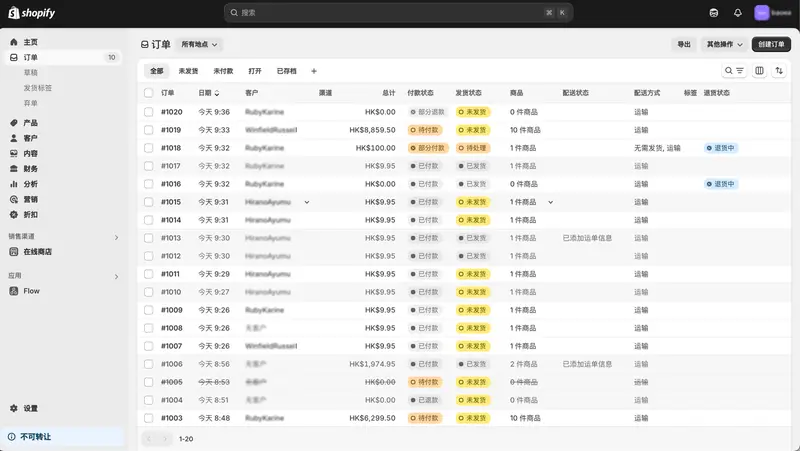
Mobile order management is a system that allows you to check, process, update inventory, and prepare shipments for orders using mobile devices such as smartphones and tablets. A major feature is that you can manage the entire process from when an order is placed until the product arrives at the customer's location, without having to be in front of a fixed computer.
Business efficiency will increase
Implementing mobile order management allows staff to access order, inventory, and fulfillment information instantly. Sales staff can check inventory on-site, and warehouse staff can update picking and packing progress in real time. This reduces the need to repeatedly return to a computer for checks, resulting in a smoother workflow.
Improved accuracy in orders and inventory
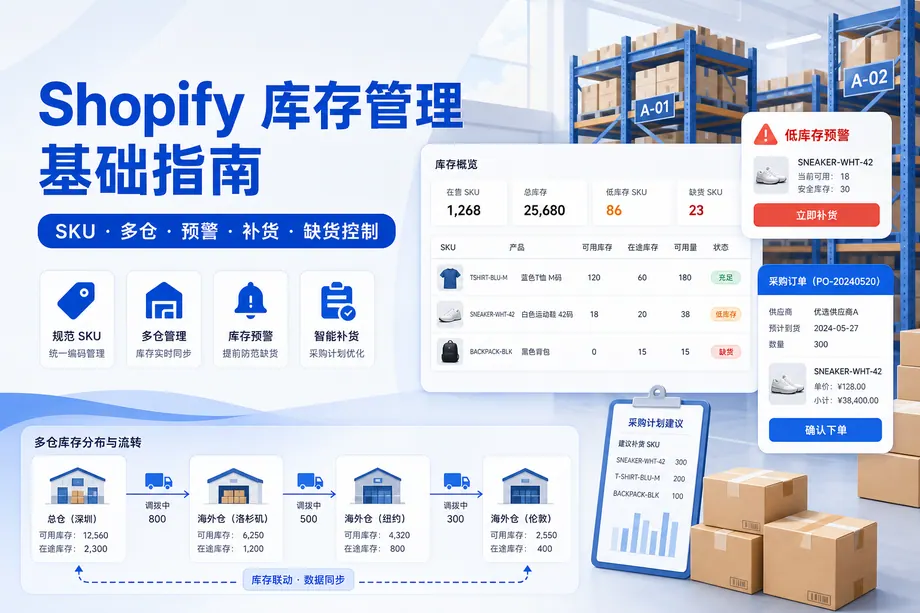
Updating inventory data in near real-time reduces errors caused by manual entry or paper notes. Overselling, overlooking stockouts, and picking errors are all critical issues that directly impact customer satisfaction.
Customer service will be faster.
Being able to check order information and inventory status on mobile devices allows for quicker responses to customer inquiries. It reduces the time spent searching for other staff members or devices to answer questions such as "I want to change my order," "I want to know the delivery status," or "I want to check if the item is in stock."