 跨境独立站开店
Marketing Trends: Digital Marketing
This article introduces the latest trends in digital marketing. Let's explore key techniques and case studies to develop effective web marketing strategies.

1. Automation of marketing using AI
The use of AI in marketing is enabling more advanced marketing automation (MA) than ever before. The use of generative AI such as ChatGPT and Gemini to reduce the cost and time of content creation has already become widespread.
2. 1-to-1 Marketing
1-to-1 marketing is an approach that doesn't group customers by attributes such as age and gender, but instead uses behavioral data such as purchase history and browsing history to optimize the customer experience, including the information displayed and the navigation within the site, on an individual basis.
3. Social media marketing that actively utilizes user-generated content (UGC).
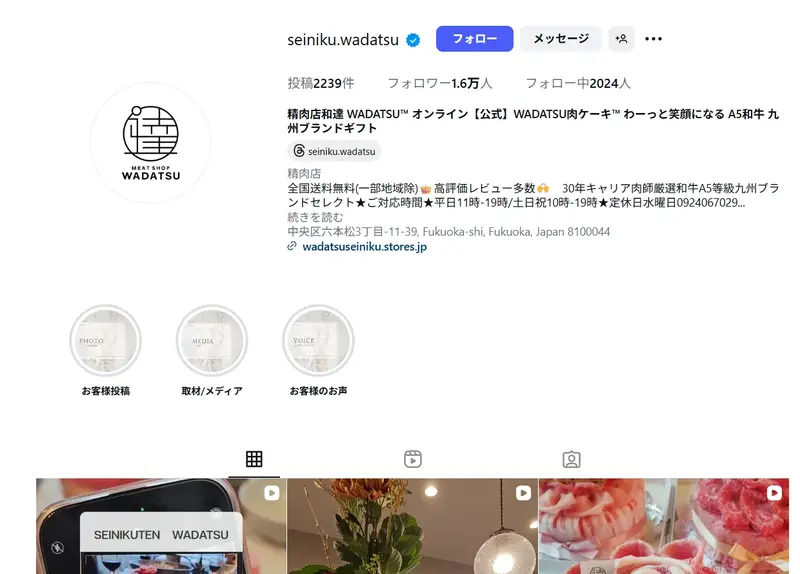
A recent trend in social media marketing is the active use of user-generated content (UGC). For example, "Wadachi Meat Shop" promotes popular products such as gift items featuring A5 Wagyu beef in a cake shape, and actively reposts customer posts to build a community.
4. Short video and vertical video marketing
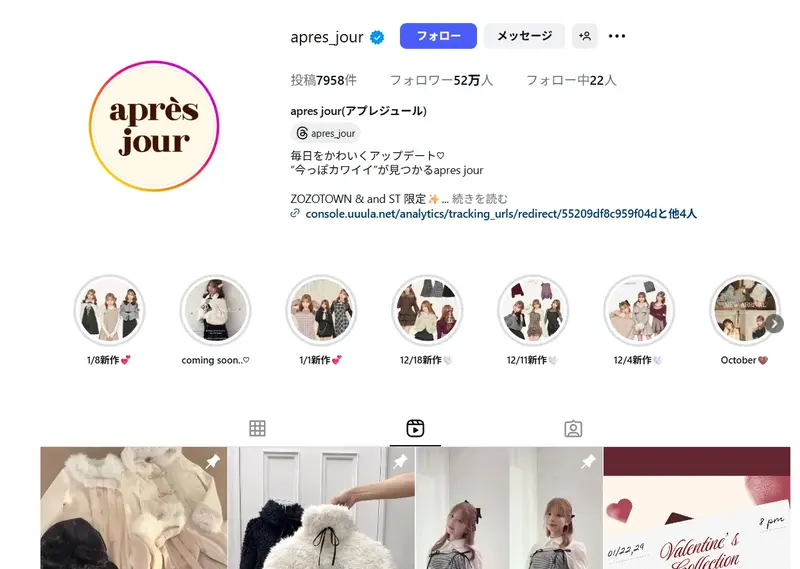
With the rise of TikTok, Instagram Reels, and YouTube Shorts, there's a growing trend to use short and vertical videos, designed for smartphone viewing, in marketing. The strength of video lies in its ability to instantly showcase the texture, size, and usage of a product—qualities that are difficult to convey through photos and text alone. By concisely summarizing images of the product being worn, unboxing, usage instructions, and before-and-after results, it becomes easier for interested people to proceed to the product page.


