 跨境独立站开店
Summary of information on Instagram's algorithm
Understand the latest Instagram algorithm and "signals" to improve your posting style, including posting time and frequency, and aim to expand your reach and increase your followers.


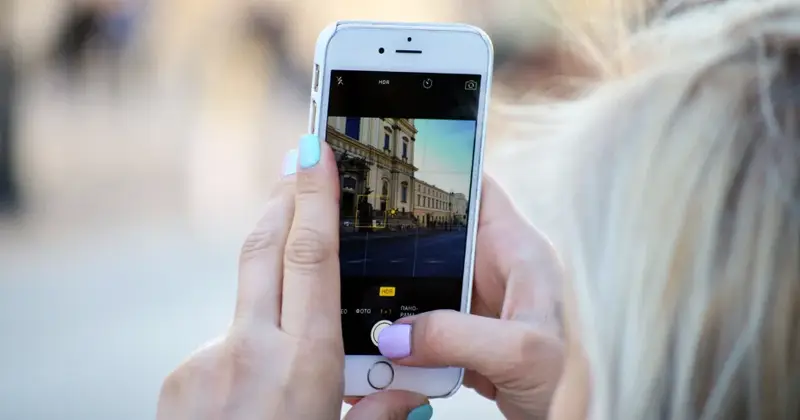



What is Instagram's algorithm?
Instagram's algorithm is the set of rules that determines the content and order in which it is displayed to users. It prioritizes posts based on users' interests and browsing history, and controls the display to personalize it for each user. Because a huge number of posts are uploaded to Instagram every day, understanding this algorithm and creating content accordingly is effective for increasing followers and expanding awareness of products and brands.
Instagram's algorithm "signals" and their importance
Signals are metrics used in Instagram's algorithm to determine the content displayed to users. There are thousands of signals, including when a post is shared, the device used (smartphone or computer), and the frequency of liking videos. Understanding signals can help you develop more optimal approaches and strategies.
Instagram's algorithm varies depending on the posting method.
Instagram offers three posting methods: Feed, Stories, and Reels, as well as a recommendation feature called the Discover tab. This section explains the algorithms behind each of these features.
Feed algorithm
The Instagram feed is the main screen that appears first when you open the app, and it displays three types of content: recent posts from accounts you follow, recommended posts, and advertisements. The algorithm that determines the order in which posts are displayed in the feed prioritizes user activity such as "likes" and shares, as well as the popularity of posts (the number of "likes" and how quickly comments were made).


