 跨境独立站开店
What is inbound marketing? Definition, methods, and success stories.
Inbound marketing is a method of generating purchasing intent in customers without hard selling. This article will introduce its definition and methods, along with successful case studies.






What is inbound marketing?
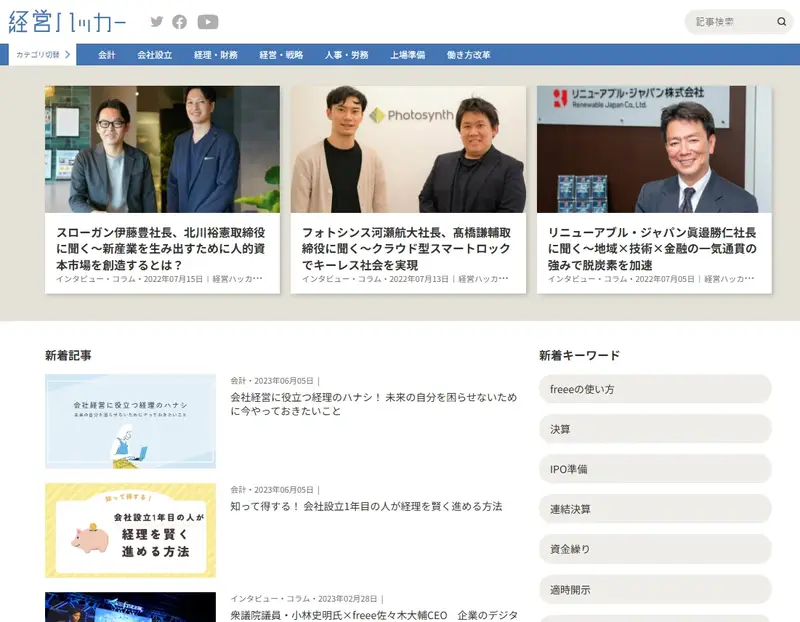
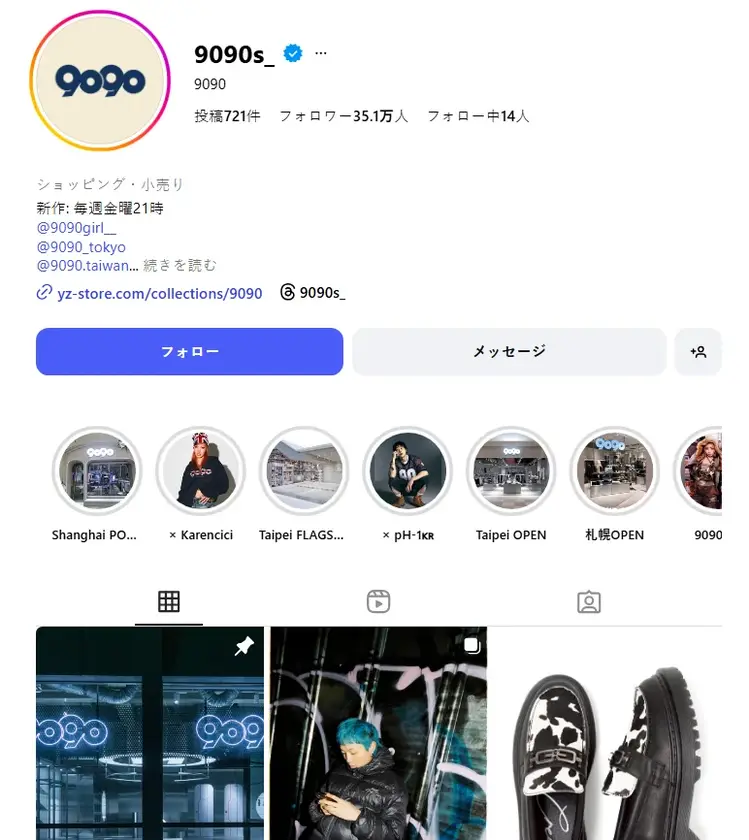
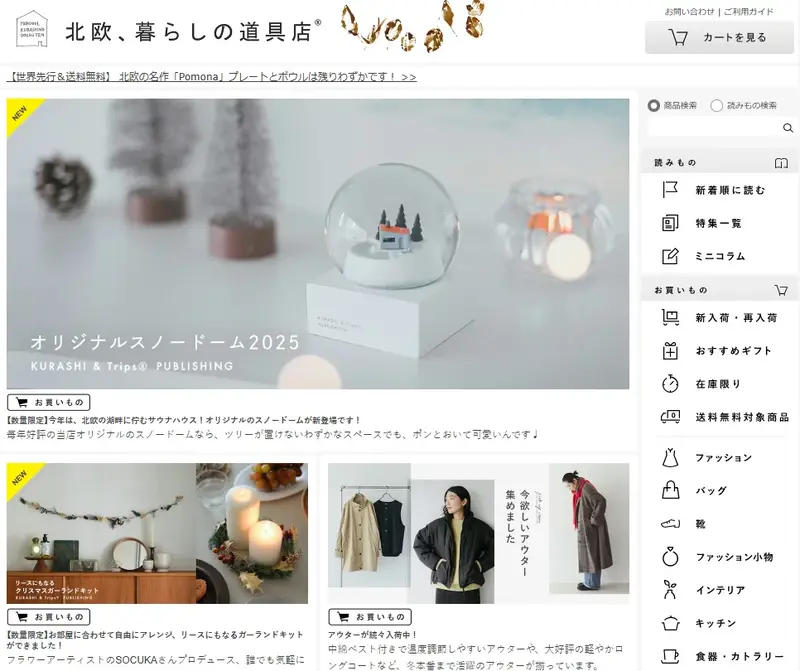
Inbound marketing is a marketing method that naturally attracts leads through information and content disseminated by companies. By utilizing blogs, social media, videos, and UGC (user-generated content) to provide useful information, it creates a pathway for users to access the company on their own. A key feature is that customers encounter information about products and services at the time they need it, resulting in less of a pushy feeling.
Be careful not to confuse this with inbound tourism measures for visitors to Japan.
In Japan, the term "inbound" is widely used to refer to foreign tourists visiting Japan, but inbound marketing and marketing targeting foreign tourists are completely different things. Inbound marketing refers to digital marketing strategies that naturally attract potential customers through content and information disseminated by companies.
The difference between inbound and outbound marketing
Inbound marketing and outbound marketing differ in their objectives, methods, customer touchpoints, and conversion strategies.
1. Content Marketing
Content marketing is a method of providing information that answers the challenges and questions of potential customers, thereby driving traffic to your company's website or other online platforms. While the content can take various forms, such as blog posts, ebooks, and white papers, the fundamental requirement is that it provides valuable information.


