 跨境独立站开店
YouTube Monetization Requirements and Methods (Part 1)
YouTubers have been a source of aspiration for children for the past few years, consistently ranking first or second in surveys of "jobs elementary school students want to be." Even in 2025, their popularity shows no signs of waning, with many celebrities and ordinary people opening new YouTube channels every day. Of course, the reasons for starting a YouTube channel vary from person to person, and not all of them are solely for profit.







Requirements for monetizing YouTube
To monetize your YouTube channel, you need to apply for the YouTube Partner Program (YPP). To apply for the YouTube Partner Program, you must meet one of the following conditions:
Number of views needed to earn income on YouTube
To earn ¥10,000 in advertising revenue per month on YouTube, you would need between ¥20,000 and ¥100,000 in views per month. While the number of video views doesn't directly correlate to revenue, a higher number of views suggests a greater number of people will watch the video without skipping the ads.
1. Earn advertising revenue through the YouTube Partner Program
The first thing to consider when monetizing your YouTube channel is "ads." After registering for the YouTube Partner Program, enable the ad monetization feature.
2. Utilize the viewer funding feature.
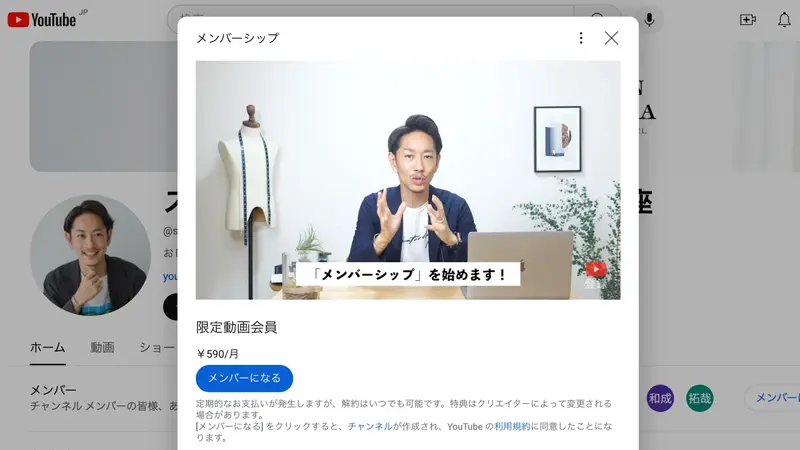
YouTube's viewer funding feature allows you to receive support through live streams and membership programs. This makes it easier to improve the quality of your content and strengthen your relationship with your fans.


