 跨境独立站开店
How to Increase Your Instagram Followers: Strategies You Can Implement Right Now
This article summarizes how to increase your Instagram followers. It includes tips and tricks for growing your follower count on your own, as well as apps that can help you gain followers.




1. Use a Pro account
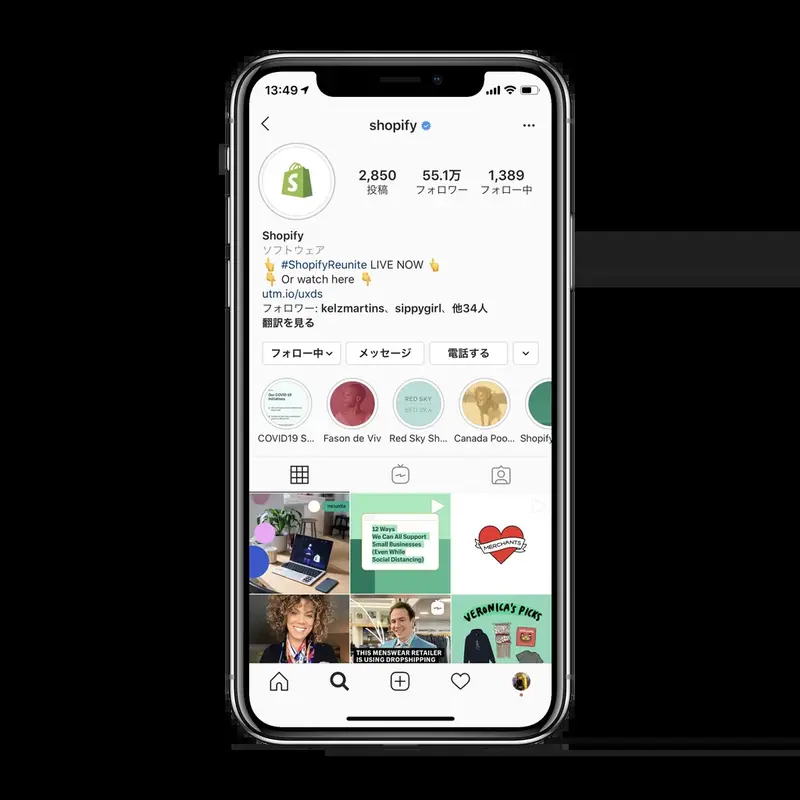
Using an Instagram professional account allows you to access features that help increase your followers, such as access data analysis and advertising. There are two types of professional accounts: business accounts and creator accounts, and you can switch from a personal account to a professional account for free.
2. Complete your profile
To increase your Instagram followers, it's essential to write a profile that resonates with your target audience. Many users visit your profile after becoming interested in your posts and then decide whether or not to follow you. Therefore, it's important to include a brief sentence at the beginning that describes your account's characteristics and the content you post, making it easy to understand who you are.
3. Use appropriate hashtags
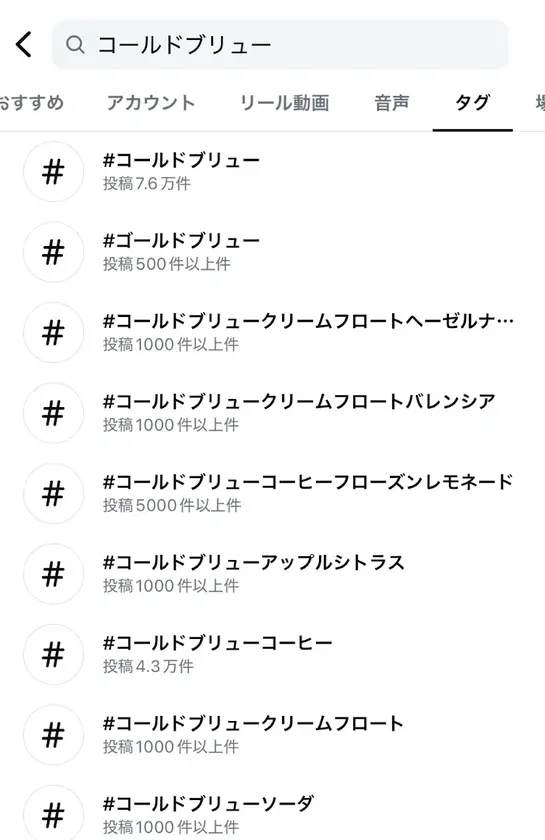
When trying to increase your Instagram followers, using hashtags is an effective way to reach a wider audience. However, simply using popular tags without a strategy can cause your posts to get buried in a massive amount of content, reducing the chances of them being seen. For example, tags with millions of posts are highly competitive and may not be suitable for newly established accounts.
4. Utilize filters and effects.
Using filters and effects is another way to increase your Instagram followers. Some Instagram users prefer certain filters, effects, and stickers, and actively interact with them. By using filters and other effects, you're more likely to receive "likes" and follows from this demographic, and your posts will be seen by a wider audience.


