跨境独立站开店
How to create a Google Shopping product feed
This guide explains how to create and display product feeds on Google. Learn how to use Google Merchant Center and how to integrate it with your Shopify store.
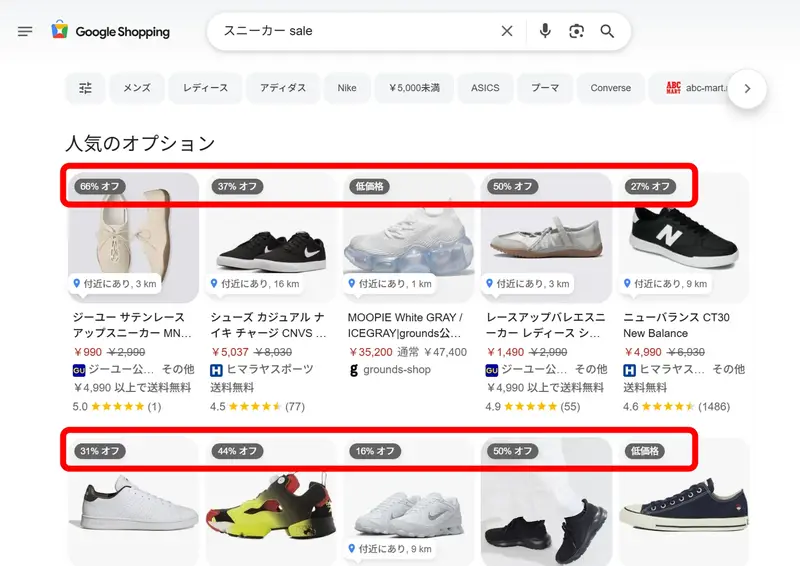
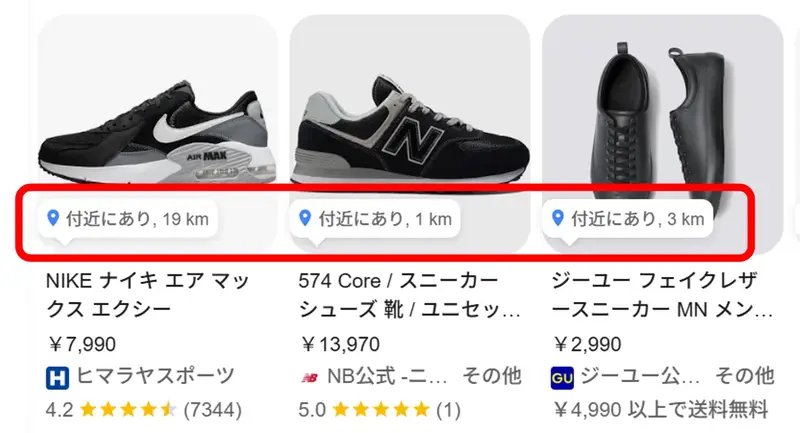
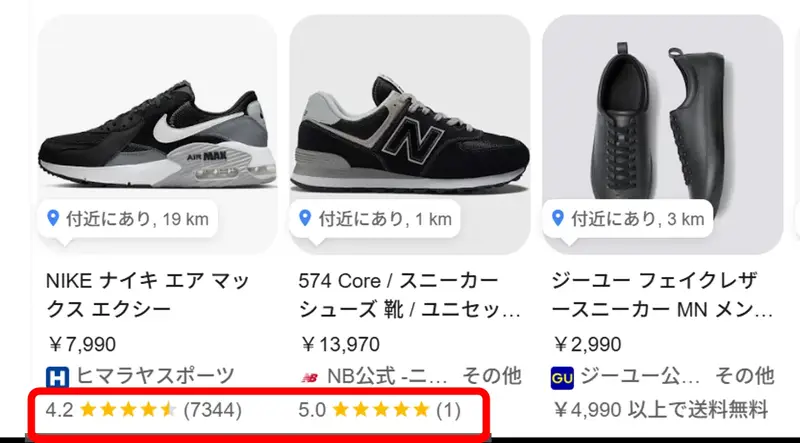
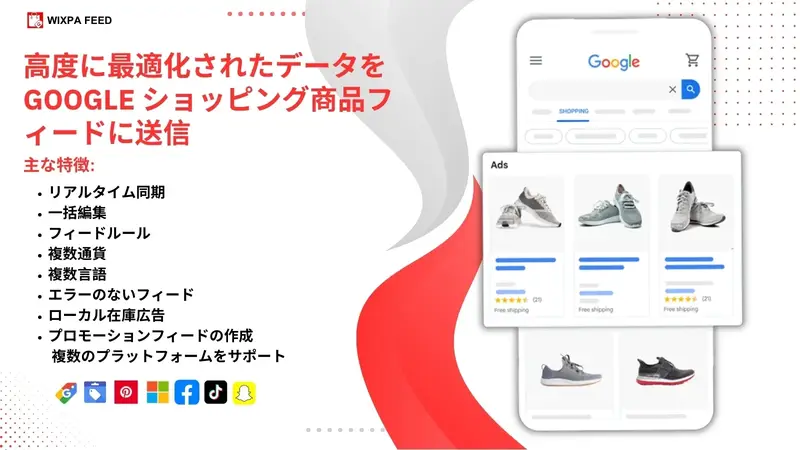
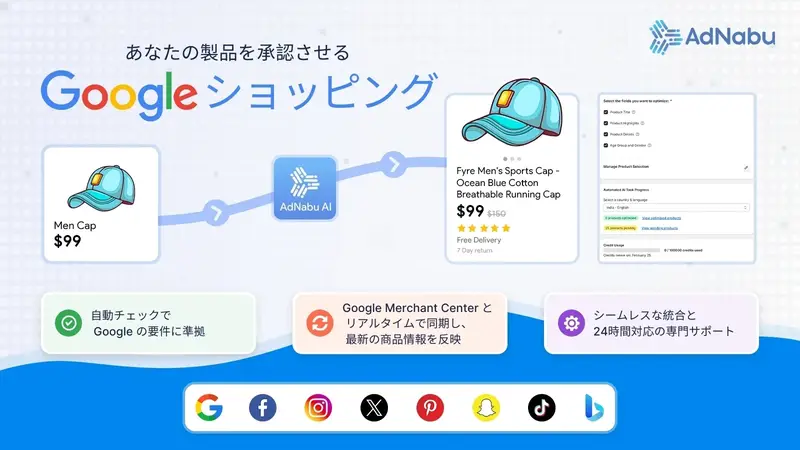
What is a Google Shopping Feed?
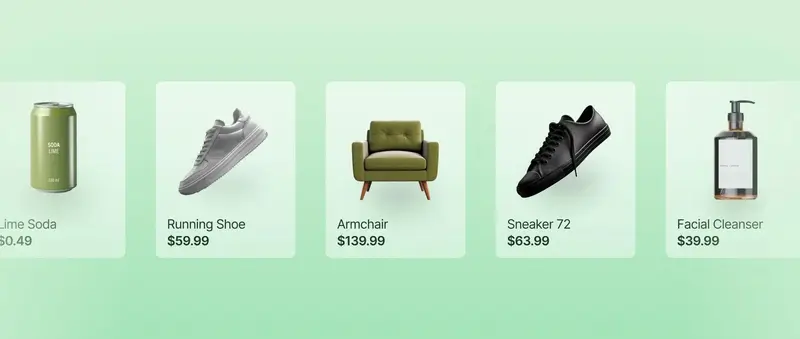
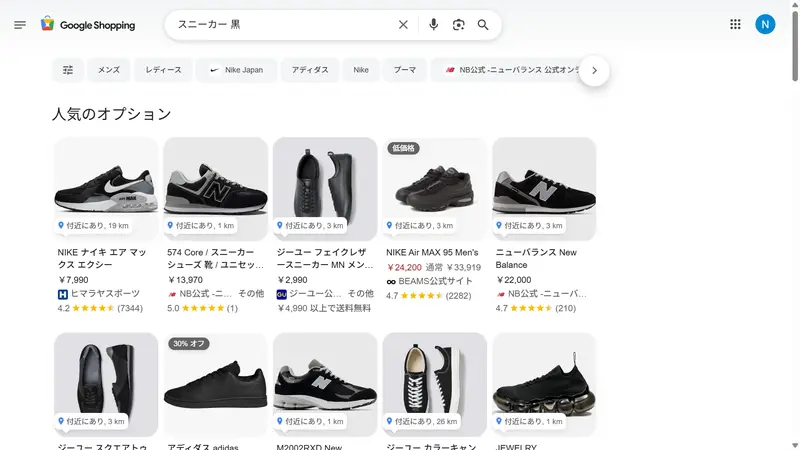
A Google Shopping feed is a collection of product information registered in Google Merchant Center. Google Merchant Center is a service for registering and managing product information that will be displayed in Google Search, Google Shopping, and other services. It includes data such as product name, description, price, availability, and images.
How to create a Google Shopping feed
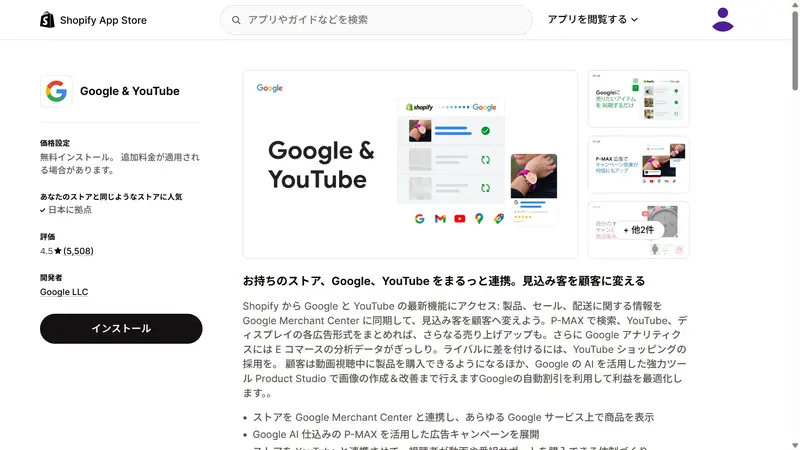
First, we'll explain the general steps for creating a Google Shopping feed, and then we'll show you how to register using an app for Shopify users.
1. Create and set up a Google Merchant Center account.
First, create a Google Merchant Center account. Follow the on-screen instructions to register basic information such as your business details and online store. You will also need to set up necessary information such as shipping costs and return policies, depending on the country or region where you will be selling your products, in order to list them on Google.
3. Register product data in Merchant Center.
This method allows Google to crawl your online store and add product information to Merchant Center based on structured data set on product pages. It reduces the effort of manually entering product information or uploading feed files. Changes to your online store's product information are automatically reflected in Google's product data.