 跨境独立站开店
Customer Service Outsourcing Companies: Selections and How to Choose One
This article introduces customer service outsourcing companies and how to choose the right one. By understanding the key points to consider before implementation, such as costs, support channels, and service details, you can build a support system suitable for e-commerce.

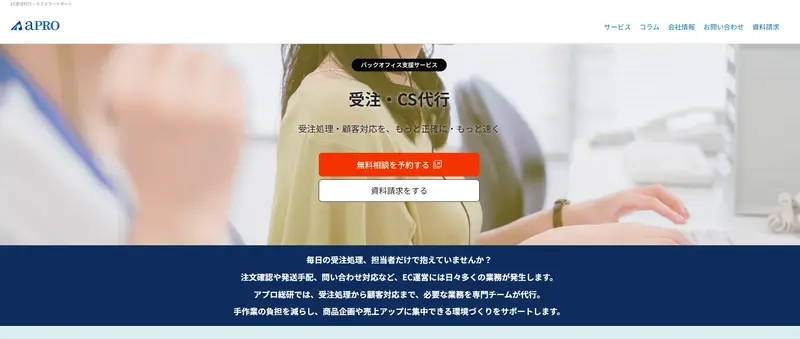
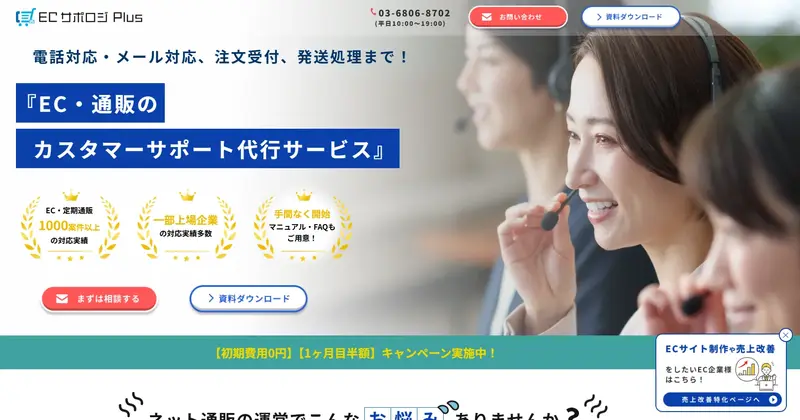
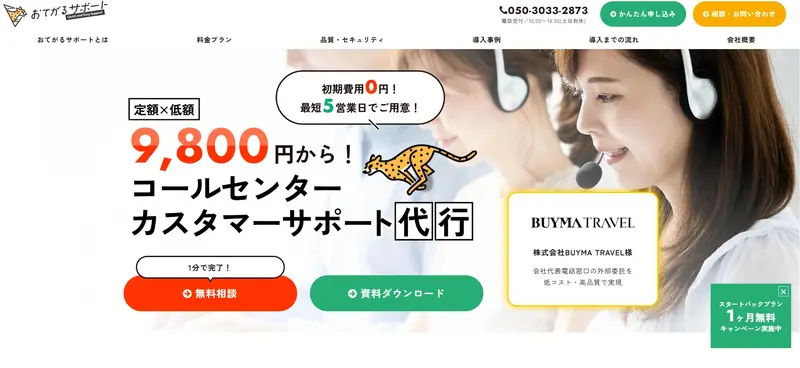
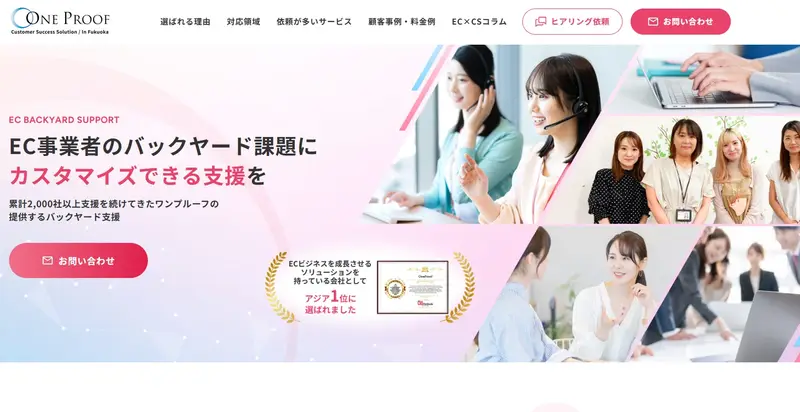
What is a customer service outsourcing company?
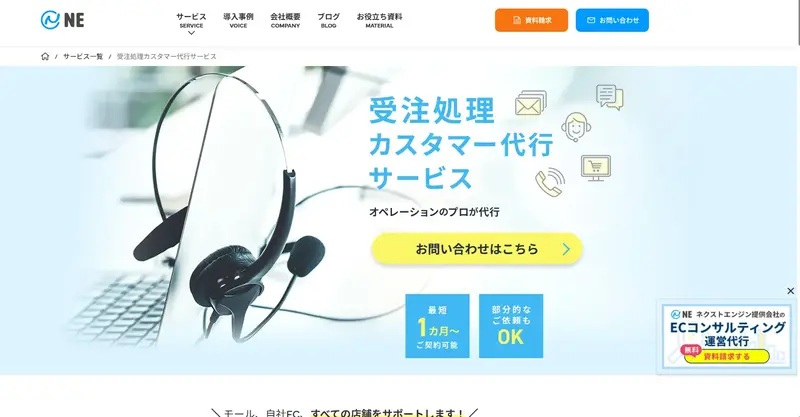
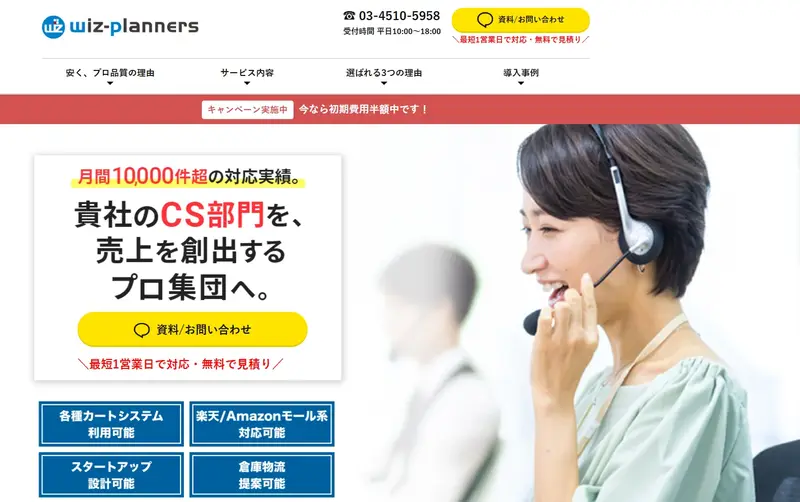
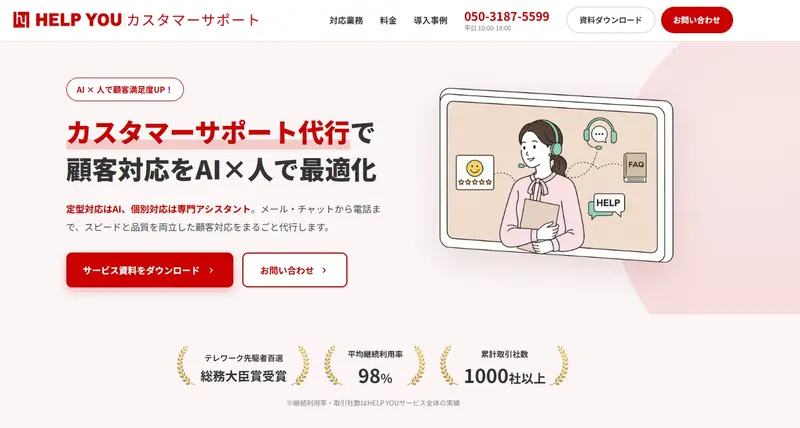
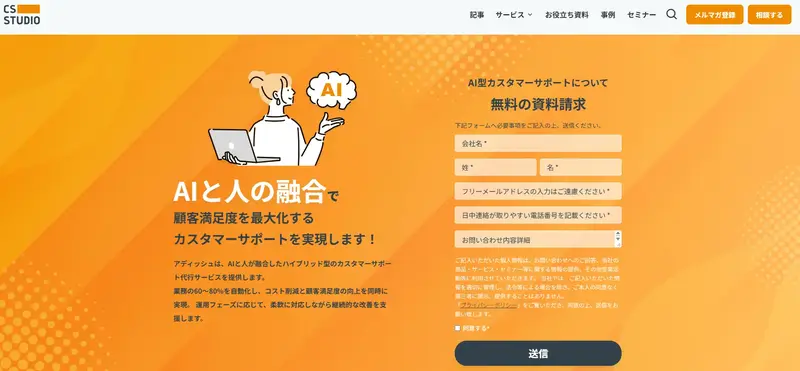
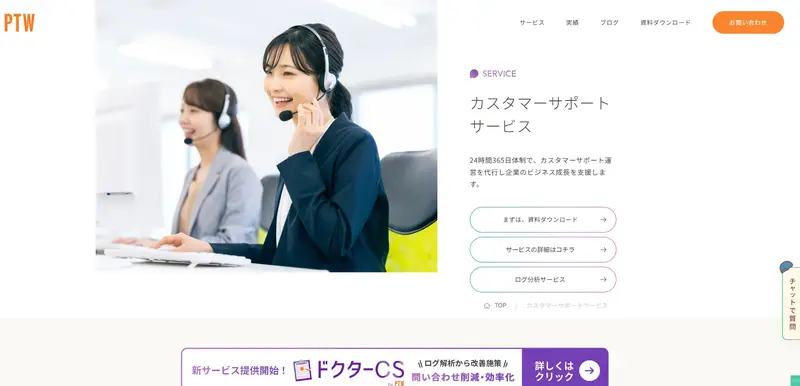
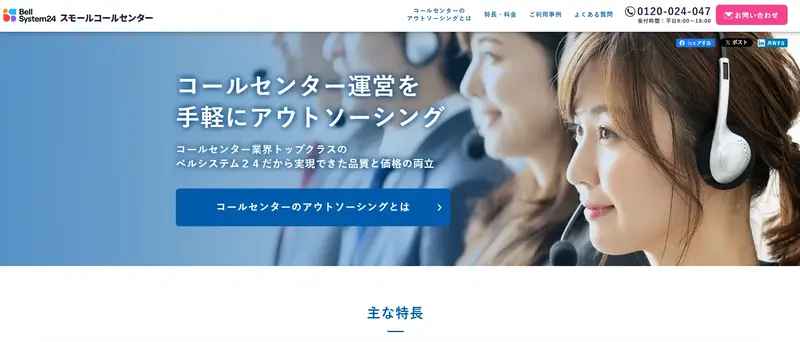
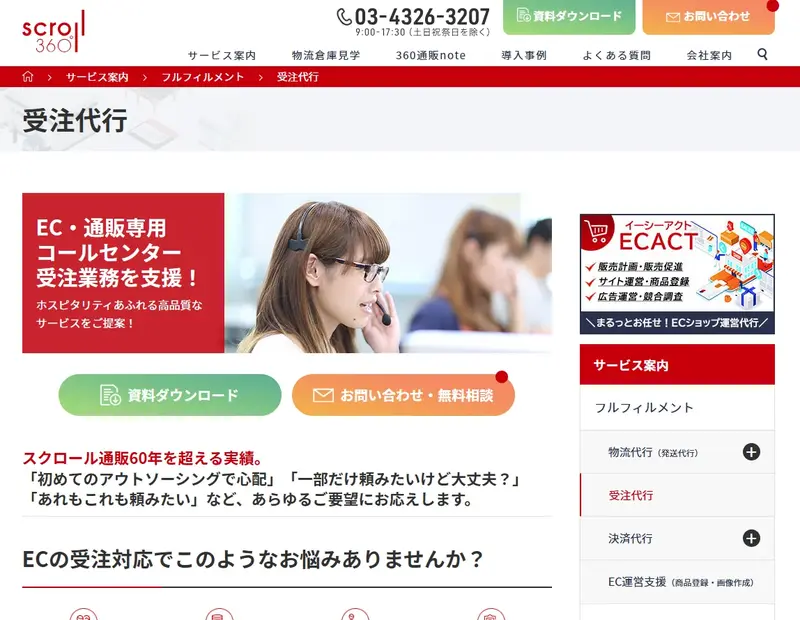
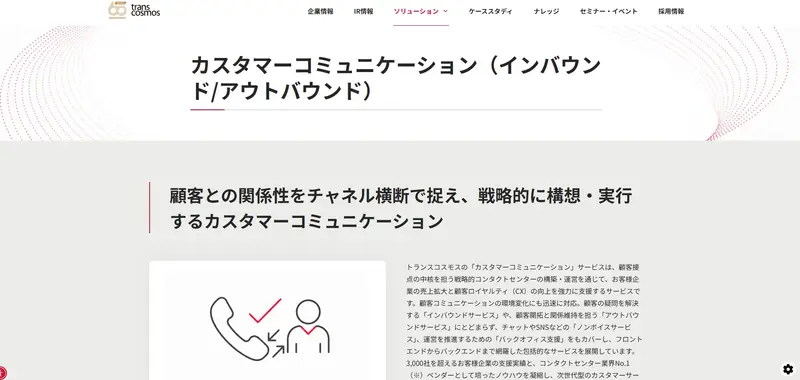
A customer service outsourcing company is a company that, on behalf of other businesses, primarily handles customer interactions, such as responding to inquiries. They answer questions about products and services, take orders, and resolve problems through phone, email, live chat, and social media.
Tasks that can be outsourced to a customer service outsourcing company
Returns, exchanges, and refunds: When a customer requests a return due to a product defect, we will determine whether it is possible and provide guidance on the procedure based on our terms and conditions.
Main pricing structure
Fixed monthly fee: This model involves paying a fixed monthly fee based on the number of operators, the number of seats, and the monthly operating hours. It's suitable for situations where budgeting is easy and you want to continuously outsource customer support. If there are limits on the number of calls or hours handled per month, additional charges may apply if these limits are exceeded. The estimated cost is around 100,000 to 500,000 yen per month.
Factors that affect costs
Number of inquiries: A high number of inquiries can increase costs because it requires more operators and longer working hours. Plans with a monthly limit on the number of inquiries will incur additional charges if that limit is exceeded.


