 跨境独立站开店
Marketing | How to use Meta Business Manager
This document introduces the features, configuration methods, and best practices of Meta Business Manager.




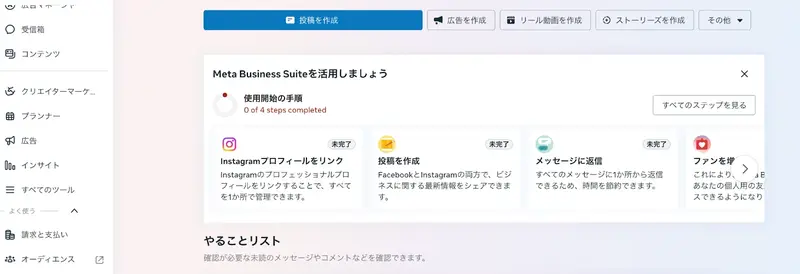
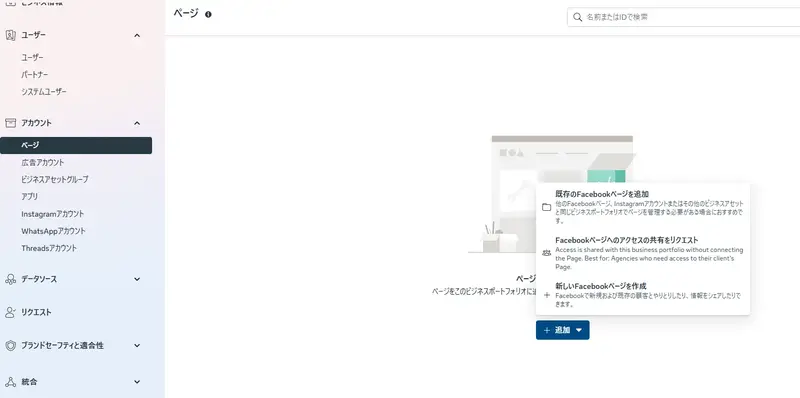
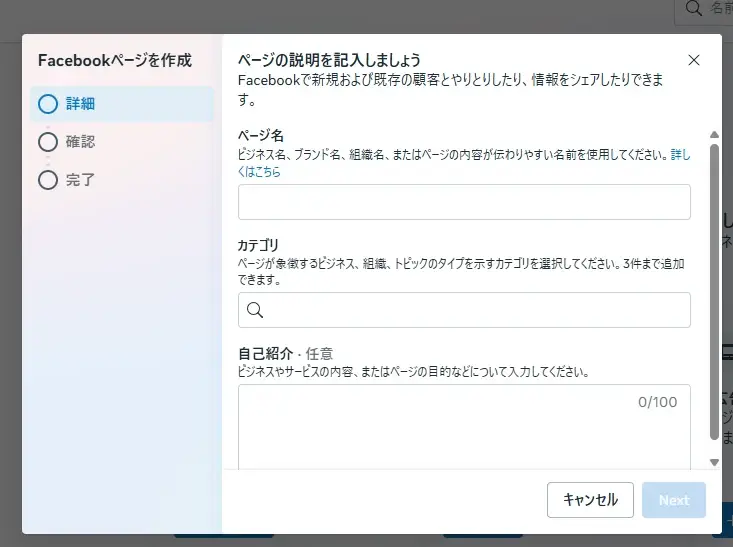
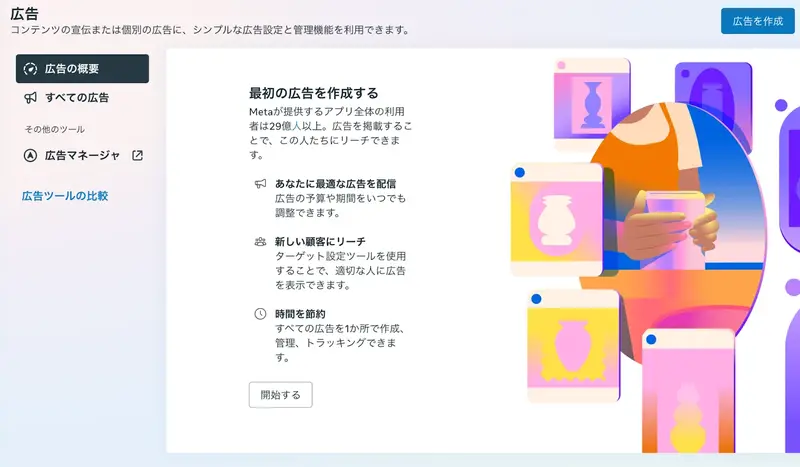
Meta Business Manager: Its Role and Current Title
Meta Business Manager (formerly Facebook Business Manager) is a free management tool that allows businesses and business owners to centrally manage their various Meta assets. In the current official Meta documentation, it is mainly referred to as the "Meta Business Portfolio."
Differences between Meta Business Manager, Meta Business Suite, and Meta Ads Manager
In short, Meta Business Manager is "where you manage ownership and permissions," Meta Business Suite is "where you perform day-to-day operations," and Meta Ads Manager is "where you create and optimize ad campaigns."
Key Features of Meta Business Manager
The Meta Business Manager brings together management functions for organizing business operations across Facebook, Instagram, and other Meta-related services. The five most important are account management, permission management, advertising account management, asset management, and security management.
Business Information & Account Management
Business information and account management in Meta Business Manager (now Meta Business Portfolio) is a core function that oversees a company's Meta-related assets. In addition to registering and editing basic information such as company name, address, and contact information, you can also apply for and manage business authentication.


