 跨境独立站开店
What are banner ads? Sizes, typical costs, and how to create designs.
This page summarizes the information you need to place banner ads. Here, we cover everything from how to create banner ads to pricing, common sizes, and suitable designs.








What is a banner ad?
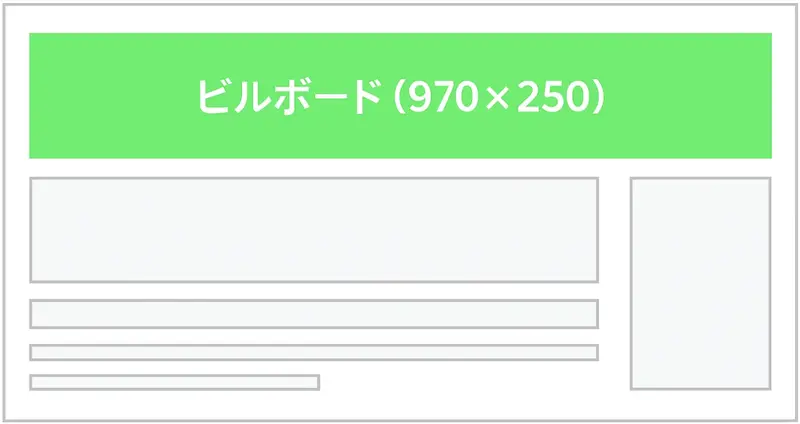
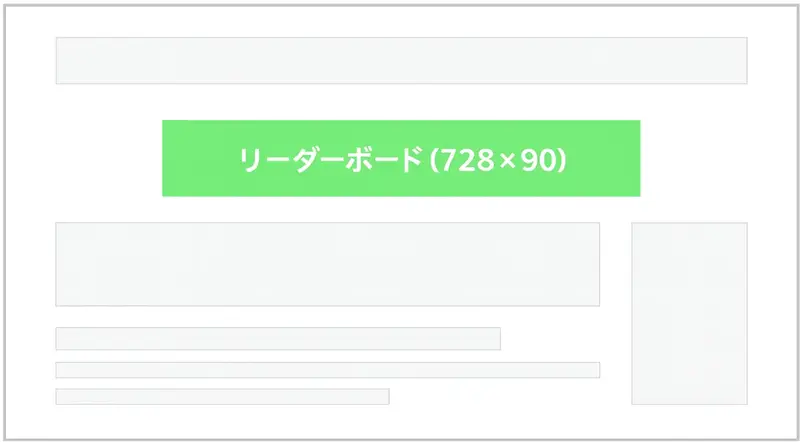
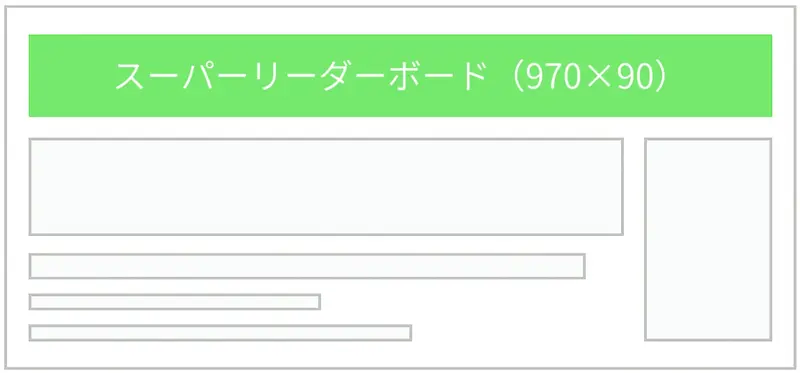
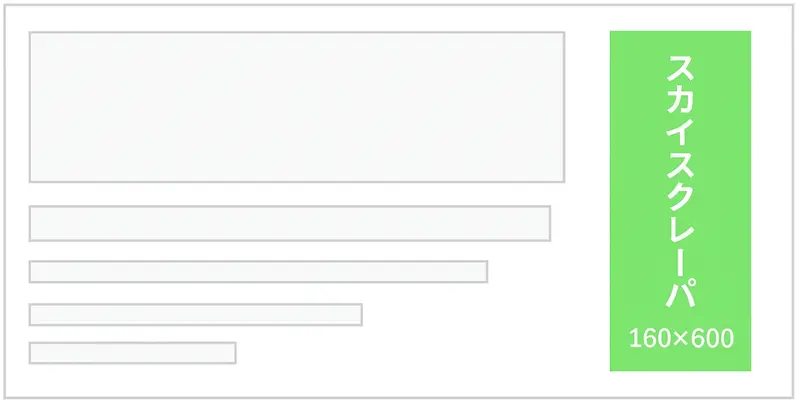
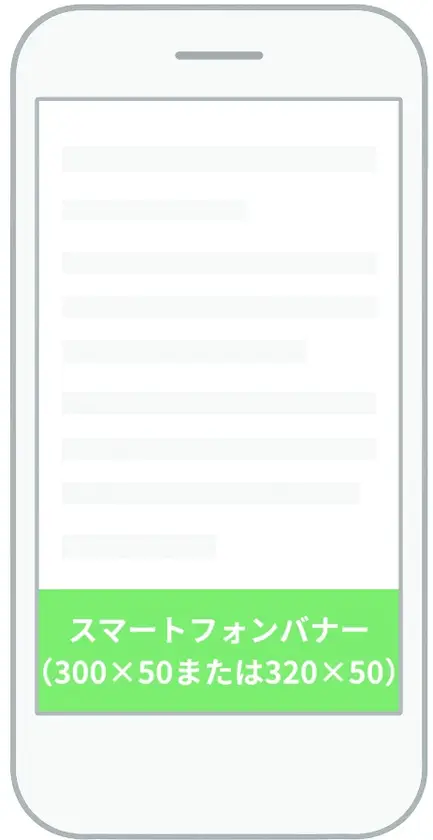
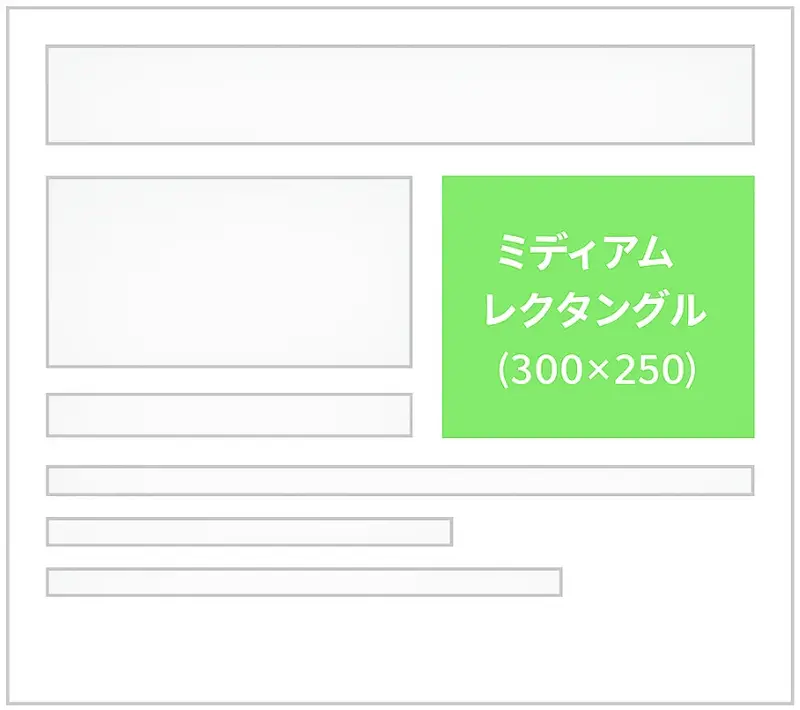
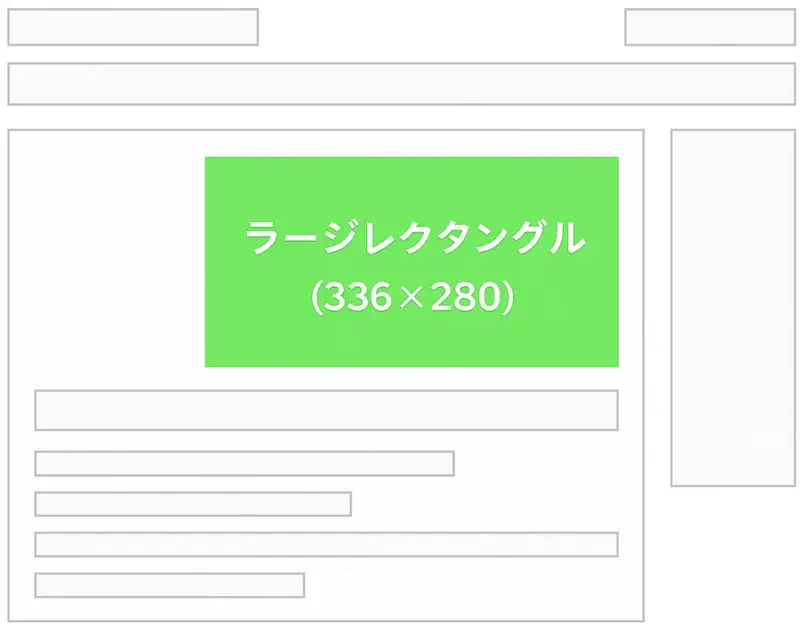
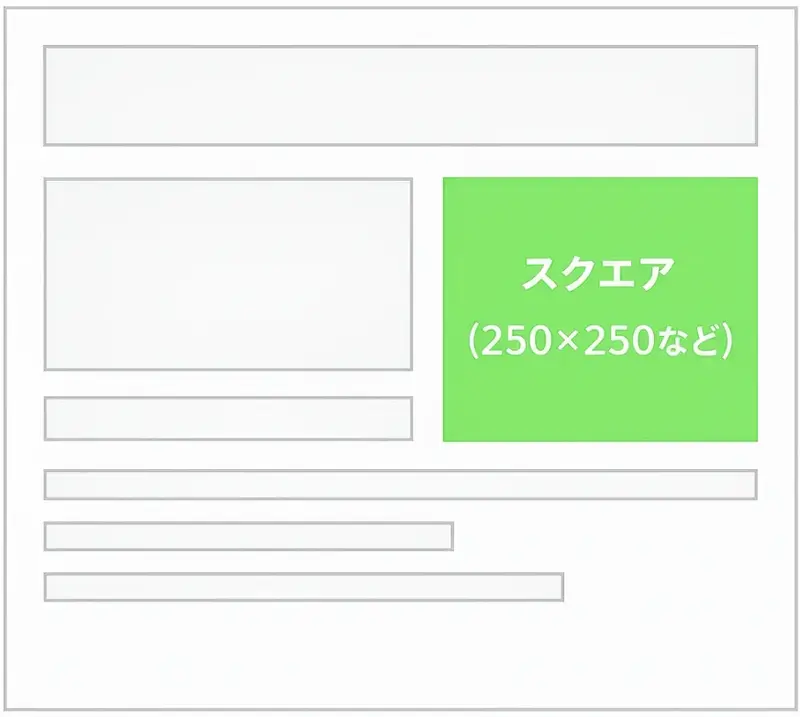
Banner ads are advertisements that primarily appear in ad spaces on websites and apps, utilizing images and videos. They are characterized by their visual appeal compared to text-only ads and are also known as "display ads." As the name "banner" suggests, they are generally rectangular, but in recent years, various shapes have emerged, including rectangles, squares, overlays that enlarge when the mouse cursor hovers over them, and vertical banners that extend from the top to the bottom of the page.
Differences between banner ads and other types of ads
A typical method of advertising is listing ads. Because ads are displayed in conjunction with keywords searched by users, they are used when you want to deliver information to users who are searching with a clear intention. Ads displayed on search engines are primarily text-based.
How to place banner ads
There are two main ways to display banner ads: managed ads placed through ad networks and direct ads placed on specific websites.
Banner ad size
Banner sizes are governed by international standards set by the Interactive Advertising Bureau (IAB), the US Internet Advertising Association, and are adopted by many media outlets. This article introduces some representative banner sizes and the types of media in which they can be used.


