 跨境独立站开店
B2B Customer Journey: Explanation of Features and How to Create Maps
Learn how to design and optimize B2B customer journeys for today's buyers. We'll cover strategies for digital sales, personalization, and self-service purchasing.
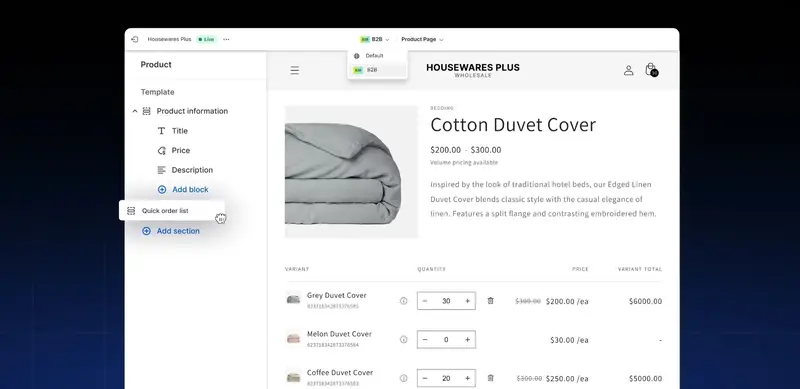
The evolution of the B2B customer journey
The era of B2B sales, which primarily relied on phone calls and face-to-face meetings, is in decline. According to McKinsey's 2024 B2B Pulse survey, e-commerce is emerging as the primary B2B sales channel. For companies offering e-commerce services, online orders now account for 34% of total B2B revenue, surpassing face-to-face sales for the first time.
B2B vs. B2C Customer Journey: Key Differences
There are significant differences between B2B and B2C customer journeys. B2C companies target a broad consumer market, while B2B companies focus on smaller, industry-specific audiences.
Rebuilding the B2B sales process with customer journey mapping.
Customer journey maps help you gain a deeper understanding of today's B2B decision-makers. Just as a product roadmap outlines product development, this form of map guides you through every stage of the customer cycle.
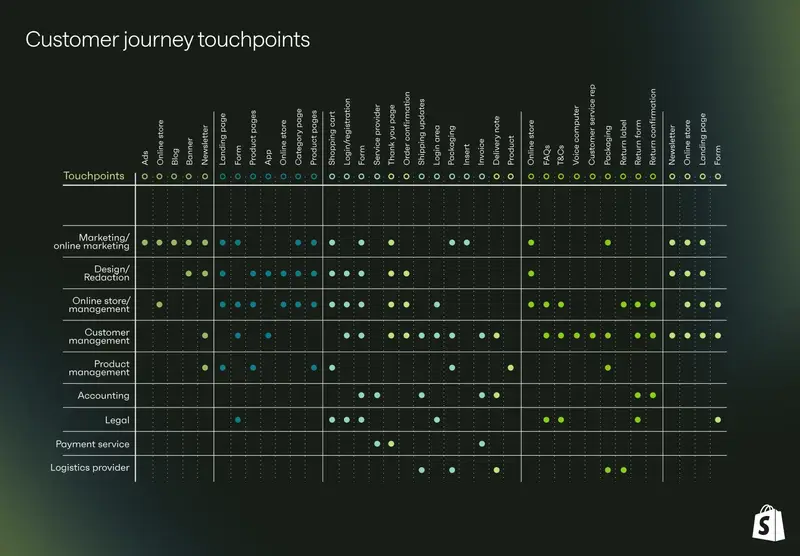
What is a customer journey map?
A customer journey map is a visual representation that breaks down the path a customer takes when interacting with a business. This allows companies to gain a deeper understanding of the path potential customers take in the B2B purchasing process and identify the key steps involved in converting them into customers.


