 跨境独立站开店
AI Customer Service: How to Use It in E-commerce and Useful Tools
This article introduces how to utilize AI customer service in e-commerce and recommends suitable tools. Learn how to automate inquiry handling and improve your support system to enhance customer satisfaction and streamline your e-commerce operations.

What is AI Customer Service?
AI customer service is a system that uses AI (artificial intelligence) to automate customer inquiries and routine support tasks. For example, it automatically generates answers tailored to the content of inquiries based on information such as product information and return policies.
Benefits of implementing AI customer service
Reduced support costs: By having AI automatically answer frequently asked questions (FAQs) such as pre-purchase inquiries, order status, and delivery status, the need for individual support from staff is reduced, leading to lower labor costs.
Main types of AI customer service and how to use them
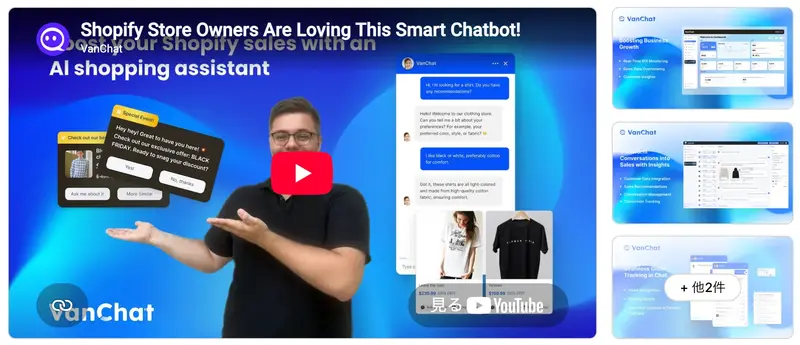
AI chatbots utilize machine learning technologies such as natural language processing (NLP) and large-scale language models (LLM) to answer customer inquiries in natural language. In e-commerce, they can provide information on return and exchange conditions, shipping policies, and, in addition, can integrate with external systems to handle inquiries regarding order and shipping status. When implementing an AI chatbot, it is important to accurately register product information and various policies, and to set conditions for transferring inquiries that the AI cannot handle to a human staff member.
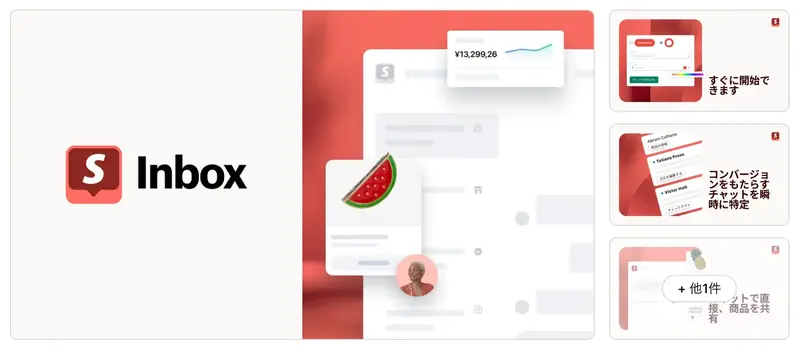
Shopify Inbox
Shopify Inbox is a free chat tool that allows you to communicate with customers on your e-commerce site. In addition to real-time live chat support, it also supports AI-powered automated responses. You can answer questions about product information and shipping status, as well as suggest products based on customer preferences and add items to their cart. Furthermore, you can streamline your customer support by setting up quick replies and automated messages.


