 跨境独立站开店
Examples of abandoned cart emails included! Effective methods to prevent cart abandonment.
Cart abandonment emails are an effective way to recover sales lost due to cart abandonment. This article explains the causes of cart abandonment, provides example cart abandonment emails, and discusses the best timing for sending them, in order to send effective cart abandonment emails.
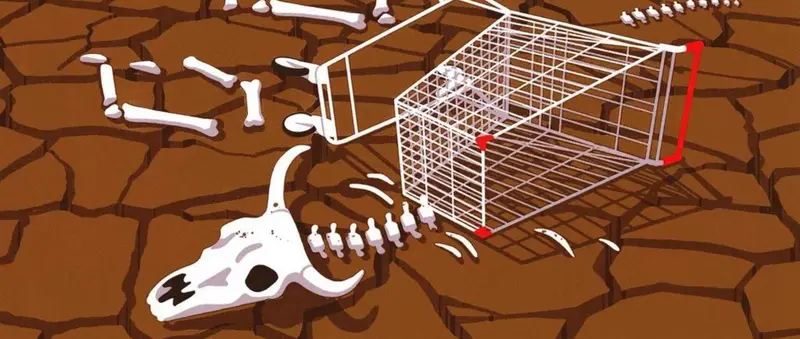





1. I was browsing the site with no intention of making a purchase.
One of the main reasons for shopping cart abandonment is that users are browsing the site without any intention of making a purchase. Many users visit e-commerce sites like window shopping, not necessarily looking for a specific product. They might be comparing prices with other sites, checking out items they might need, or looking at potential gifts. They might also add items they're interested in to their cart so they can look back at them later.
2. Unexpected costs may arise.
Unexpected costs can dampen a user's desire to purchase. Specifically, unexpected costs can include the following:
3. You must create an account.
Many e-commerce sites require users to create an account when purchasing products. When users create an account, site operators can use the user information to send emails about campaigns and events, and eliminate the need to re-enter personal information for subsequent purchases, thus potentially increasing repeat purchase rates. However, many users find the process of creating an account during checkout cumbersome and end up leaving the site.
4. I don't want to enter my credit card information.
Credit card payment is one of the most commonly used payment methods on e-commerce sites. However, users may hesitate to enter their credit card information on lesser-known e-commerce sites or online shops that do not inspire confidence, leading to shopping cart abandonment.


