 跨境独立站开店
List of Facebook ad types: Features and how to use them
This guide explains each type of Facebook ad. Understand the characteristics and benefits of each ad to begin running effective Facebook ads.

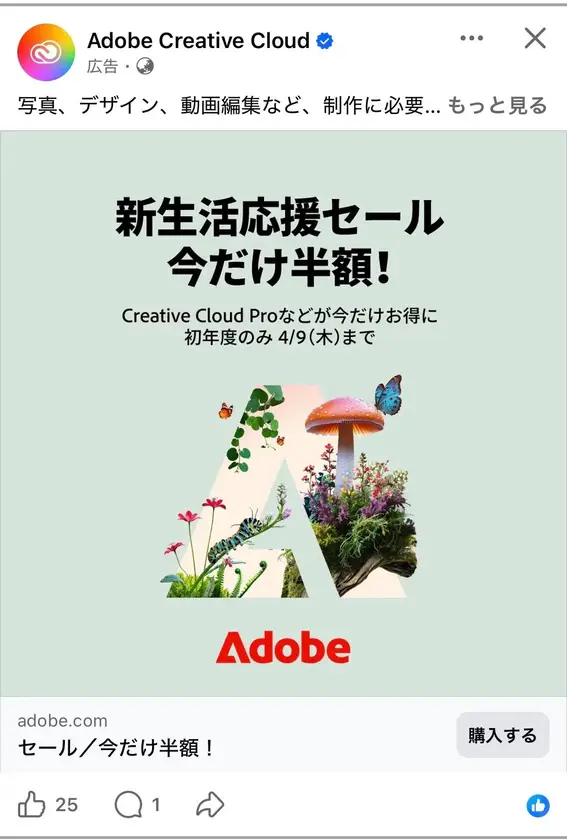


1. Image Ads
Image ads are a basic advertising format that combines still images, text, and call-to-action (CTA) buttons to appeal to users. Their strength lies in their ability to appear naturally in the feed, making them less intrusive and allowing users to engage with them without feeling uncomfortable. Because still images can intuitively convey the appeal of products, services, and brands, they are used for a wide range of purposes, from increasing brand awareness to driving purchases.
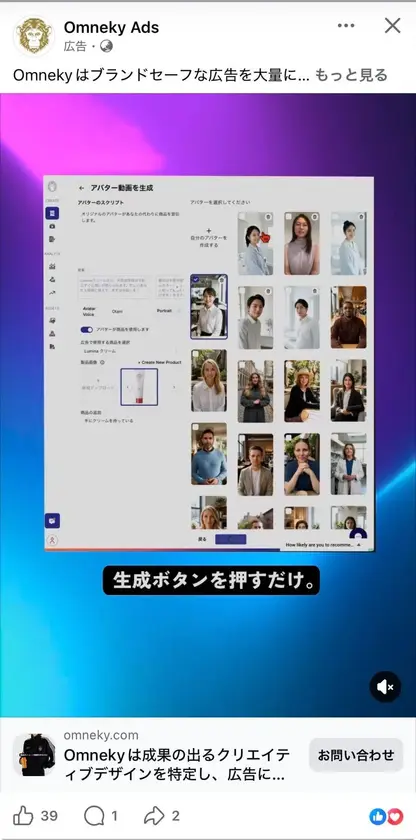
2. Video Ads
Video ads, like image ads, are a form of advertising that appears naturally in users' feeds. By utilizing video, the appeal of products, services, and brands can be conveyed intuitively and impressively through movement and sound, making it effective for increasing awareness and improving engagement. In particular, clearly stating the message at the beginning makes it easier to capture the viewer's attention.
3. Slideshow Ads
Slideshow ads are an advertising format that combines multiple still images, text, and audio to create a video-like presentation. Compared to video ads, they offer lower production costs while enhancing appeal through visual movement.
4. Carousel advertisements
Carousel ads are an advertising format that displays multiple images or videos in a card format, allowing users to convey information sequentially with a swipe gesture. By utilizing up to 10 cards, you can explain the features of a product or service step-by-step and develop a brand story. Each card can have a unique link, allowing you to direct users to multiple product pages, and the ad also features a function to optimize the display order based on the performance of each card.


